EN
8
6.4.6. Using the DAB/DAB+ menus
In DAB mode, press and hold Menu; the
display shows [Full scan], use the Prev or
Next buttons to browse the menu options�
To confirm each selection, press Select�
» <Full scan>
Searches for all available DAB/DAB+
stations�
» <DRC>
The dynamic range control (DRC) setting
boosts the volume of quieter sounds in
noisy environments� Off / low / high
» <System>
6.5 FM radio mode
6.5.1. Selecting FM stations
Preset
Vol
Select
AlarmMenu/InfoScan
NextPrev321
4
/ Mode
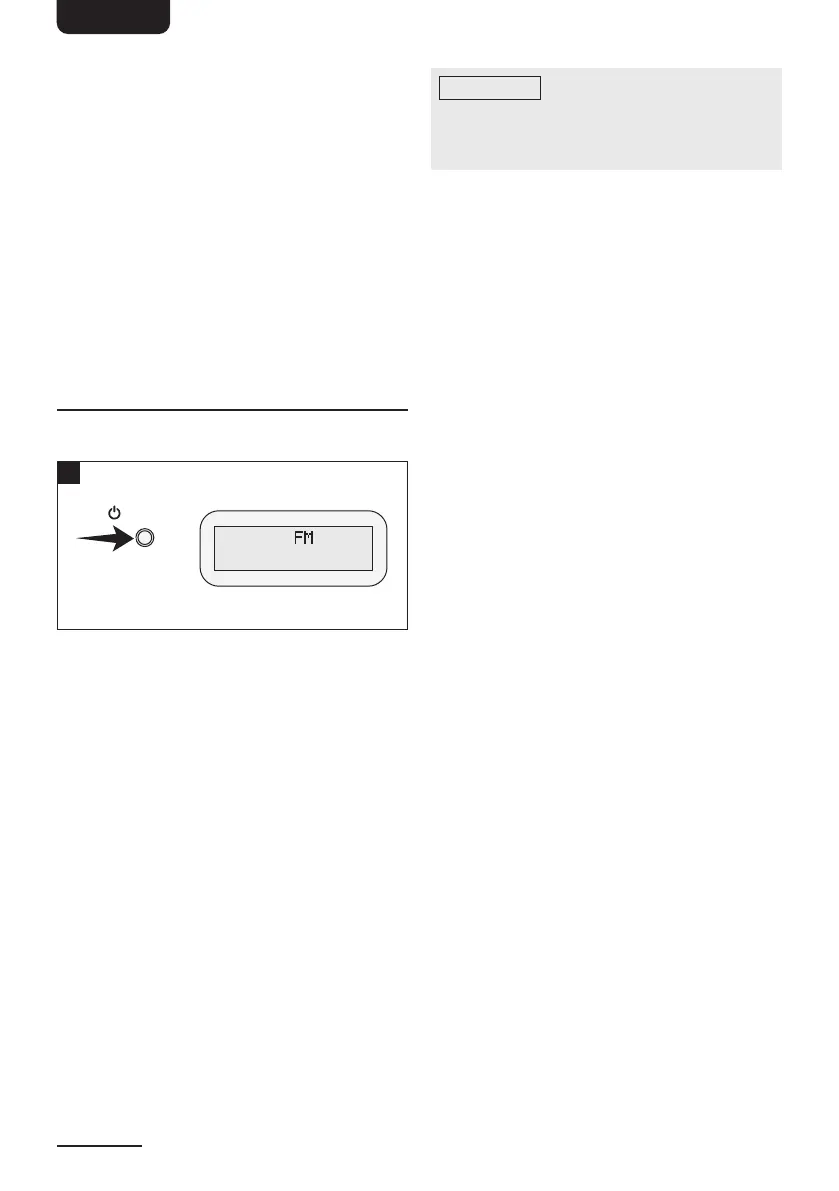
1� Press the Mode button to select FM
stations�
2� The radio plays the last station selected�
6.5.2. Selecting FM station frequencies
» There are 3 ways to select an FM station�
– Manual frequency selection
Press the Prev or Next buttons to
change the frequency at intervals of
0�05MHz�
– Automatic frequency selection
Press the Prev or Next buttons for
1–2seconds and the radio will stop
searching once an active station has
been found�
– Press the Scan button to quick search
and play the next received station�
6.5.3. Storing FM stations
You can store up to 20 preset FM stations�
NOTICE
If there is already an existing
FM station stored under a preset, it will
be overwritten when you store the new
station�
1� Select the desired FM station�
2� Press and hold the Preset button for one
second and then confirm by pressing
Select so that <Preset 1 stored>
appears on the display�
3� Repeat steps 1 to 2 to store more FM
stations�
4� Alternatively you can fast preset your
favourite top 3stations by pressing
and holding the 1-2-3button for
approximately 2seconds until <Preset
X stored> is displayed, where “X” is the
number of the preset (1–20)�
6.5.4. Selecting a preset FM station
1� Press Preset to access the Preset menu�
2� Use the Prev or Next buttons to select a
preset number and confirm your selection
by pressing Select�
6.5.5. Using the FM menu
1� Press and hold Menu in FM mode and
select a menu option with the Prev or
Next buttons:
<Scan setting>
<Audio setting> (stereo)
<System> (system settings)
2� Confirm your selection with Select�
6.5.6. SCAN setting
1� Press and hold Menu in FM mode and
select <Scan setting> with the Prev or
Next buttons�
2� Press Select to confirm the selection�
3� Select a menu option with the Prev or
Next buttons and confirm with Select�
– <Strong stations only>
Scans for stations with strong signals
– <All stations>
Scans all available stations



 To Next Page
 Loading...