Version 1.1 ©Copyright 2016, Ambient LLC. All Rights Reserved. Page 24
5.3 PC Software
Optional PC Software is available for download.
The software features:
Live Data Display
Program Date and Time
Program Custom Display
Set Alarms
Calibrate Temperature and Humidity
Export and Graph Data from the SD Card
Sync Date and Time from the Computer
5.3.1 Getting Started
1. Connect the console to the PC with the USB cable (included)
2. Download the software here:
www.AmbientWeather.com/ws3000.html
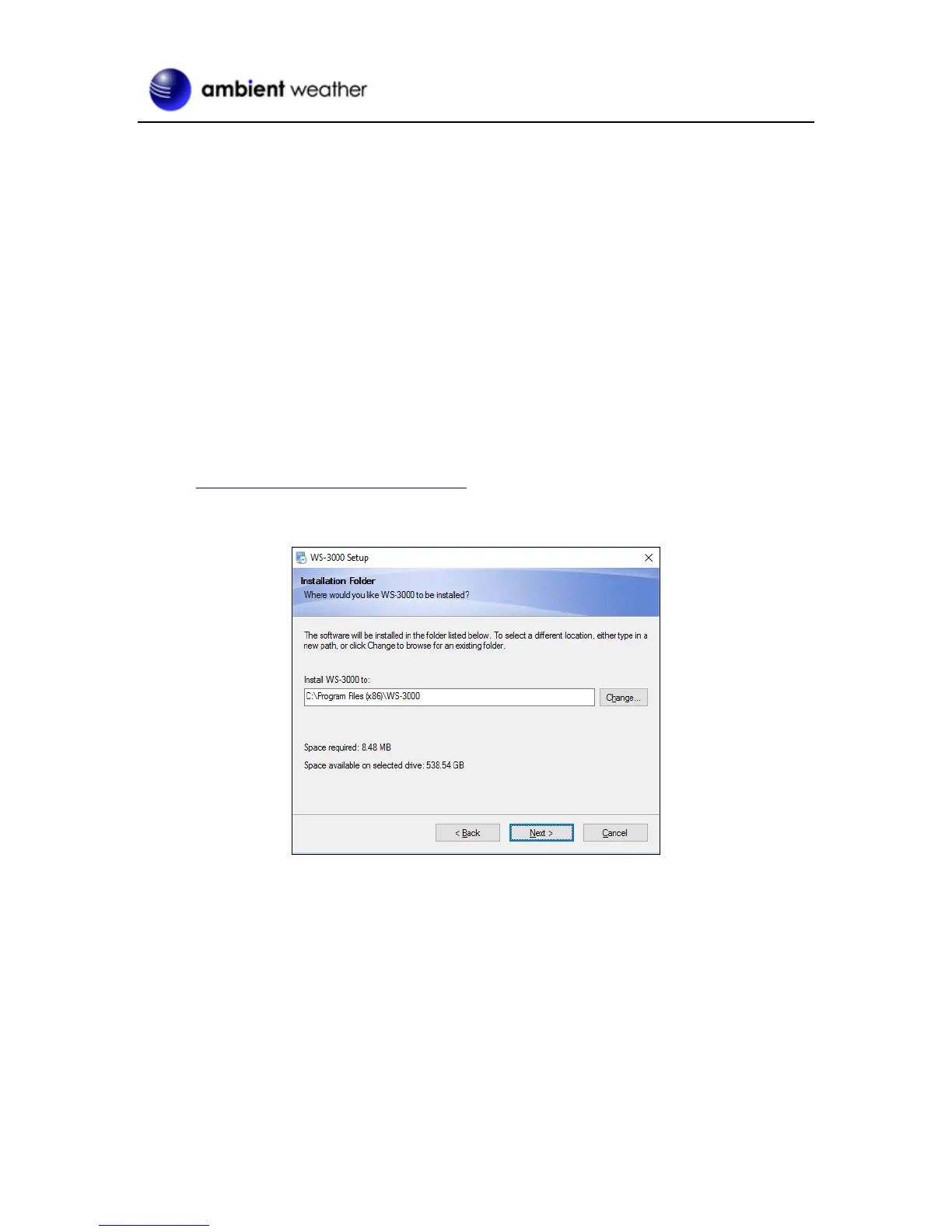
Run the installer. Make a note of where you installed the software:
Figure 24
3. Run the program. Reference Figure 25. The main display screen will display “Connected” if
properly communicating through the USB port.


 To Next Page