Version 1.1 ©Copyright 2016, Ambient LLC. All Rights Reserved. Page 8
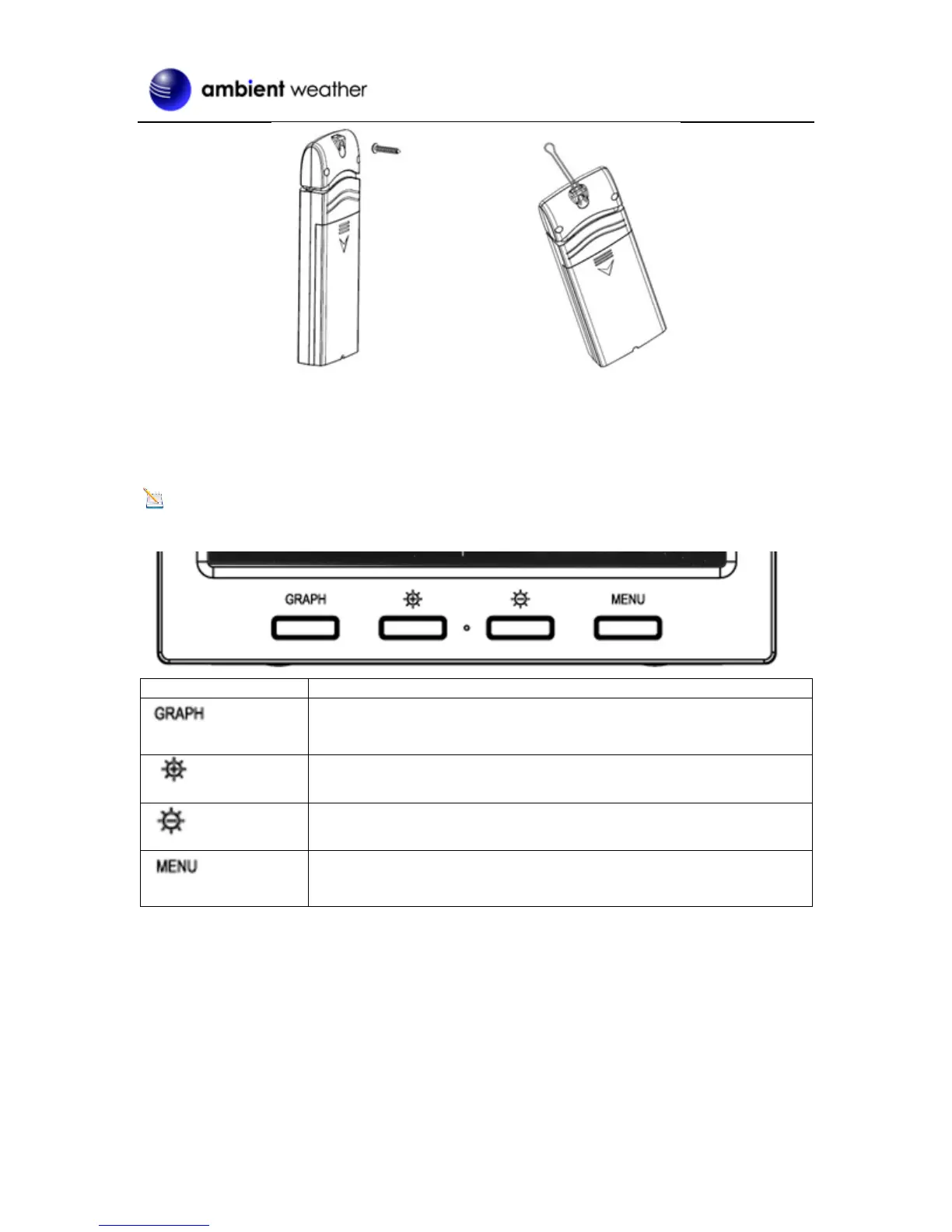
Figure 6
4 Console Operation
Note: The console has four buttons for easy operation: Graph, Brightness +, Brightness – and
Menu.
Graph key
Switch to display graph of Temperature/Dew point/heat index/humidity
for all sensors
Brightness control key
Press this key to increase the brightness
Brightness control key
Press this key to decrease the brightness
Menu Key
Press this key to enter menu and scroll to different modes
Figure 7
4.1 Setup Mode
In the Normal mode, press the MENU key once to enter Setup Mode.


 To Next Page