Version 1.1 ©Copyright 2016, Ambient LLC. All Rights Reserved. Page 25
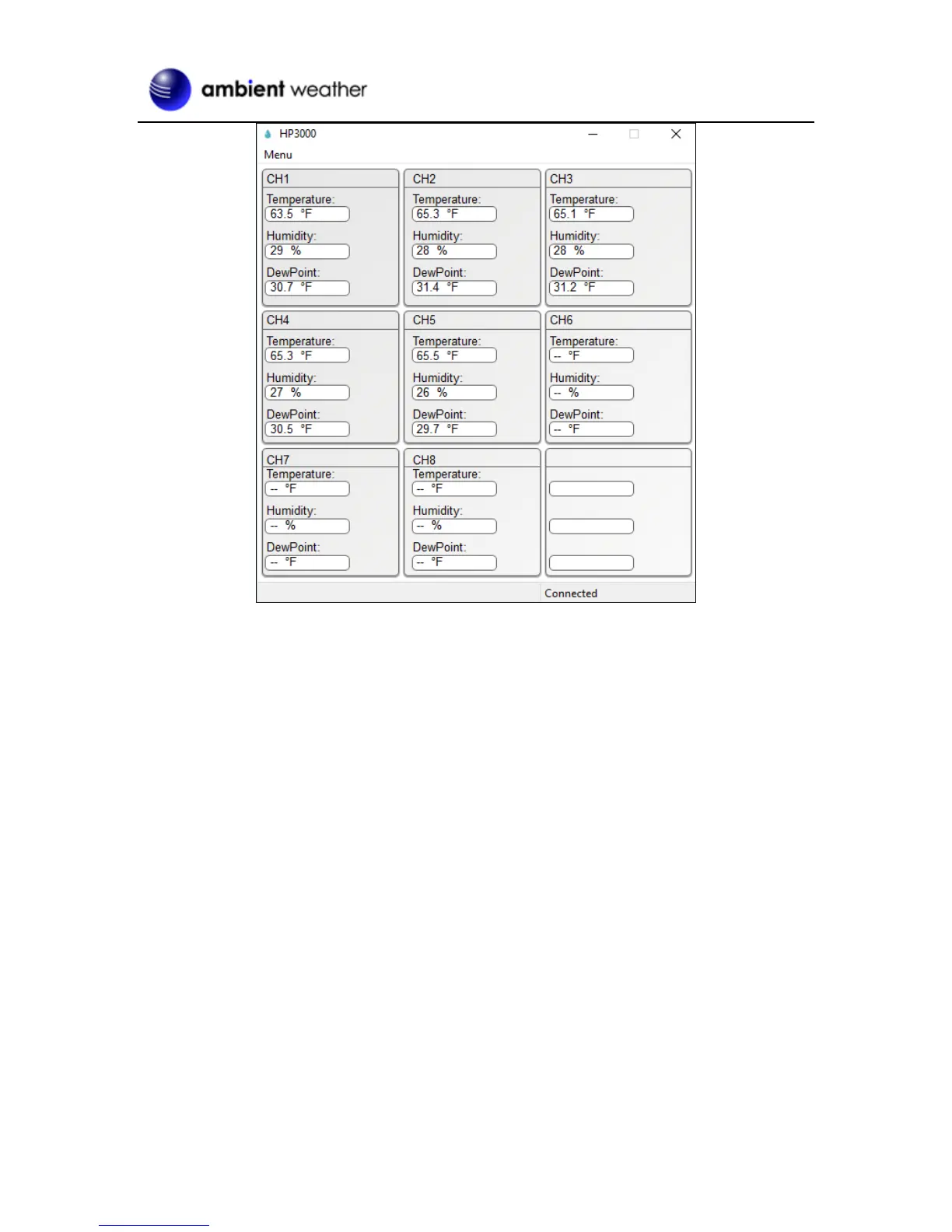
Figure 25
5.3.2 Time, Date and Display Setup
Select Menu | Setup to set the time, date and display customization settings.
From this screen you can set the graph type on the weather station screen (temperature, humidity, dew
point or heat index), graph hours, time zone and daylight savings settings, time and date format,
temperature units of measure, archive interval, and display preferences (temperature, humidity, dew
point or heat index).
For details, reference Figure 26.


 To Next Page