How Your EASYHEAT Works
22
Precision Induction Heating
MBRELL
®
-
-
Touch-panel features
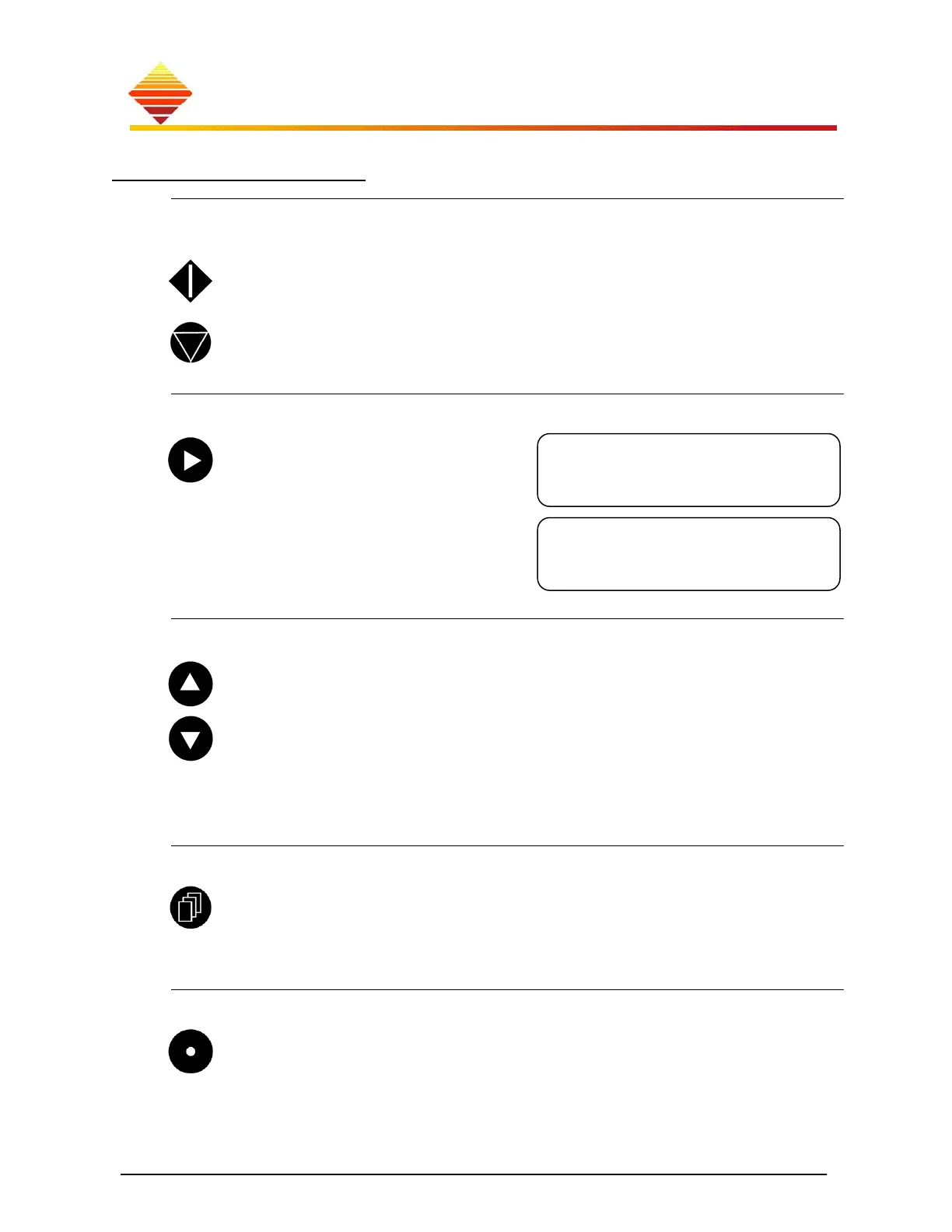
START/STOP
When starting the unit from the front panel, use these buttons to (de)activate heating.
Press START to begin induction heating. HeatOn (LED) shines and the display
is updated with operating data. START operates only within HOME zone
Press STOP to halt induction heating (2-button start type, below). The unit
returns to Ready state. (STOP signal from front or rear panel always halts
induction heating)
Next
Use it to move the display pointer (►)
from one data field to the next. For
example, the display first looks like
this:
To program a heating time, press ► once; the
pointer is to the left of the ‘Untimed’ message.
Any following adjustments will apply to the
timer.
Up/Down
Within the Home zone, these are used to adjust Setpoint and Timer (indicated
with the display pointer).
Within the Control zone (below), use the up button to ‘replay’ the start-up
screens (to review firmware version). Use up and down buttons to adjust the RF-
Set figures or to display Setup sub-fields.
To adjust
Setpoint or Timer, you can press once to make a single-step adjustment, or you
can hold the button to scroll quickly to a new value.
Page
From within the Home zone, pressing this button moves to the Control zone
(see map) if the equipment is Ready. Pressing page during HeatOn displays
the internal temperatures and notices.
Within the Control zone, this button is used to select and exit the feature fields.
Home
This button takes you back to the Home zone, no matter where you have
navigated in the touch-pad map.
If you are already at the Home zone, pressing this button switches between
displayed output current (A) and displayed output Watts (W).
►0.0A Untimed
0.0A *0kHz
0.0A ►Untimed
0.0A *0kHz



 To Next Page