How Your EASYHEAT Works
23
MBRELL
-
-
Precision Induction Heating
Navigation
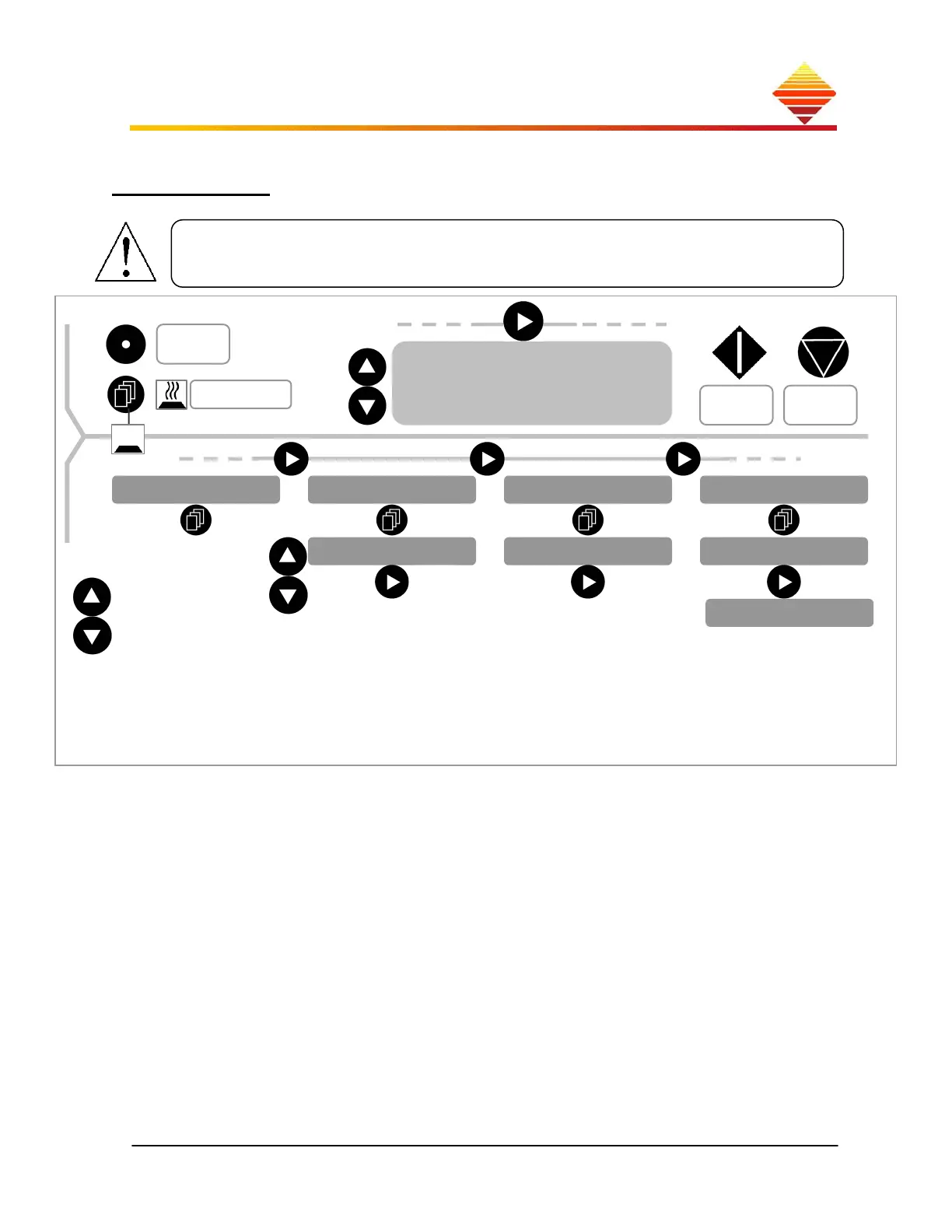
This map will help you understand operation and programming your EASYHEAT:
Normal operation is from within the Home zone, where you:
adjust setpoint and timer
turn RF power on and off
switch displayed units or
move to the Control zone using
The Control zone is where you:
display and select Setup options (front or rear control, etc., below)
display Status (internal temperature, Fault notices)
construct and enact heating Profiles
adjust for RF output stage configuration (tap settings, tank capacitor)
Each touch-pad button is represented in the map, showing the effect touching each
one has depending on your location in the map
Home Control
Amps/
Watts
Temps, Faults
adj
Setpoint Timer
Output Freq
START
HEAT
STOP
HEAT
System Options System Status Adjust Profiles Heat Station
Start From:
Language Choice:
AC Voltage:
Auxiliary Out:
RS485 Baud rate:
RS485 Address:
ComProtocol:
Communication:
Contrast Adjust:
Lock Front Panel:
Alarm Limits:
Display Percent:
Start Type:
Control From:
adj
Temperature, Faults
Select Profiles
Modify Cap
Modify Tap
PrevFaults
F/C



 To Next Page