43
Abnormality
This menu allows the user to adjust abnormality event settings. This menu has 3 tabs: SD Card, Network, and Illegal
Access.
SD Card
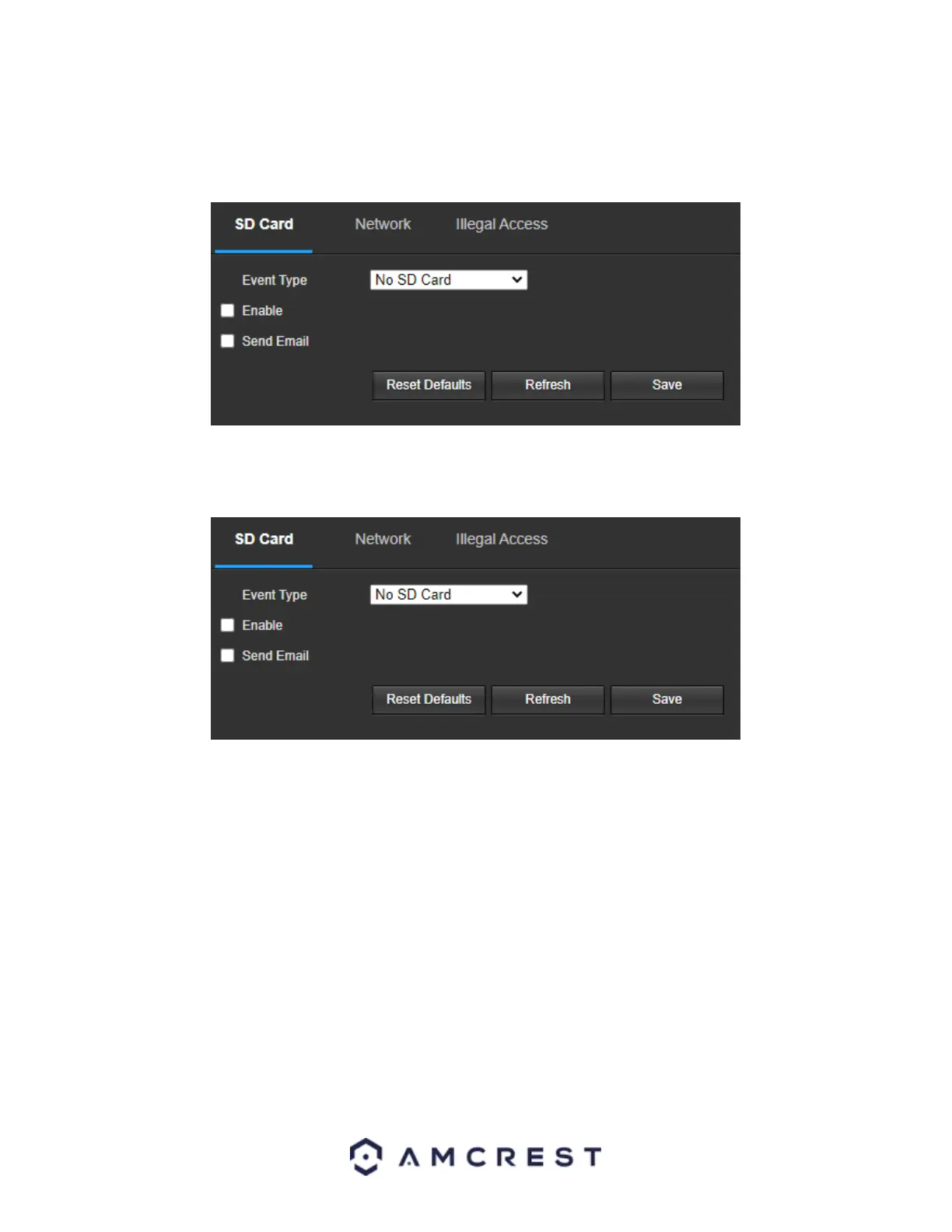
This tab allows the user to set the camera’s response to an SD card related abnormality. Below is a screenshot of
the SD card tab screen:
Below is an explanation of the fields on the SD Card settings tab:
• Event Type: This dropdown box allows the user to select which SD card abnormality to set event triggers for. The 3
options are No SD Card, SD Card Error, and Capacity Warning.
• Enable: This checkbox enables the SD Card abnormality trigger for the camera.
• Send Email: This checkbox allows the user to enable the camera to send an email when an SD Card abnormality is
detected.
To reset to default settings, click the Reset Defaults button. To refresh the page, click the Refresh button. To save
the settings, click the Save button.
Network
This tab allows the user to set the camera’s response to a Network related abnormality. Below is a screenshot of
the Network tab screen:


 To Next Page
 Loading...











