4.3.3.7 TVs/monitors connected cannot be enabled.
If TVs and/or monitors connected using DisplayPort adapters, passive dongles, or
active dongles cannot be enabled, visit amd.com/eyefinity to check the connectivity
options available for your graphics card and that your chosen configuration is
supported.
Check individual connections to the TVs/monitors.
4.4 Customer Care
For detailed instructions on how to use your product, refer to the documentation
included on the installation CD.
To activate Customer Care, you must register your product at amd.com.
If you require further assistance with your product, the following Customer Care
options are available:
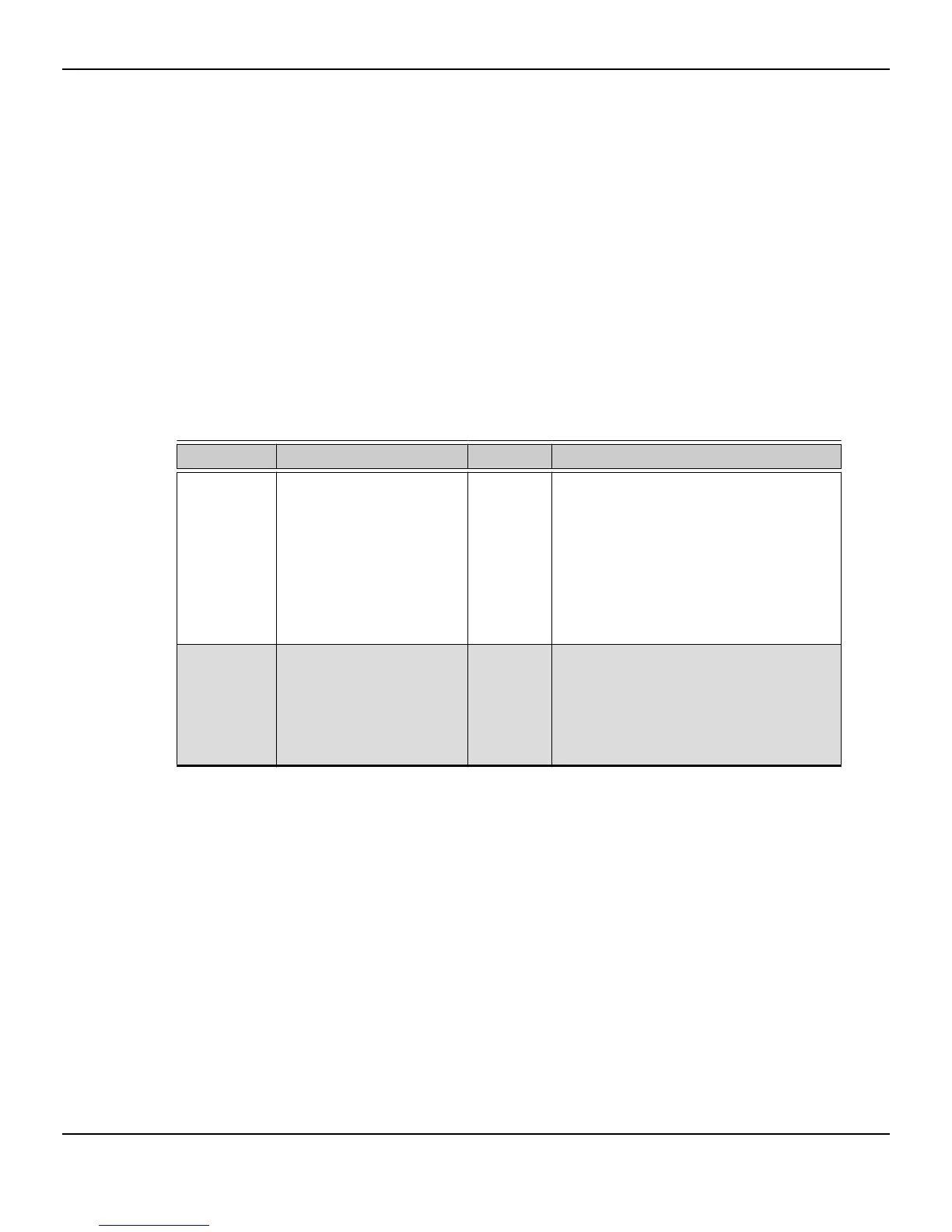
Service Availability Language Access
Online or mail 24 hours a day English,
French,
Spanish
support.amd.com/us/Pages/
AMDSupportHub.aspx
or
Attention: Customer Care Advanced Micro
Devices, Inc.,
1 Commerce Valley Drive East,
Markham, Ontario,
Canada L3T 7X6
Telephone
US & Canada
Monday to Thursday: 9:00
a.m. to 5:30 p.m.
Friday: 9:00 a.m. to 3:00 p.m.
Note: AMD reserves the
right to change hours of
support.
English 1-877-284-1566 (toll-free)
or
1-905-882-2626 (Canada)
(International and/or local toll charges to
Canada will apply).
AMD Customer Care for Graphics Products will work to resolve your issue and help
you to get your product up and running. If your issue is not resolved, our technicians
will determine whether the difficulty you are experiencing is the result of the product,
Reference 23
© 2010 Advanced Micro Devices, Inc. AMD Radeon™ HD 6750/6770








 To Next Page