Using the StoryPhones System
How to use the Headsets
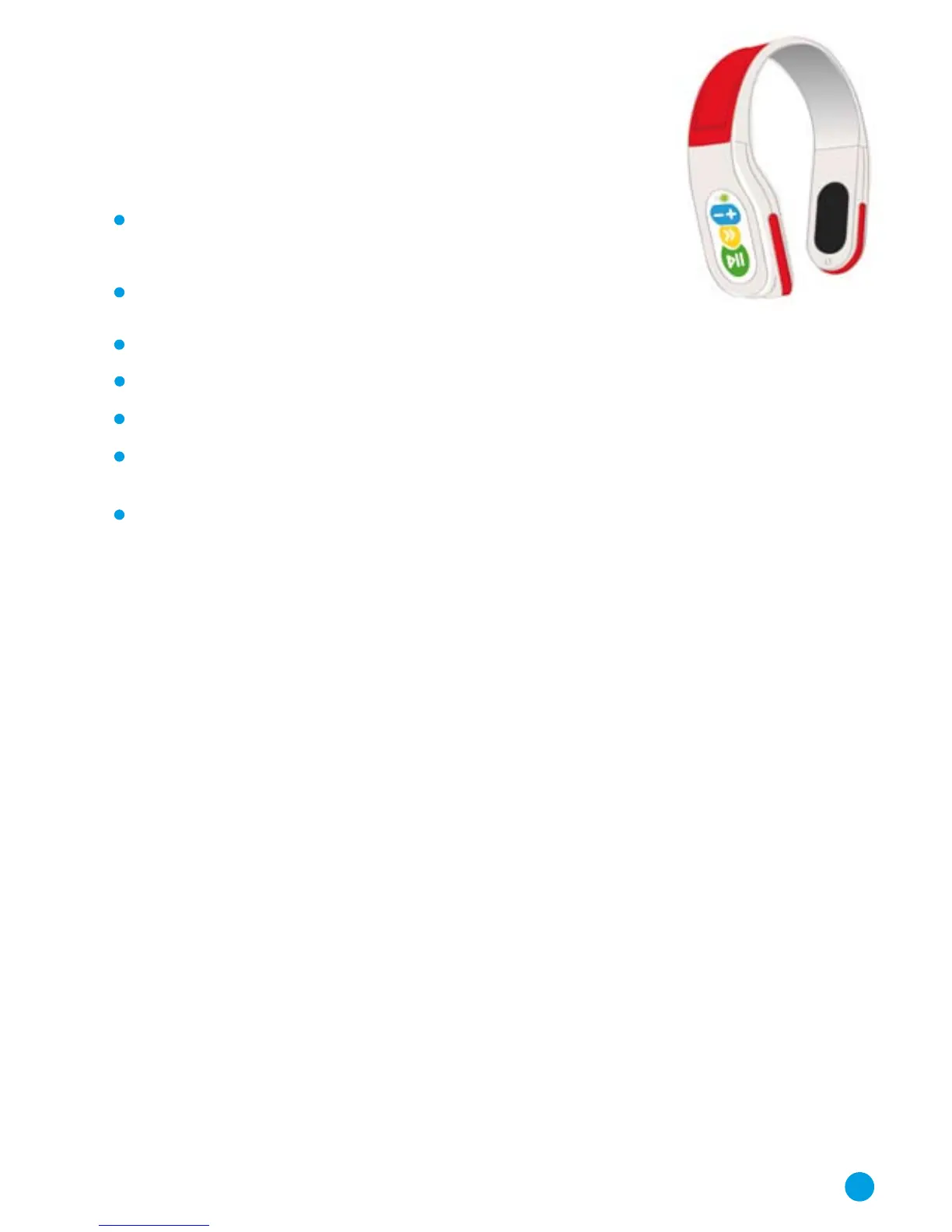
The function buttons control play/pause, skip, and volume up
and down (see diagram on the inside back cover of the manual).
To play a track, simply press the Play/Pause button.
A short press when playing will pause the track.
To stop play, press and hold the Play/Pause button.
The green light comes on when the Headset is playing and flashes when paused.
To skip to the start of the next track, press the yellow Skip Forward button.
The blue buttons control the volume: ‘+’ to increase, ‘-’ to decrease. The volume is
changed in steps and you must press the buttons repeatedly to change the volume.
The function buttons can be disabled in various ways
(see the section ‘Disabling function buttons’ on page 17).
Automatic Play Control
Automatic Play Control (APC) makes use of a built in motion sensor. When set in
this mode and the Headset is in not in use, the APC system pauses play. When the
Headset is picked up, this triggers the motion sensor and play resumes at the point
at which it paused. No part of the song or story is missed.
APC mode can be enabled and disabled via the software (refer to page 16).
Sleep Mode
The Headset will go into a low power sleep mode if it is stopped for more than an
hour. To wake the Headset from sleep mode, press and hold the Play/Pause button
for a few seconds.
Recharging the Battery
When fully charged the battery will allow the Headset to be used for over 8 hours.
To recharge the battery, place the Headset in the Base Unit. The Base Unit must be
connected to the mains to allow charging.
5



 To Next Page