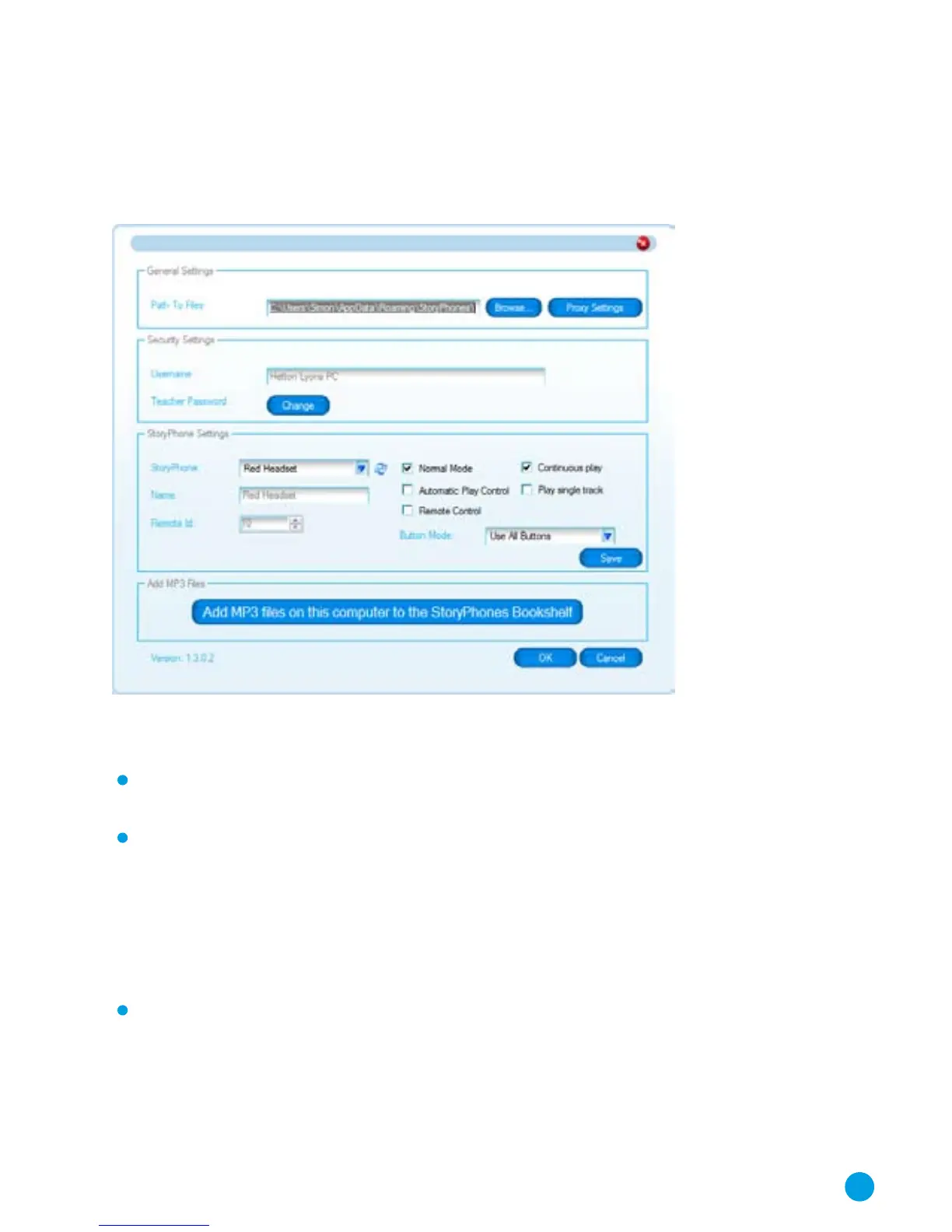
General Settings
This box tells you where the Bookshelf audio files are stored on
your computer.
Security Settings
You setup your User Name for your system at installation and
this cannot be changed.
The Adult Password allows you access to all of the adult
functions including the online shop. You can set this to
something that is easy for you to remember but do remember
that this password provides access to your online bookshop
account and other settings on your StoryPhones system so this
should be a secure password. Note that this is initially set to the
same password that you used during the installation process.
You can change the password by clicking in on the change
button in this section and providing the current password
and the new one that you want to use in the dialogue box
that appears.
15



 To Next Page