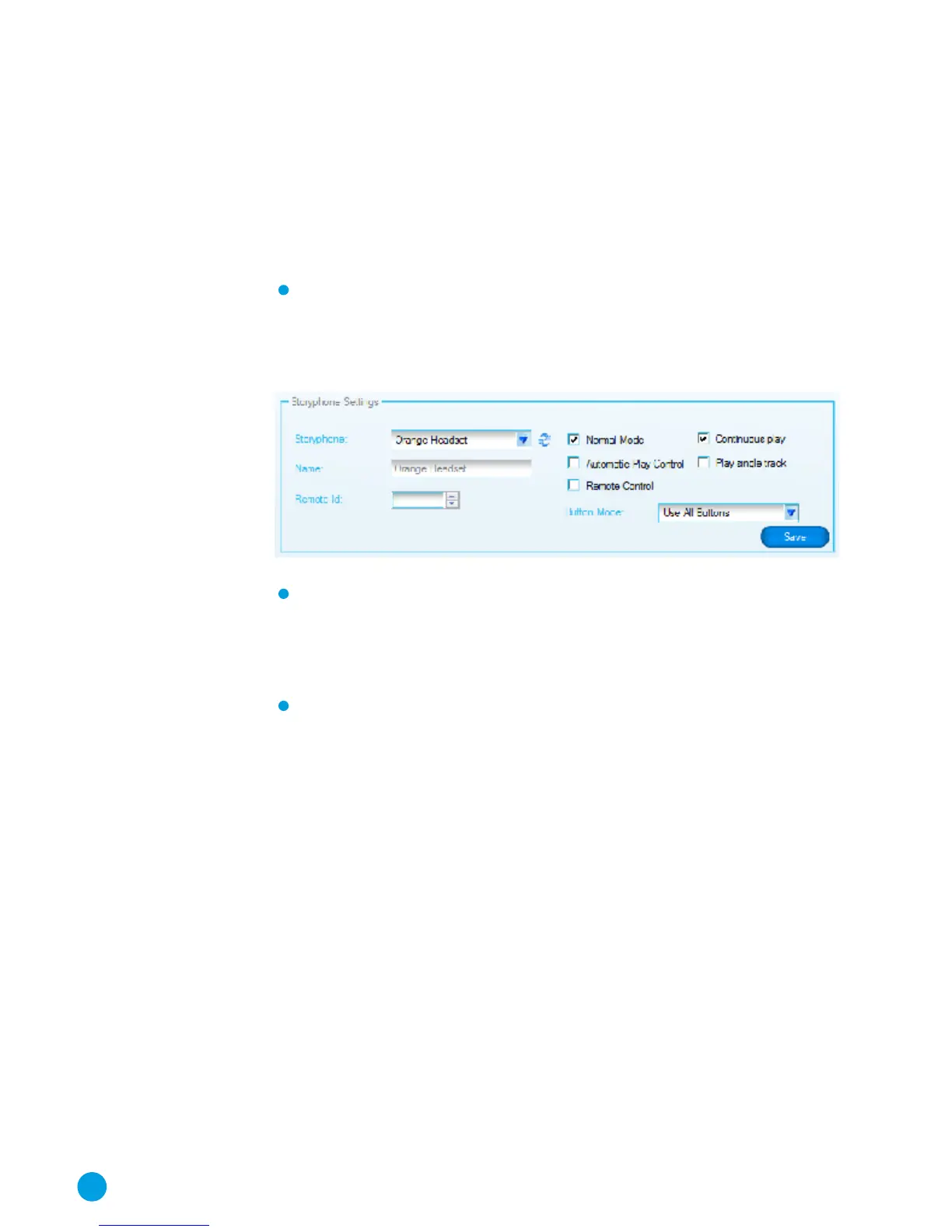
StoryPhones Settings
Setting the Operating Mode of each player
The Headsets can be used in one of three modes:
Normal mode: in this mode, the Headset does not use the
Automatic Play control function and is not controlled by the
Remote Console. You can select which buttons are available
from the Button Mode drop-down list.
Automatic Play Control mode: in this mode the motion
sensor is activated and so the Headset will stop play when
it is put down and start again when picked up. You can also
allow some of the buttons to be used in this mode.
Remote Control mode: in this mode the Headset will be
controlled by the Remote Console. You can choose to disable all
buttons or allow the user to control the volume of the Headset.
16



 To Next Page