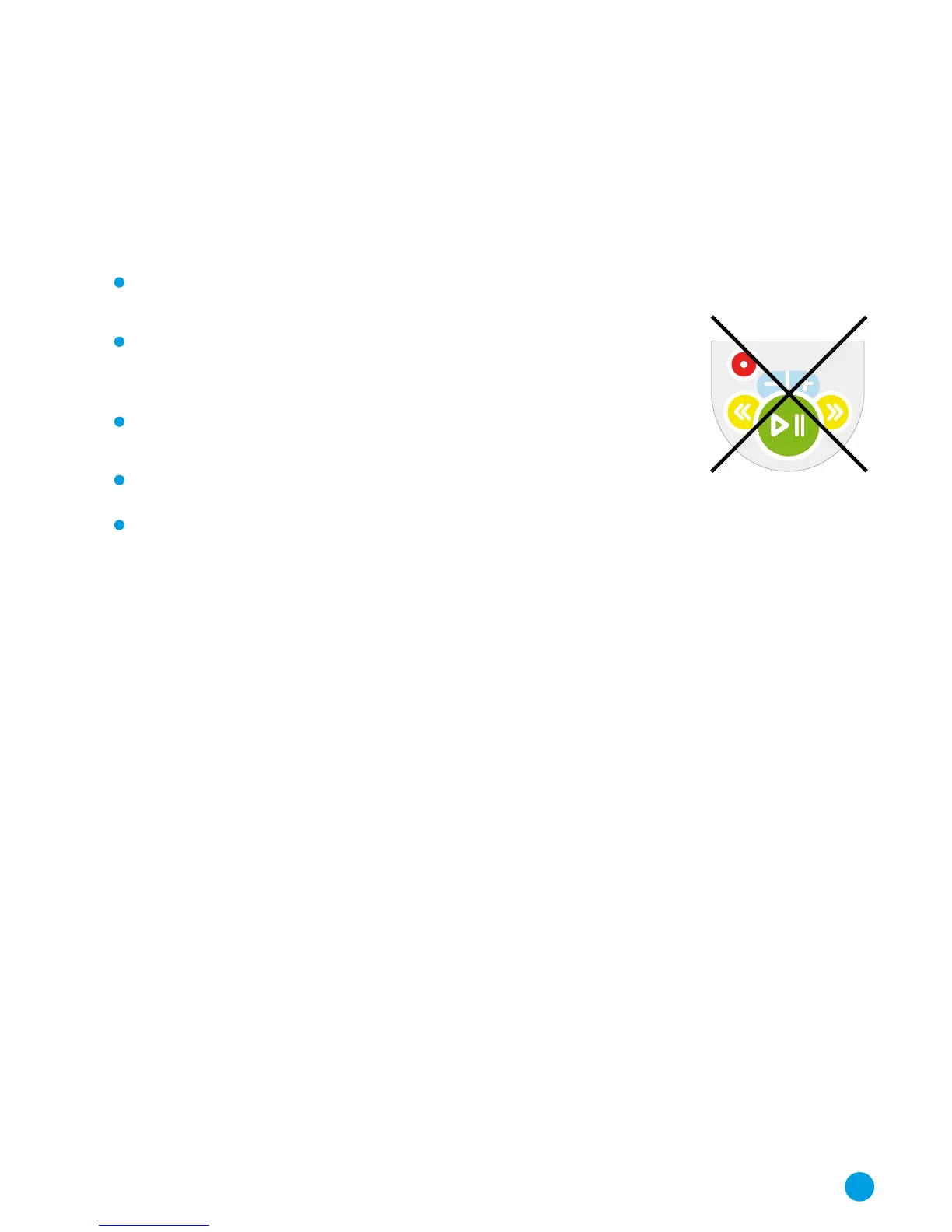
Disabling the Control Buttons on the Headset
When you have selected the operating mode for the Headset
(or Remote Console), you can then select which of the buttons
will be available on the player. Various button modes are available
depending on the operating mode selected:
UseAllButtons allows full use of all buttons on the Player
Headsets.
DisableAllButtons stops the use of all functions on the MP3
Headsets. This mode is only available if Automatic Play
Control or Remote Control mode are enabled.
PlayPauseOnly allows the use of the play/pause button
only on the MP3 Headsets.
VolumeOnly allows for volume control only.
SkipDisabled disables the Skip button, ensuring that the
audio tracks are listened to in the correct order.
To select the button mode, click on the drop-down arrow and
select from the list that appears.
Continuous or Single Play?
You can set the player to play a continuous stream of audio files
or to play a single track and then stop and wait until the Play
button is pressed to start playing the next track. This is
convenient for some activities (such as ‘Listen and Do’ or Treasure
Hunt activities). Click on “Continuous Play” or “Single Play” to
select the play mode that you need.
17



 To Next Page