User Manual
6
1000SX/LX Gigabit Fiber Port 21, 22, 23, 24 LED
SFP(LINK/ACT) Green
Lit when SFP connection with remote device is
good
Blinks when any traffic is present
Table1-1
• RESET Button
RESET button is used to restore the system default setting.
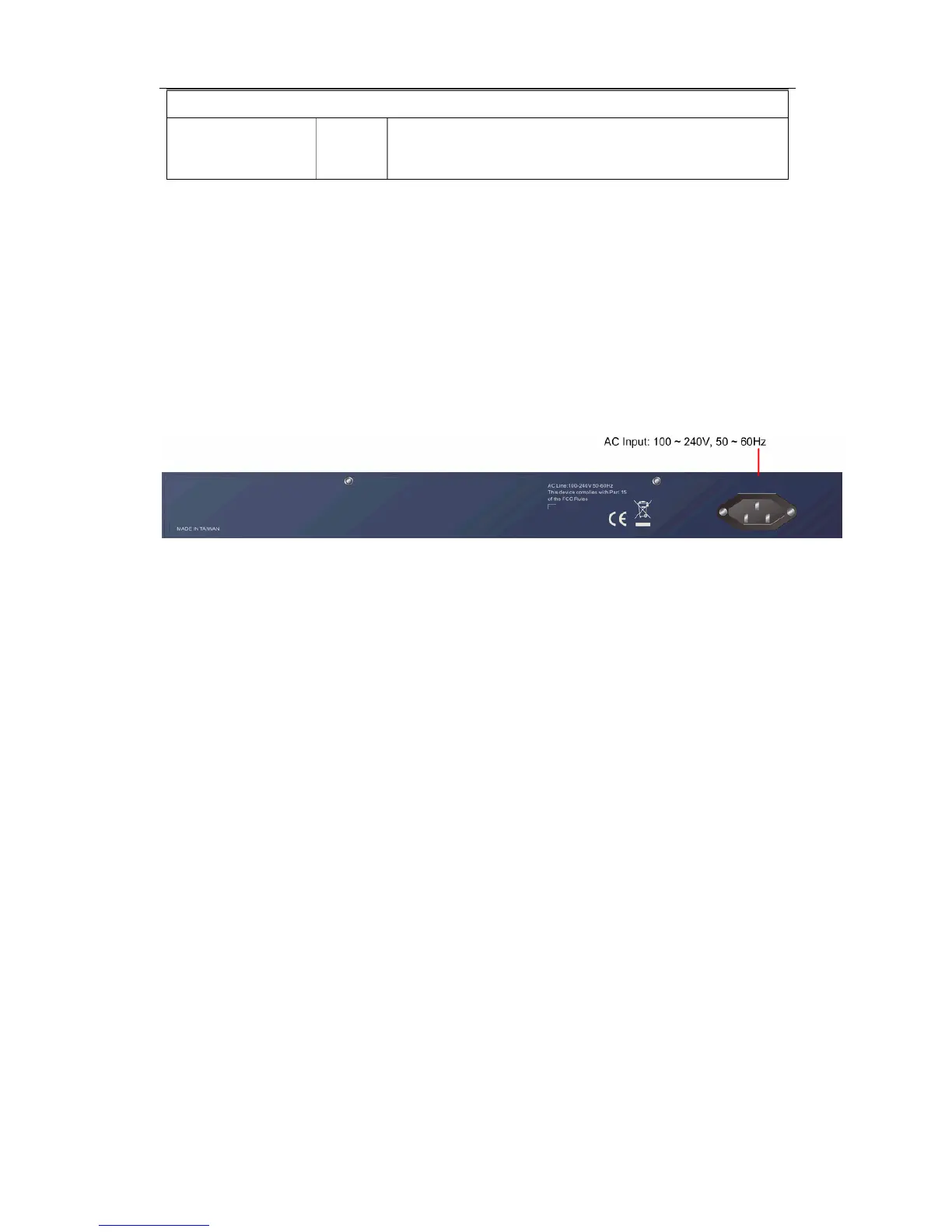
1-4-2. User Interfaces on the Rear Panel
Fig. 1-3 Rear View of the Switch



 To Next Page