User Manual
72
4-2-11. QoS(Quality of Service) Configuration
The
switch offers powerful QoS function. This function supports VLAN-tagged
priority that can make precedence of 8 priorities, and DSCP(Differentiated Services
Code Point) on Layer 3 of network framework.
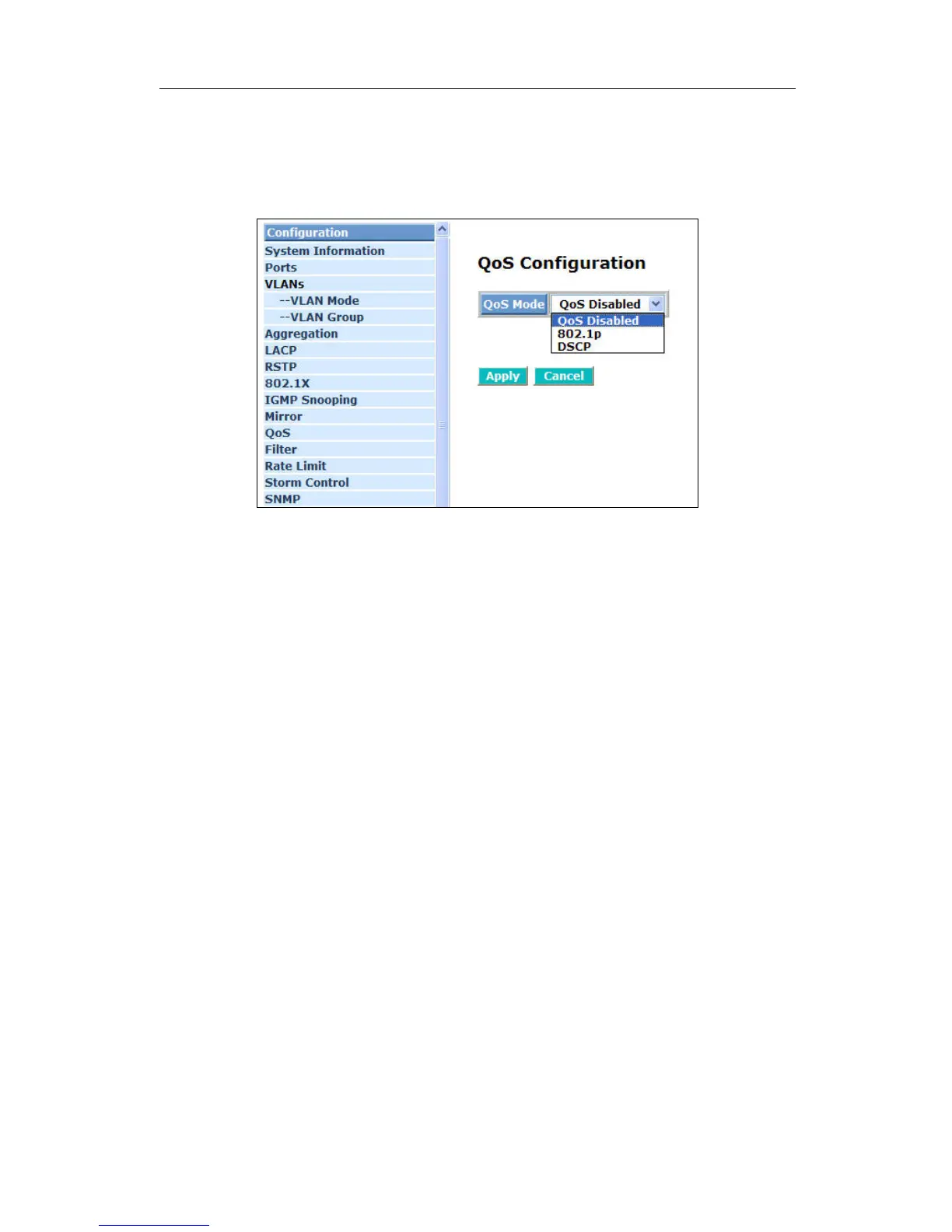
Fig. 4-21 QoS Configuration
Function name:
QoS Configuration
Function description:
While setting QoS function, please select QoS Mode in drop-down menu at
first. Then you can use 802.1p Priority and DSCP Priority functions. In this
function, you can enable/disable QoS Mode and set Priority Control, such as:
802.1p and DSCP. The switch only supports Strict Priority. High priority queue
is always passed first.



 To Next Page