User Manual
92
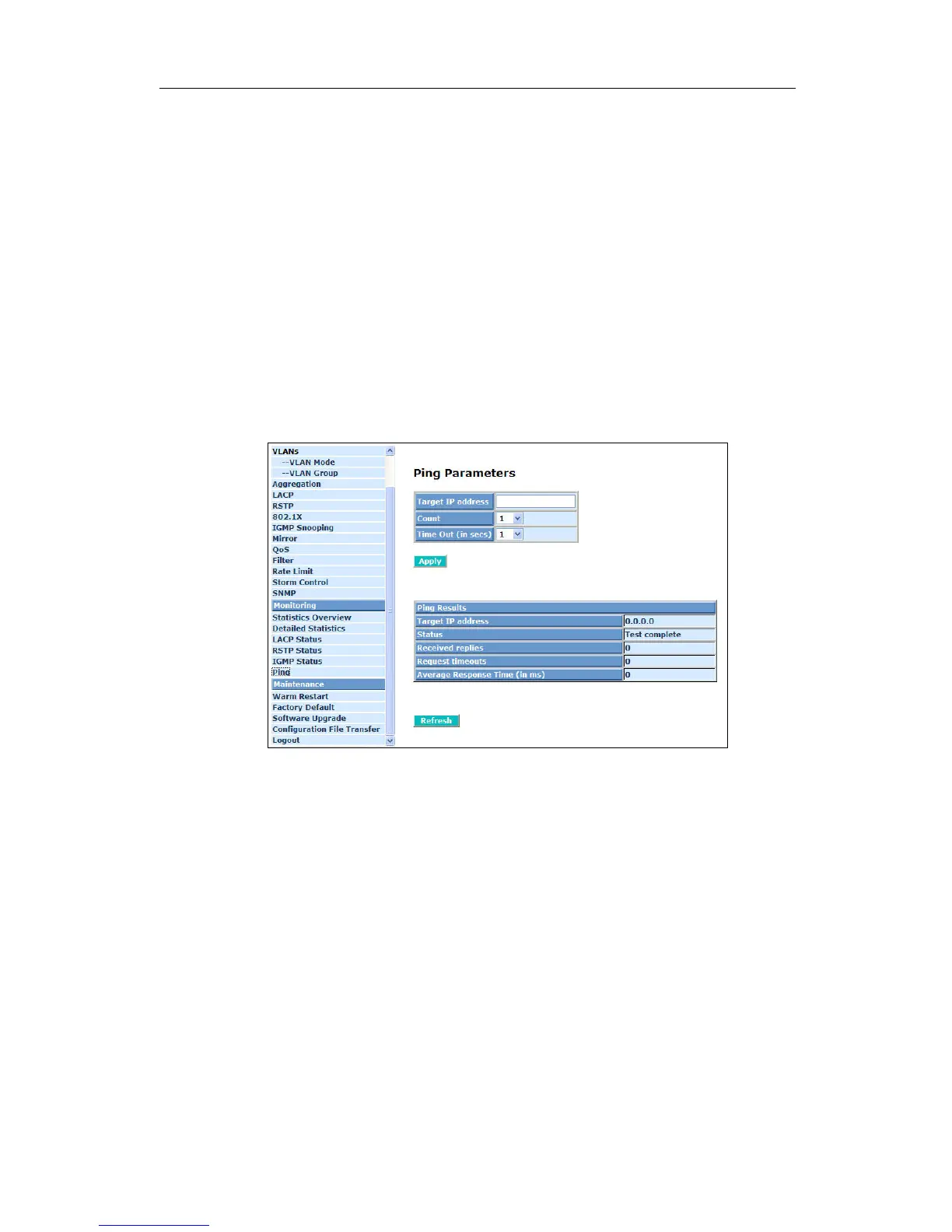
Show the active target IP address.
Status:
Show the result of the ping status.
Received replies:
Show the received replies number of times.
Request timeouts:
Show the timeout of request.
Average Response times (In ms):
Show the average response time in milliseconds.
Fig. 4-33 Ping



 To Next Page