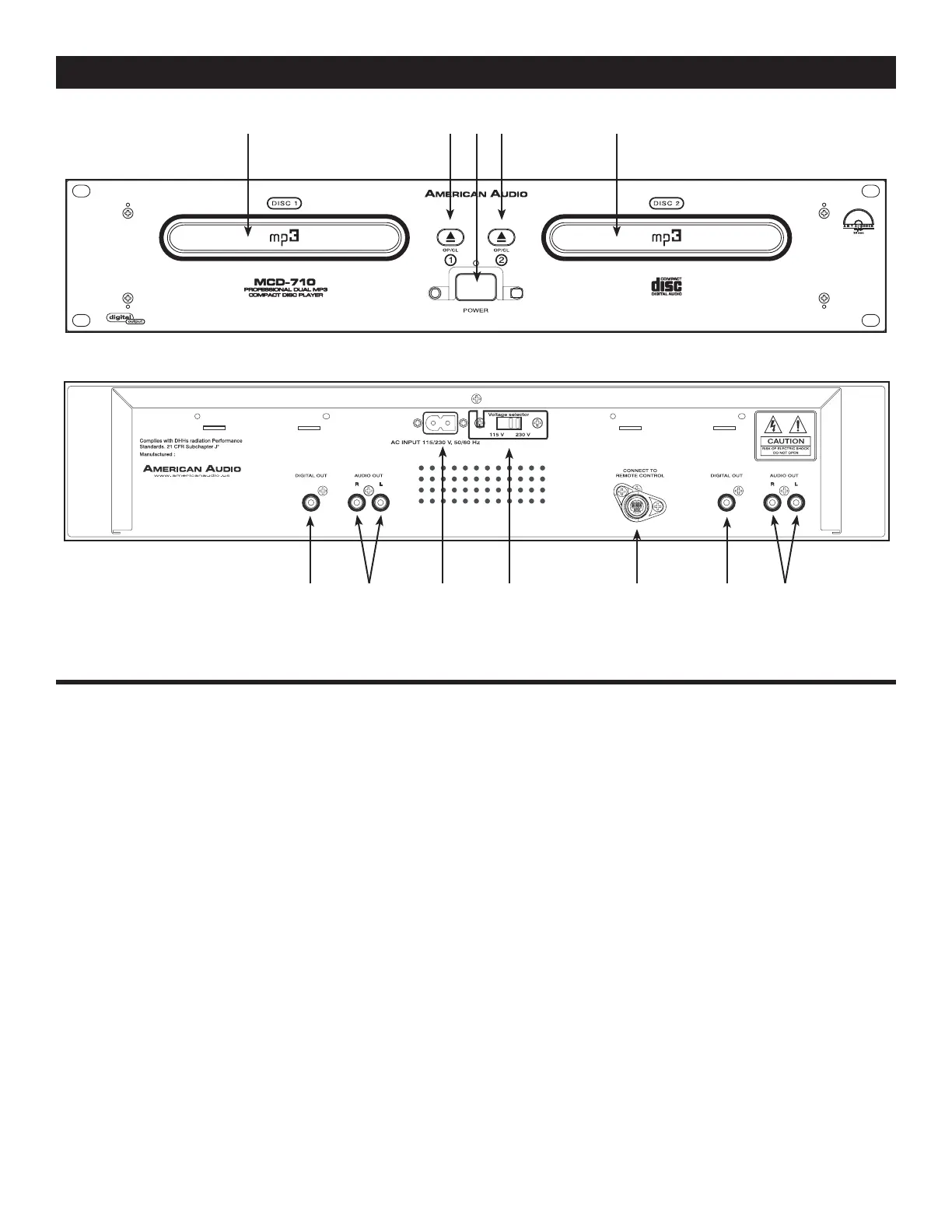
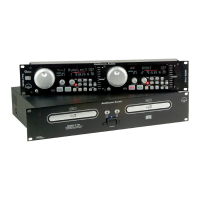
Figure 4
GENERAL FUNCTIONS AND CONTROLS (Cont.)
©American Audio® - www.americanaudio.us - MCD-710™ Instruction Manual Page 12
B. TRANSPORT UNIT (FIGURE 4)
25. DRIVE 1 TRANSPORT TRAY - This tray is
used to load and unload a compact disc in to
the drive 1 mechanism. The tray is opened and
closed by pressing the DRIVE 1 OPEN/CLOSE
BUTTON (26). Never attempt to force the to
transport tray open or close when the power is
turned off.
26. DRIVE 1 OPEN/CLOSE (Transport Tray
Open/Close) - This button is used to open and
close the drive 1 transport tray. NOTE: When a
disc is already loaded in the transport tray, the
tray will not open unless the unit is in pause or
cue mode.
27. POWER SWITCH - This switch is used to
control the unit's main power. A blue L.E.D.
directly above the power switch will glow to indi
-
cate main power is active.
28. DRIVE 2 OPEN/CLOSE (Transport Tray
Open/Close) - This button is used to open and
close the drive 2 transport tray. NOTE: When a
disc is already loaded in the transport tray, the
tray will not open unless the unit is in pause or
cue mode.
29. DRIVE 2 TRANSPORT TRAY - This tray is
used to load and unload a compact disc in to the
drive 2 mechanism. The tray is opened and closed
by pressing the DRIVE 2 OPEN/CLOSE BUTTON
(28). Never attempt to force the transport tray to
open or close when the power is turned off.
30. DRIVE 1 AUDIO OUT R & L - These jacks
send a left and right analog mono output signal.
Use these jacks to send standard audio to a
mixer or receiver. The red colored jack represents
the right channel output and white jack repre
-
25 26 27 28 29
30313233343536


 To Next Page