BASIC OPERATIONS (CONT.)
©American Audio® - www.americanaudio.us - MCD-710™ Instruction Manual Page 20
TIME BAR INDICATOR - Details the time defined in the TIME METER (49, 50, & 51) as a visual bar icon. As
with the TIME METER (
49, 50, & 51) this bar is also dependent on the selected time function REMAIN (48). This
bar will begin to flash when a track is ending regardless
of which time function you are in. Use the flashing bar
as a visual reminder that a track is ending.
Figure 21
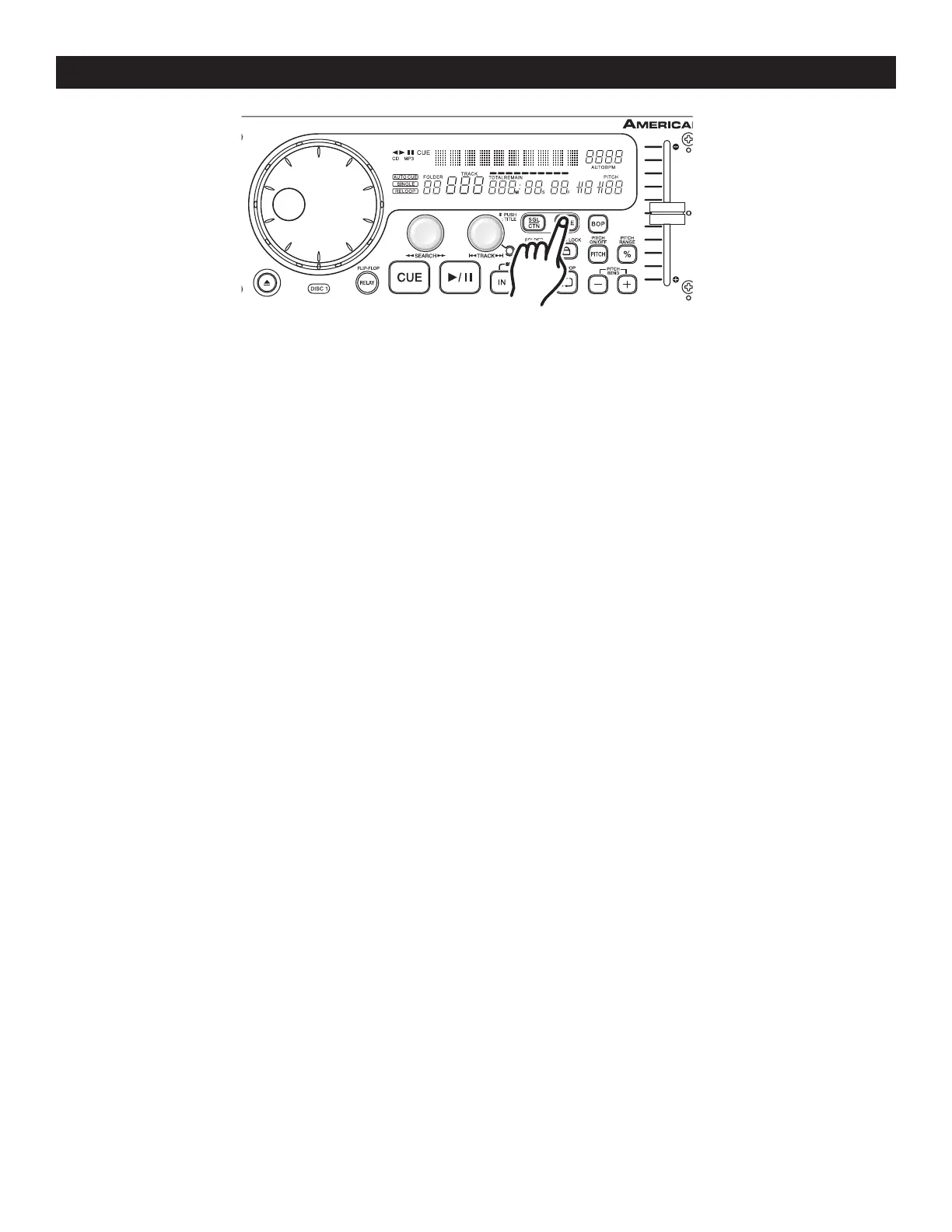
12. CHANGING THE TIME DISPLAY (49, 50, & 51)\TIME BAR (47):
DURING NORMAL PLAYBACK, pressing the TIME BUTTON (8), will change the time display information (49,
50, 51, & 47) in the VFD (2) see figure 21. The following is a break down of the time settings and their defini
-
tions:
1) ELAPSED - This describes the time in the VFD (
49, 50, & 51) as the current TRACKS Elapsed running
time.
Note: The VFD will not display "ELAPSED", or the REMAIN indicatora in the VFD.
2) REMAIN (48) - This describes the time in the VFD (49, 50, & 51) as the current TRACKS remaining run-
ning time.
3) TOTAL REMAIN (52) - This describes the time in the VFD (
49, 50, & 51) as the disc total remaining run-
ning time. NOTE: TOTAL REMAIN can only be seen or used when an actual cd is loaded, it does
not work with a Mp3 cd.


 To Next Page