BASIC OPERATIONS (CONT.)
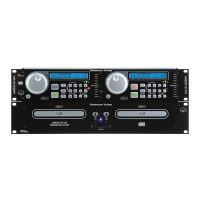
Press the IN BUTTON (17)). This will set the
starting point of the SEAMLESS LOOP. The
IN BUTTON (17)) L.E.D. will blink.
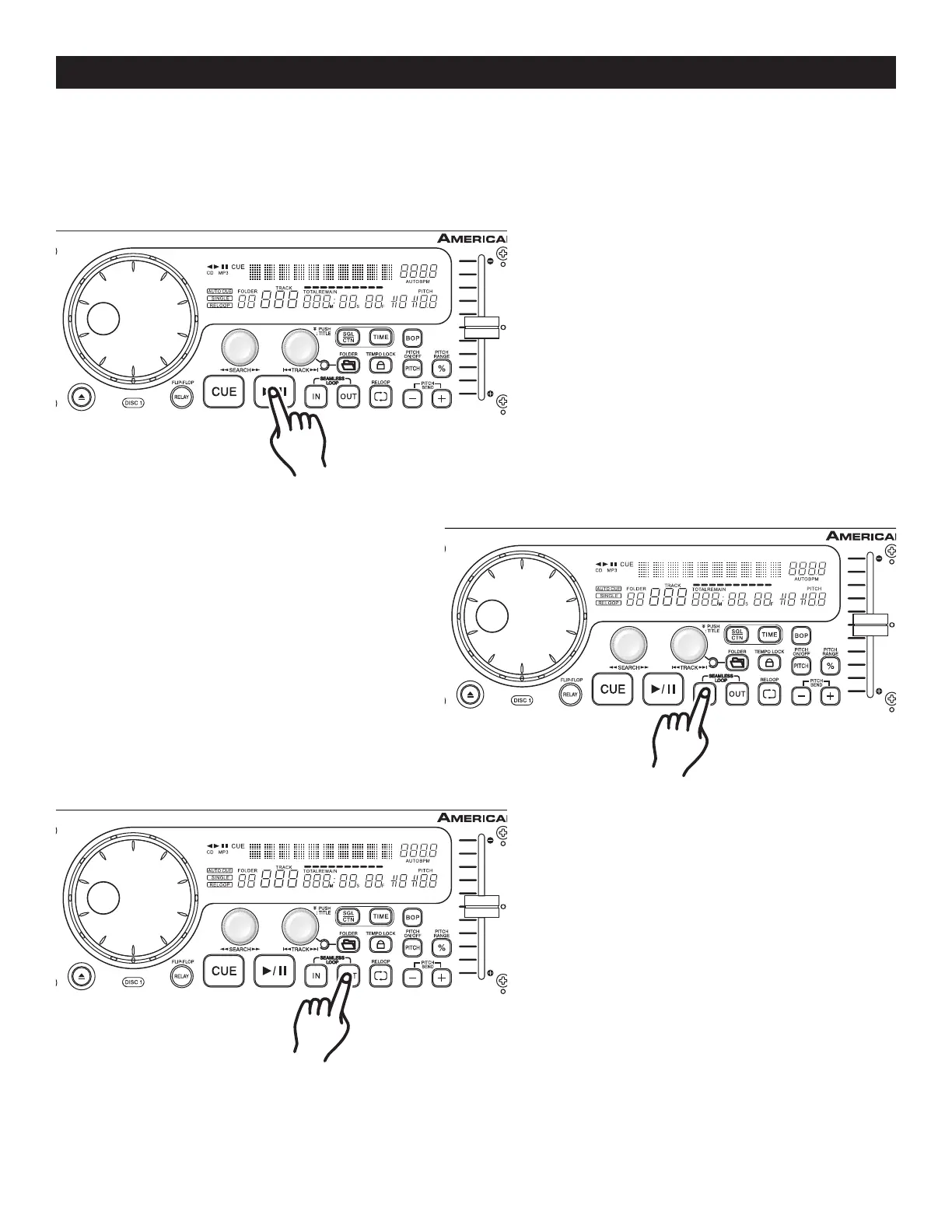
Press PLAY/PAUSE BUTTON (18) to activate
playback mode.
Figure 16
Figure 15
©American Audio® - www.americanaudio.us - MCD-710™ Instruction Manual Page 18
9. CREATING AND PLAYING A SEAMLESS LOOP
A seamless loop is a sound loop that plays continuously without sound interruption. You can use this loop to
create dramatic effect in your mixing. This loop has no time limit and you could actually loop the entire length
of disc. You create a seamless loop between two continuous points of a d
isc.
2)
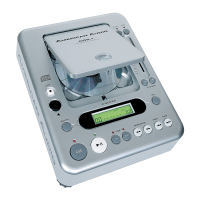
Press the OUT BUTTON (16) to set the ending
point for your SEAMLESS LOOP (Figure 19).
The IN BUTTON (17)) and OUT BUTTON (16)
L.E.D.s will immediately begin to flash rapidly,
indicating the SEAMLESS LOOP mode has
been activated.
Figure 17
3)
1)


 To Next Page