PITCH ADJUSTMENTS
©American Audio® - www.americanaudio.us - MCD-710™ Instruction Manual Page 23
2. PITCH BENDING:
Unlike the PITCH SLIDER (
3) adjustment this function will momentarily increase or decrease a tracks speed
during playback. There are two ways to operate this function with the (-) & (+) PITCH BEND BUTTONS (14)
or with the JOG WHEEL (1)
. The maximum pitch bend percentage allowed is +/- 16% or (+/- 100% for CD).
The pitch bend function will work in conjunction with the PITCH SLIDER (3)
pitch setting. For example, if the
PITCH SLIDER (3)
is set to a 2% pitch gain the pitch bending process will begin at 2% and will continue to
the maximum of +/-16% or (+
/- 100% for CD).
NOTE: A -100% pitch manipulation will stop playback entirely.
Holding down on the (-) PITCH BEND BUTTON
(14) will provide a slow down in the playback
pitch.
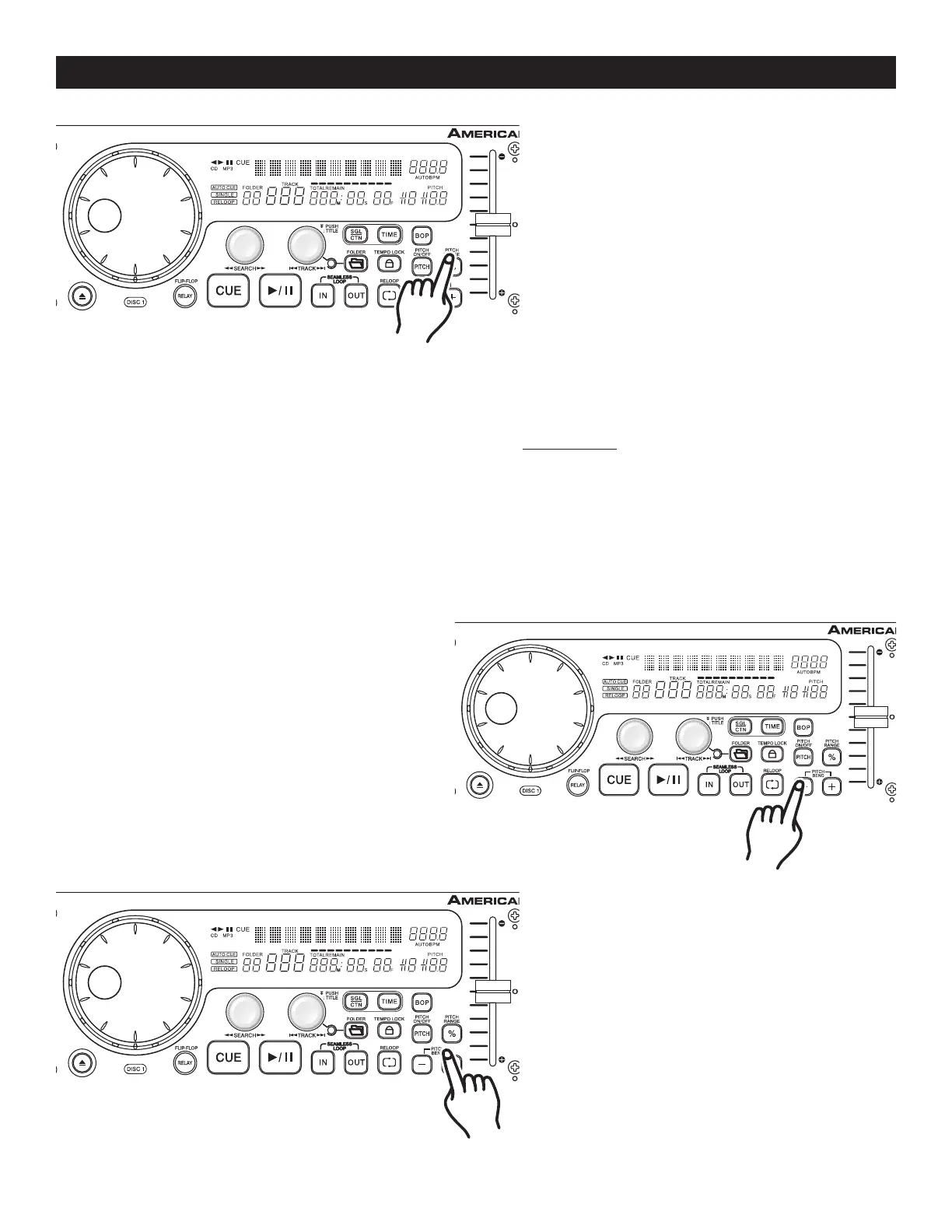
Figure 29
Using the Pitch Slider Percentage
Selector (3): You may choose a pitch operat-
ing range at any time. To change the operat
-
ing range be sure the pitch function is turned
on, see figure 29. The pitch percentage can
be changed between +/-4%, +/-8%, +/-16%,
or (+/- 100% for CD). 4% will allow the least
amount of pitch manipulation and 16% or
(100% for CD) will allow the most amount
of pitch manipulation. To adjust the different
values, tap on the % BUTTON (11) until your
desired value is reached.
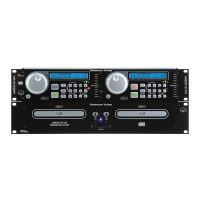
Figure 30
Holding down on the (+) PITCH BEND BUTTON
(14) will provide a speed bump in the playback
pitch.
Figure 31


 To Next Page