3
Basic Features
Getting Started
To configure security, see the Intellex Installation and Configuration Guide. The system
administrator must grant privileges to access, set, or change features.
Logging In
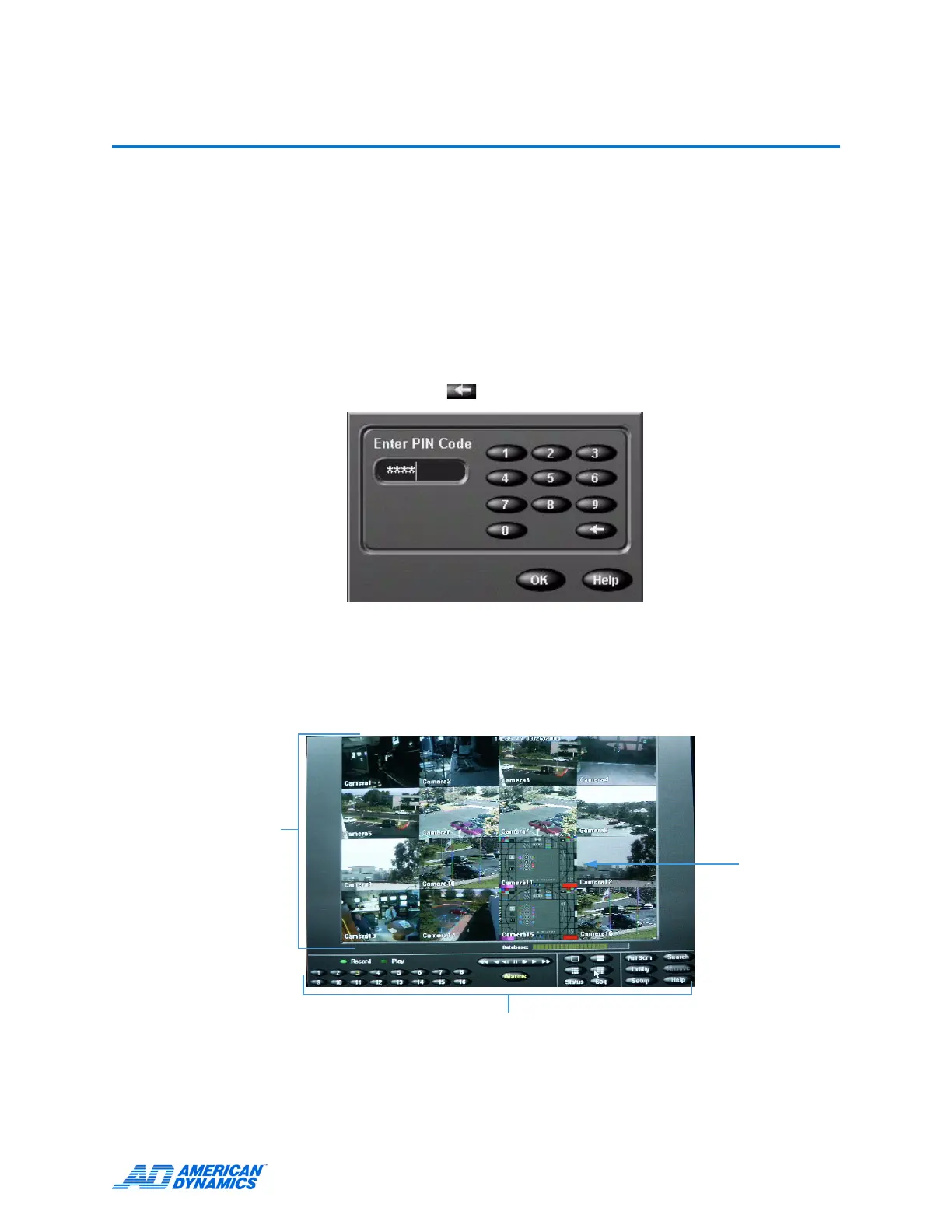
1 Using the mouse, enter the 1- to 8-character PIN (Personal Identification Number) code the
system administrator assigned. Click to erase an entry.
2 Click OK. The main screen appears.
Main Screen
Displays video from 1–16 cameras. Here, the screen displays live images from 4×4 (16) cameras.
On-screen controls
Image area
Each pane shows
live video from 1 of
the 16 cameras.



 To Next Page
 Loading...






