5800 SE 78th St. Ocala, FL 34472
6
P: (800) 327-3015
E: Service@americanpanel.com
IC Controller Operations Manual
3 Parameter Programming
On powering up, IC will run through a procedure to adjust its settings based on the type of room it is installed within,
user input is not required. The procedure may take up to 12 hours of continuous operation, during this time the
controller will not display any temperature alarm. The user may change any of the default settings.
Note: During the programming steps, any delay longer than one minute before pushing the next
button will cause the controller to revert to the normal operation state. To avoid this, the following
instructions should be carefully reviewed, and the desired settings should be determined before
proceeding.
The instructions below contain screens with the exact messages displayed by the controller during the programming
procedure. Follow the notes located to the left of these screens.
Press the MENU button.
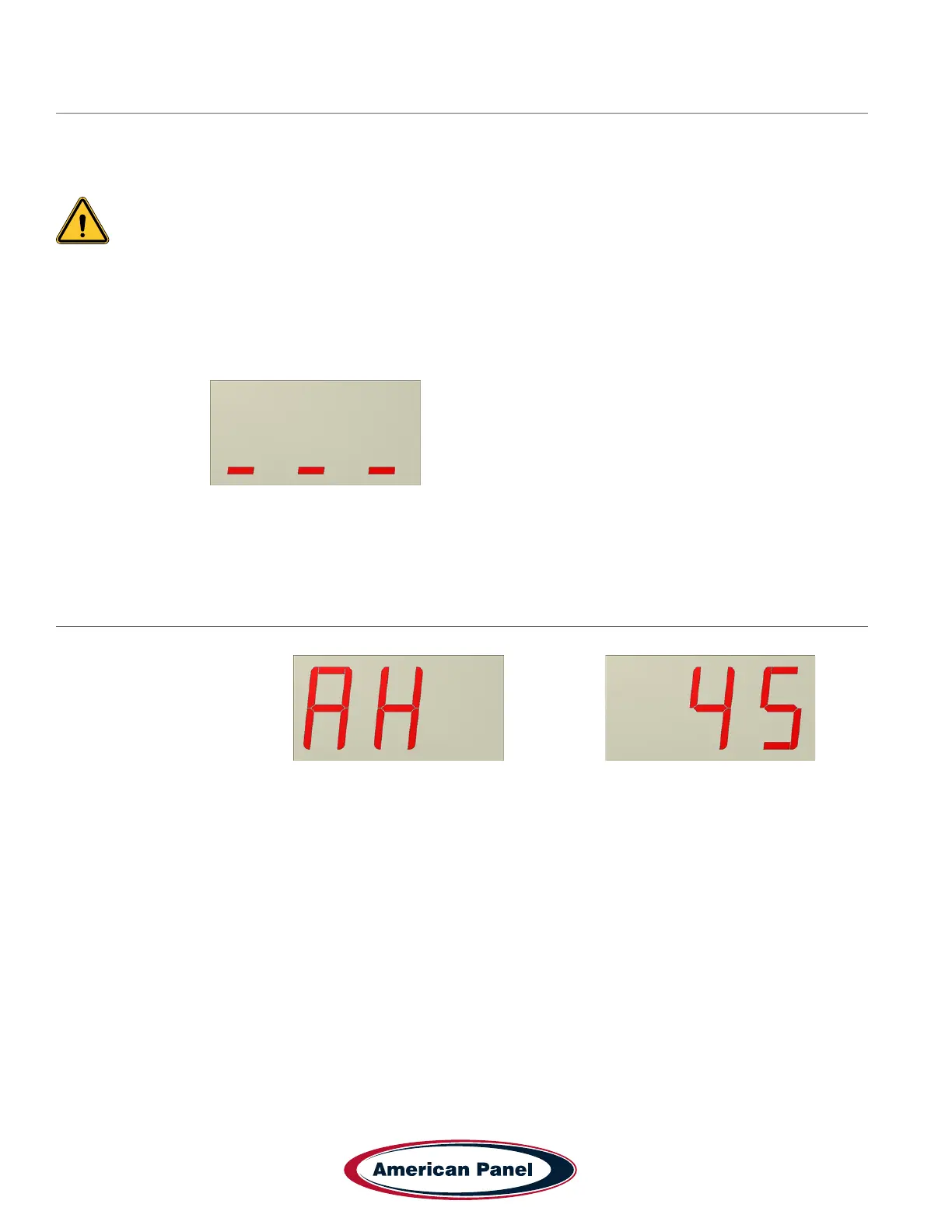
The display will show:
Enter access code 055
Use the UP or DOWN button to change the blinking character to the correct number and press ENTER to conrm.
High Air Alarm Setting
The display will alternate between and the value
This setting indicates the high temperature threshold, if the cabinet temperature goes above this setting,
the alarm will go off.
Use UP or DOWN buttons to set the desired value and press ENTER to conrm.


 To Next Page