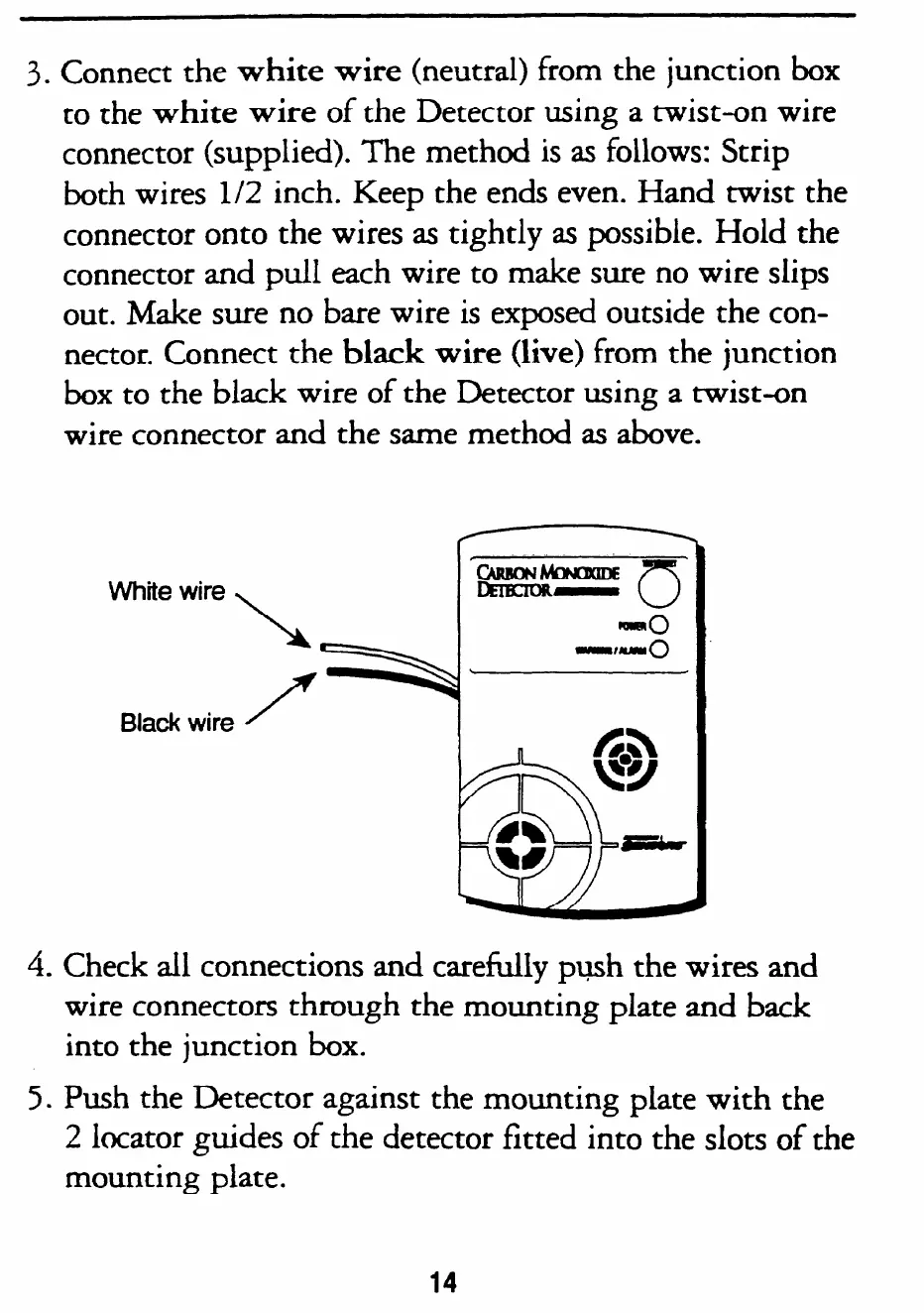
3. Connect the
white wire
(neutral) from the junction box
to the
white wire
of the Detector using a twist-on wire
connector (supplied). The method is as follows: Strip
both wires
l/2
inch. Keep the ends even. Hand twist the
connector onto the wires as tightly as possible. Hold the
connector and pull each wire to make sure no wire slips
out. Make sure no bare wire is exposed outside the con-
nector. Connect the
black
wire (live)
from the junction
box to the black wire of the Detector using a twist-on
wire connector and the same method as above.
White wire
\
Black wire A”
4.
Check all connections and carefully push the wires and
,
wire connectors through
into the junction box.
the mounting plate and back
5. Push the Detector against the mounting plate with the
2 locator guides of the detector fitted into the slots of the
mounting plate.
14
SMARTHOME.COM(TM) 1-800-SMART-HOME 949-221-9200 http://www.smarthome.com



 To Next Page