–42–
07 Response Time
1
If keyswitch is enabled (in programming
mode, field ✱30
)
, the response is preset to
350ms. Therefore no entry is required.
Press [
✱
] to continue.
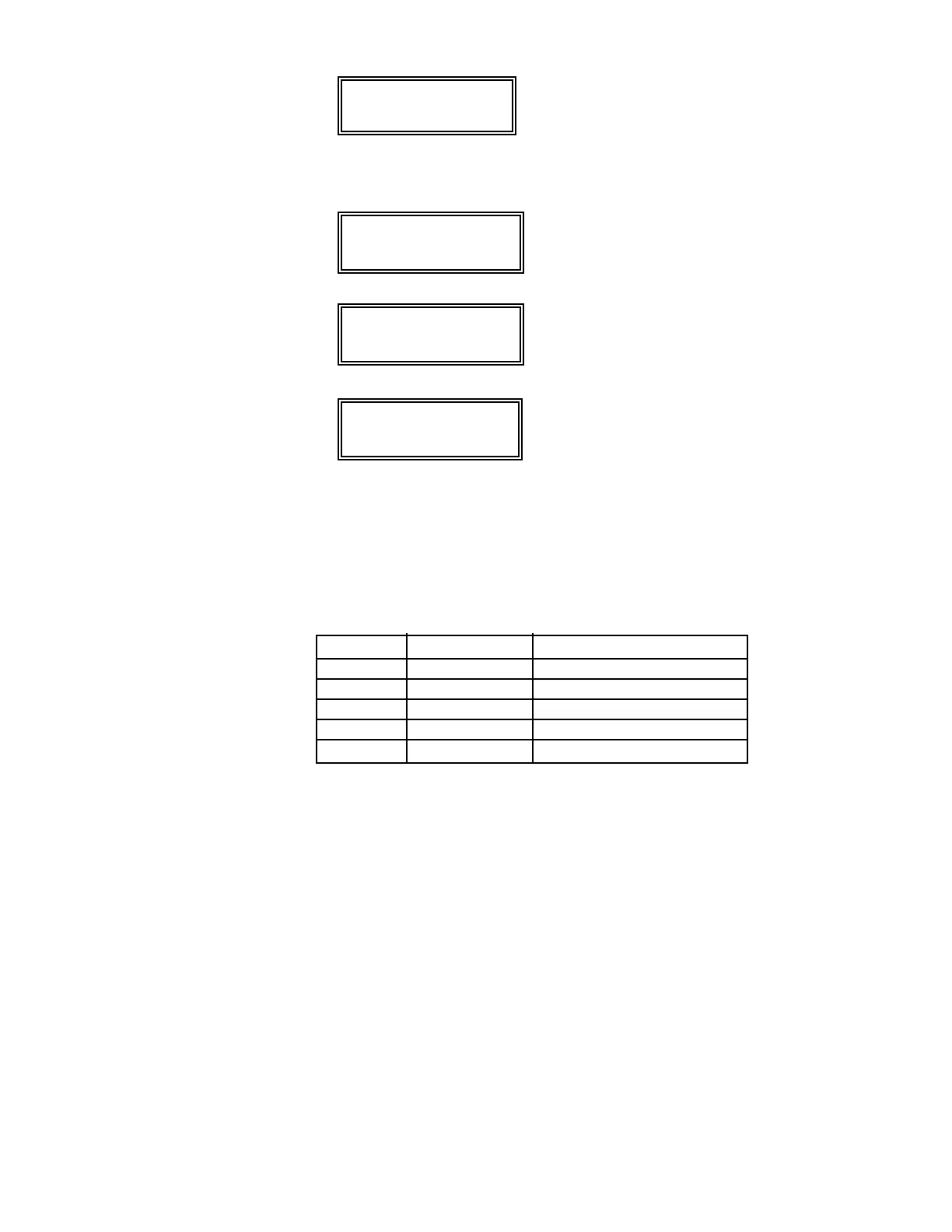
Typical summary display
Zn ZT RC In RT
07 77 3C HW: 1
A summary display will appear, showing the
data for zone 07 that was just programmed.
If it is programmed satisfactorily, press [
✱
]
to continue.
P r o g r a m Al p h a ?
0 = No 1 = Ye s 0
The next request is to enter an Alpha
descriptor for zone 7. Since this is a
keyswitch zone, no descriptor is required.
Enter “0”.
E n t e r Zn Nu m .
( 0 0 = Q u i t ) 0 8
If “0” (no) was entered above, the system will
display a prompt for entry of the number for
the next zone.
Press [0] [0] plus [
✱
] to exit
✱
56 mode.
Exit the programming mode by keying
✱
99.
Keyswitch Operation
To arm AWAY, turn key and release within a 1/2 second. To arm HOME,
turn and hold key for longer than 2 seconds. To disarm, turn key and
immediately release.
LED indications are defined as follows:
GREEN RED MEANING
OFF OFF DISARMED & NOT READY
ON OFF SYSTEM READY
OFF ON STEADY ARMED AWAY
OFF SLOW FLASH ARMED HOME
OFF RAPID FLASH ALARM MEMORY



 To Next Page