Page 11<&(%$*4.8"4,7%H'*#$"&8#I%/7*,#*%4,77%JKLLLKLMMKNOPO1Item 64017
?@<6AQRS6;@ACRED@CEA6E@ET6 ?6AFS
C8('#.%T'((*8$
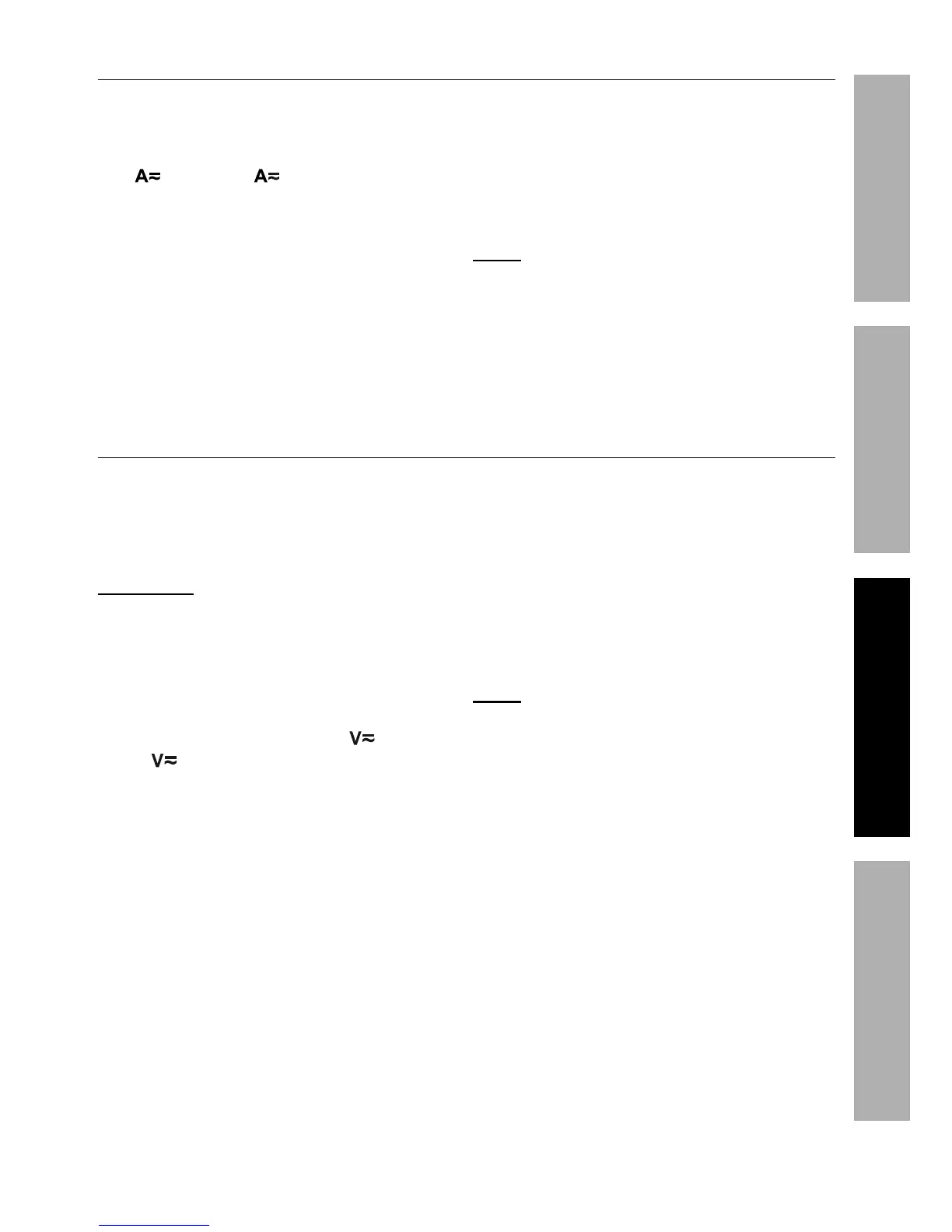
Measure inrush current of AC conductors
carrying up to 1000 amperes�
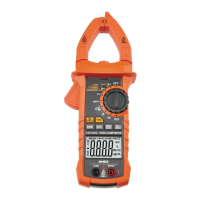
1� Turn the Rotary Switch to the
Mc0Mcc or Jccc position,
depending on the amperage of
the conductor under test�
2� Press ;6G0CE;F?B for two or
more seconds to switch to CE;F?B
current mode� KKKK displays while the
inrush current is being detected�
3� Using one hand, press Trigger to
open Current Clamp and insert
conductor inside the jaws�
4� Read measured inrush current
on the Display� The current is
only measured once and the
reading is held on the Display�
5� When testing is complete, turn
Rotary Switch to R<<I%and store Meter�
E&$*- If the Display shows RG while in
manual range mode, the measurement
has exceeded the selected range� A
higher range should be selected�
@T0XT%!&7$,3*%D*,#'(*5*8$
Measure AC conductors carrying
up to 750 VAC, 40-400 Hz�
Measure DC conductors
carrying up to 1000 VDC�
U@;ECEV` Use caution when working
near voltages above 30 VAC rms, 42
VAC peak, or 60 VDC� Voltages this
high present a risk of electric shock�
1� Plug black test lead into TRD Jack�
Plug red test lead into CESFA Jack�
2� Turn Rotary Switch to the or
5% position, depending on the
voltage of the conductor under test�
3� Press <FET button to choose
between AC and DC voltage�
4� Carefully touch exposed
conductors with tips of probes�
5� Read measured voltage on the Display�
6� When testing is complete, turn
Rotary Switch to R<<, remove
Test Leads and store with Meter�
E&$*- If voltage is too high, Meter will beep�


 To Next Page