M O D E L 2 0 5
O P E R A T O R ’ S M A N U A L
32
3232
32
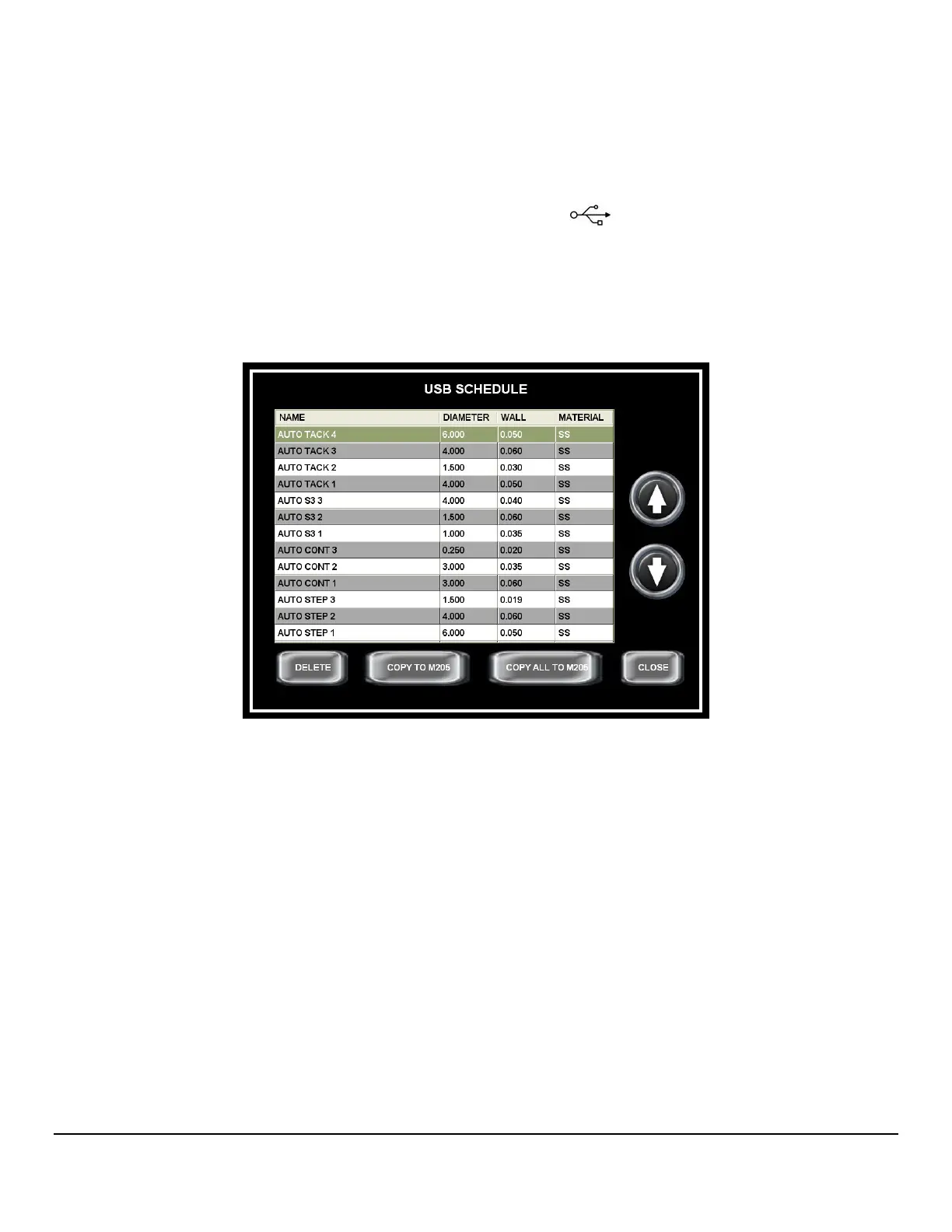
• Copy one or all weld schedules from a USB memory stick to the Model 205
Library
1. Insert a USB memory stick into the USB port
on the Model 205.
2. From the HOME screen press LIBRARY, then press VIEW USB.
3. Select the weld schedule to be copied and press COPY TO M205. If copying
all weld schedules press COPY ALL TO M205.


 To Next Page