Product Components
Display Panel
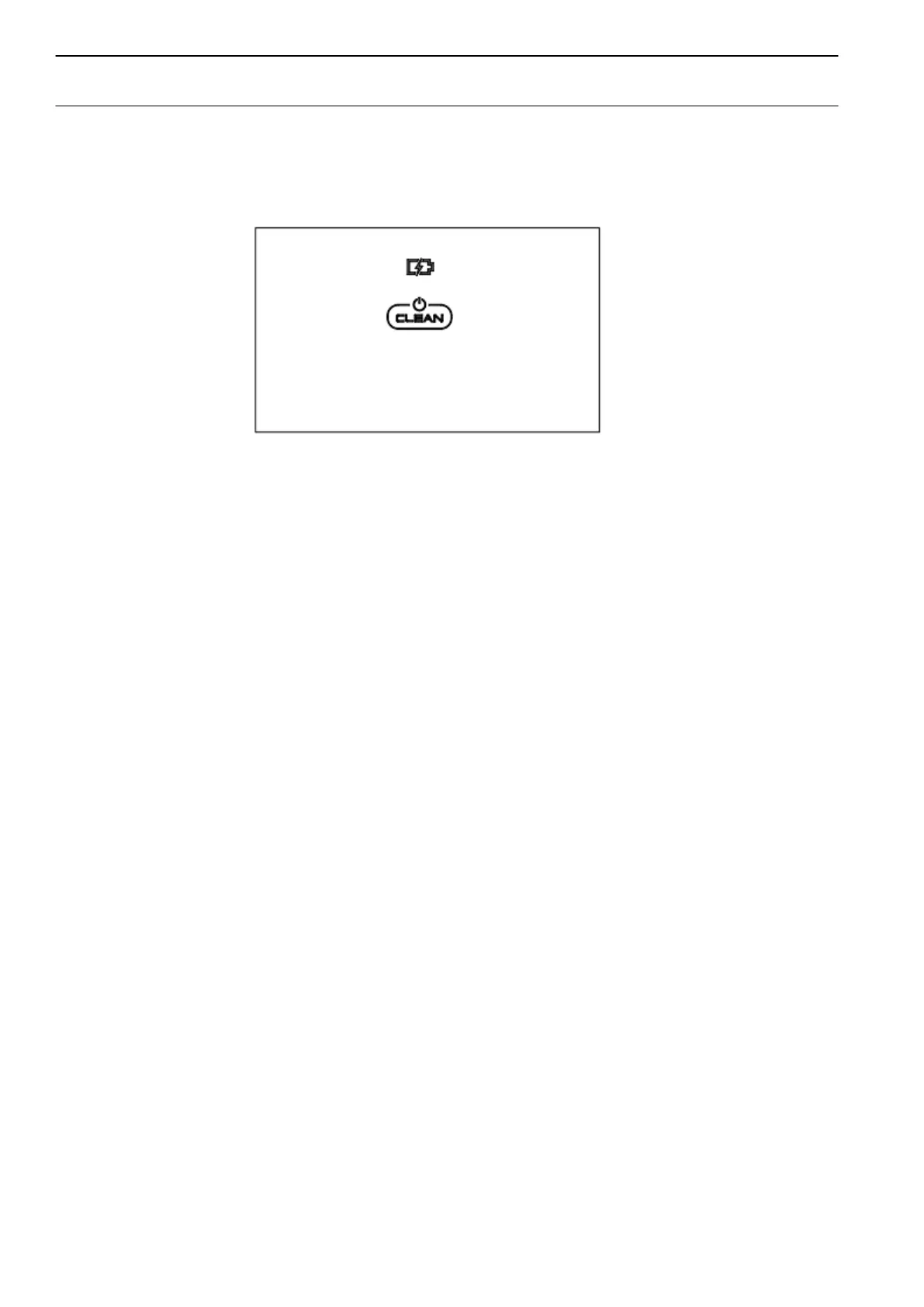
LED Panel
There are 2 indicators:
1. Battery indicator, which indicates battery status.
1) During standby or cleaning, if the battery indicator is red, it means the battery power is low. If it
is blue color, it means battery power is full.
2) During charging:
a. If battery indicator in blue, it means battery has been fully charged.
b. If the indicator with red color and flash, it means the power switch need to be turned on for
charging.
c. If the indicator color gradually changes from red to blue, it means it is well in charging.
2. Robot status indicator (i.e CLEAN indicator), which indicates robot status.
1) Under standby status, if the robot indicator flashes gradually, it means the robot is charging
properly. If it flashes rapidly, it means robot is faulty. Please press CLEAN. And robot will also
have relative voice demonstration for its fault.
2) During cleaning, the status indicator will be on all the time.
3) During charging, the status indicator will be gradually changed like breathing light.



 To Next Page