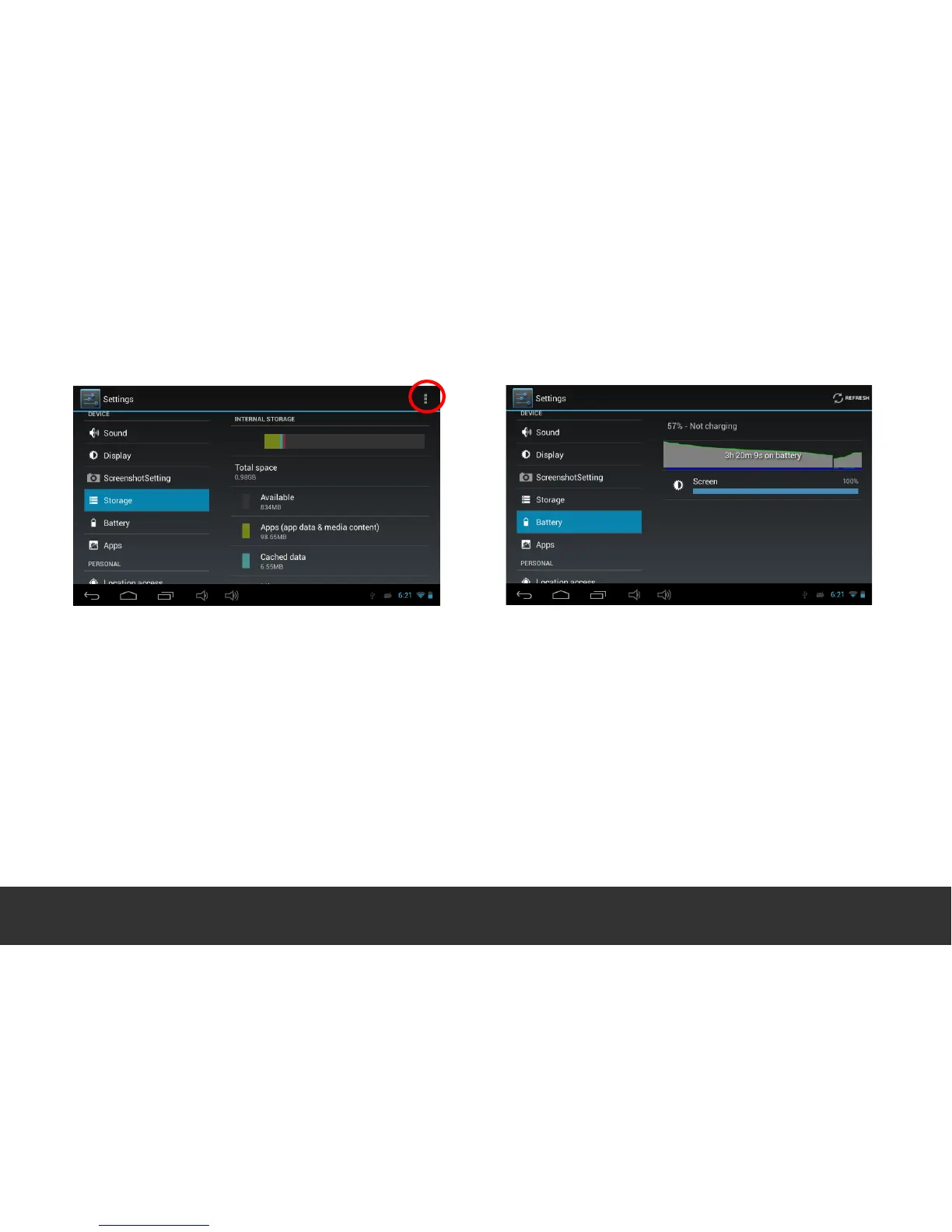
6. Storage 7. Battery
- Select “Storage” to access the device memory
and MicroSD status.
- To safely remove external storage items such as
MicroSD (TF) Cards & external USB Flash Drives,
scroll down to “Unmount Storage” and press
“OK”.
To enable mass storage mode, connection to a
PC, press “USB Computer Connection” (fig 1) and
touch on “Mass Storage”.


 To Next Page