How to make Desktop icons (continued)
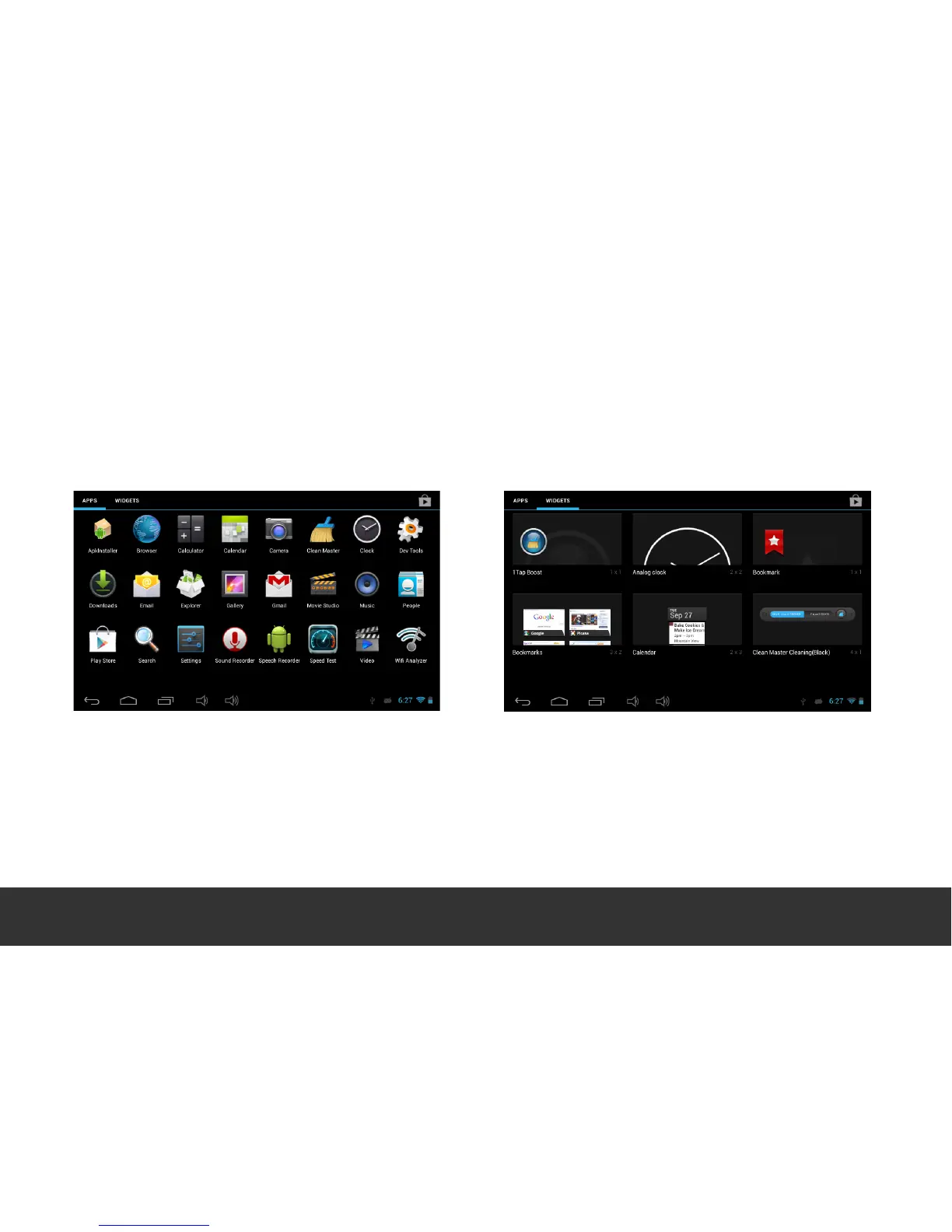
In the “Apps” drawer, press and hold the desired “App” icon and the Home (Desktop) Screen will appear.
You can now move the “App” to your desired location.
Momentarily touch and hold on the desired APK
icon and move it to the desired location.
Within the “Apps” drawer, select Widgets at
the top left of the screen, or swipe from right
to left on the desktop until you get to the
pre-loaded “Widgets” pages. Momentarily
touch and hold the desired Widget to move it
to your preferred location.


 To Next Page