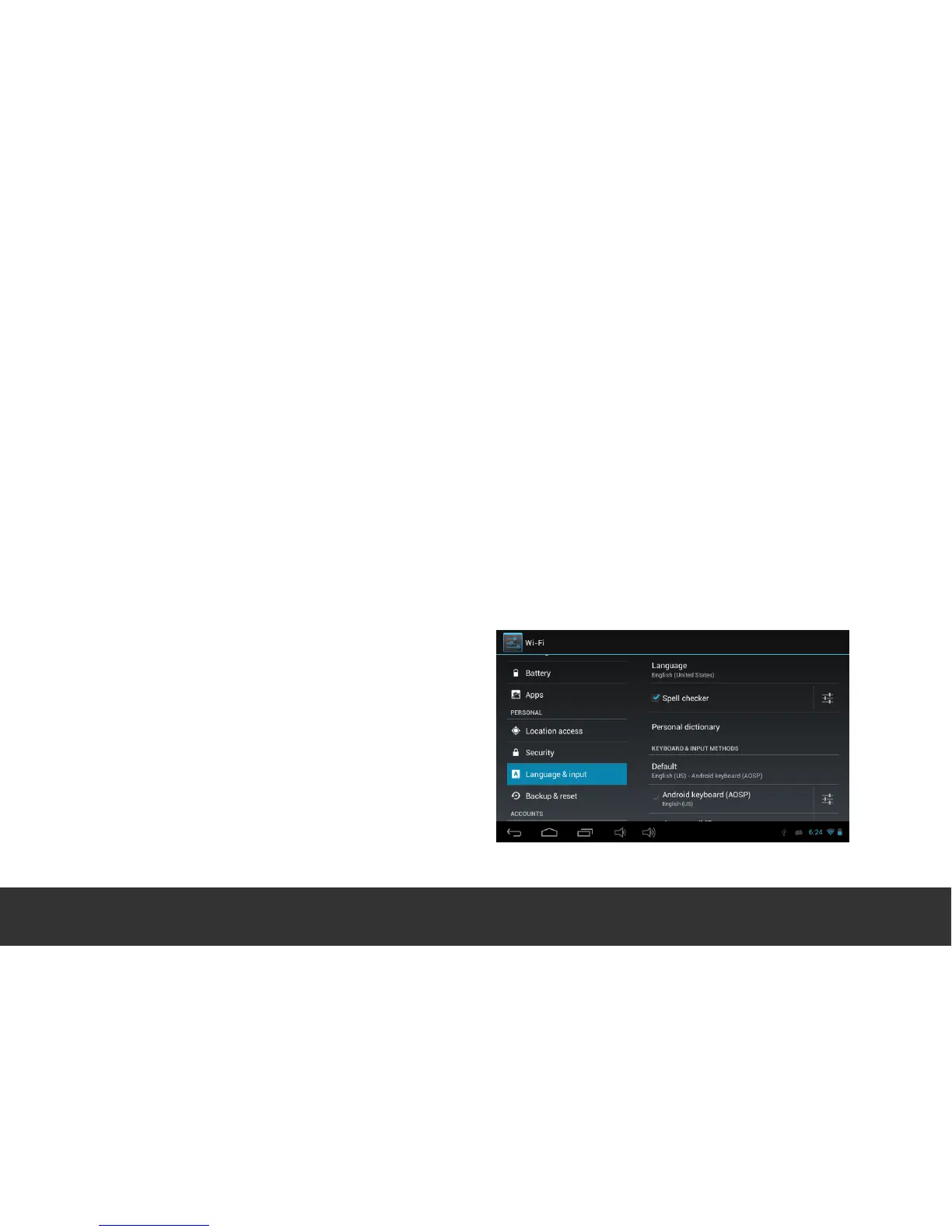
11. Language & Input
Language – Choose your preferable on-screen language.
Spell Checker – Enable onboard spelling correction. Add “Personal Dictionary” words to
the onboard Dictionary.
Keyboard & Input Methods – Change Keyboard/ Keyboard settings. Turn Google “Voice
Typing” ON/ OFF.
Language & Input. To change the Keyboard language from English, under the sub-heading
“Keyboard & Input Methods” located on the right hand side of the screen, touch the
settings icon adjacent to “Android Keyboard (AOSP)”, select “Input Languages” and choose
your desired Keyboard Language.


 To Next Page