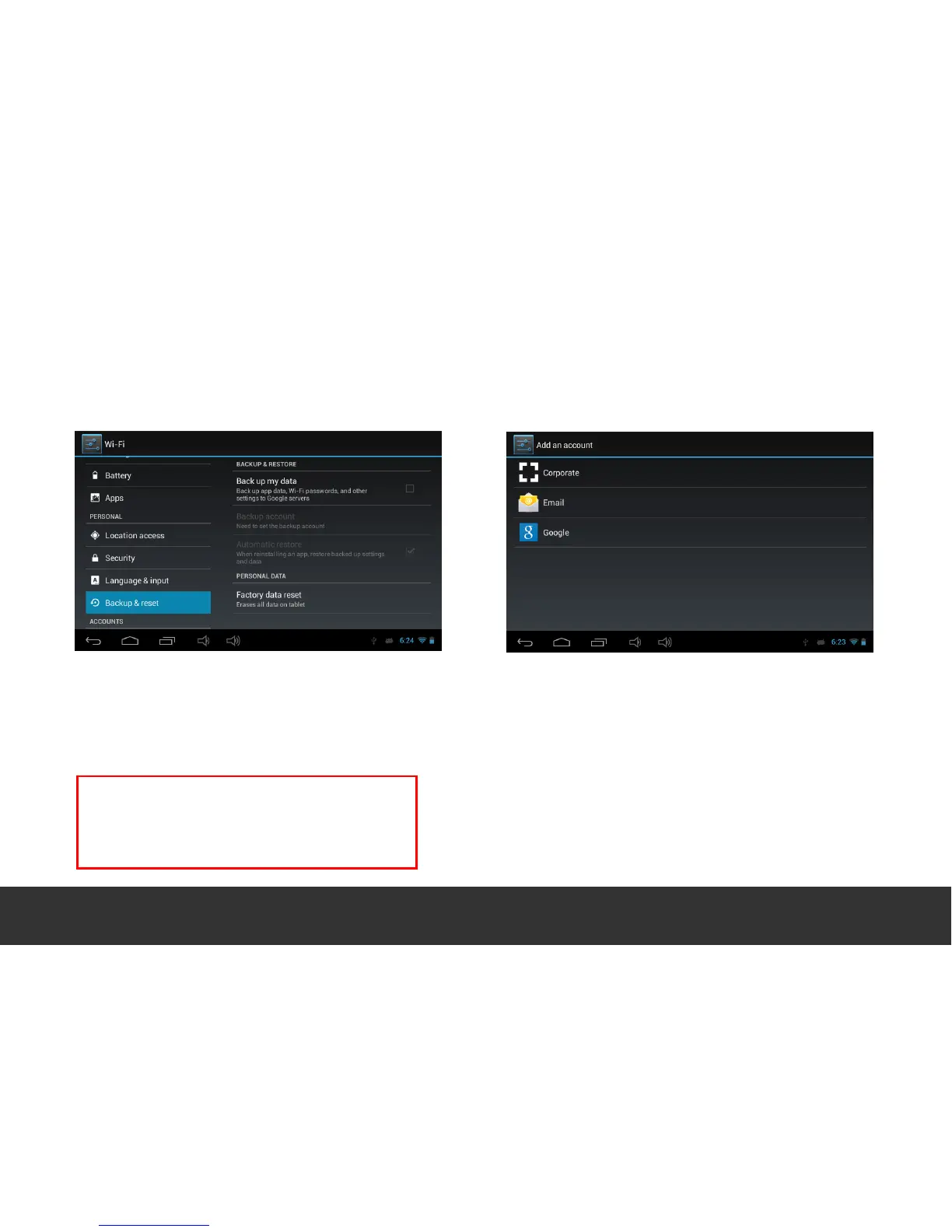
12. Backup & Reset 13. Add Account
Create your account. After connecting to a Wi-Fi
network, add your GMAIL account or enter your
Exchange/ POP/ IMAP to install another email
account.
Once completed the emailing system synchronizes
your account with the device and emails are
automatically downloaded into the device.
Here you can back-up your data, or if required,
completely erase the device to clear all contents
and restore the device to the original factory
default settings.
Important note: Restoring factory settings will completely
wipe all data from the devices internal storage memory.
Page 15


 To Next Page