1. Power On/Off
To turn the device on. Press and hold the Power button for 5 seconds, the device may
take a minute to boot.
To place the device in “Standby” mode. Press the power button for 1 second.
To turn off the device. Press and hold the Power button until the “power off" confirmation
message appears, touch OK to turn off the tablet.
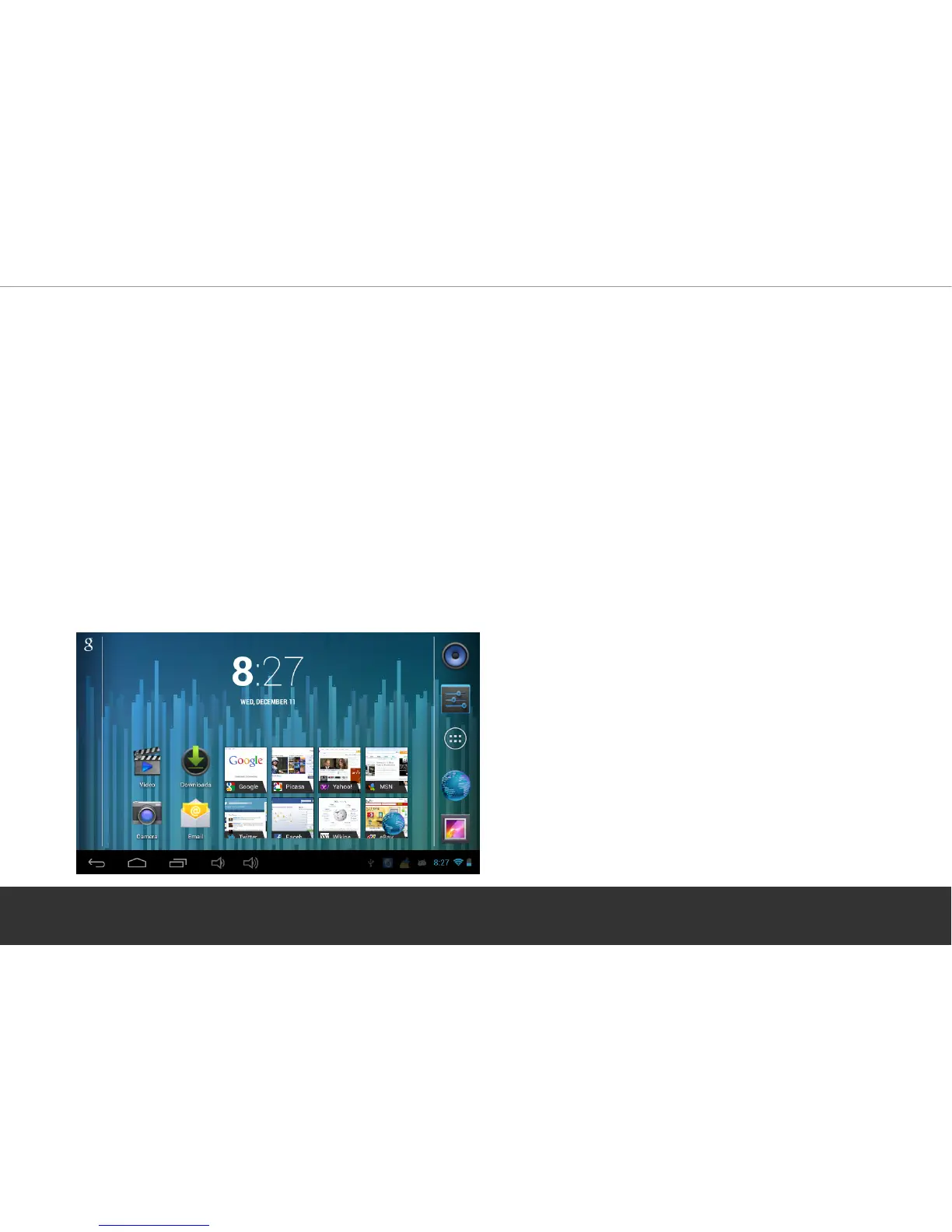
2. Home Screen
After turning on and unlocking the device (see step 3), the Home Screen will display
showing pre-loaded Apps, Settings and Shortcut icons down the right hand side.
Page 4


 To Next Page