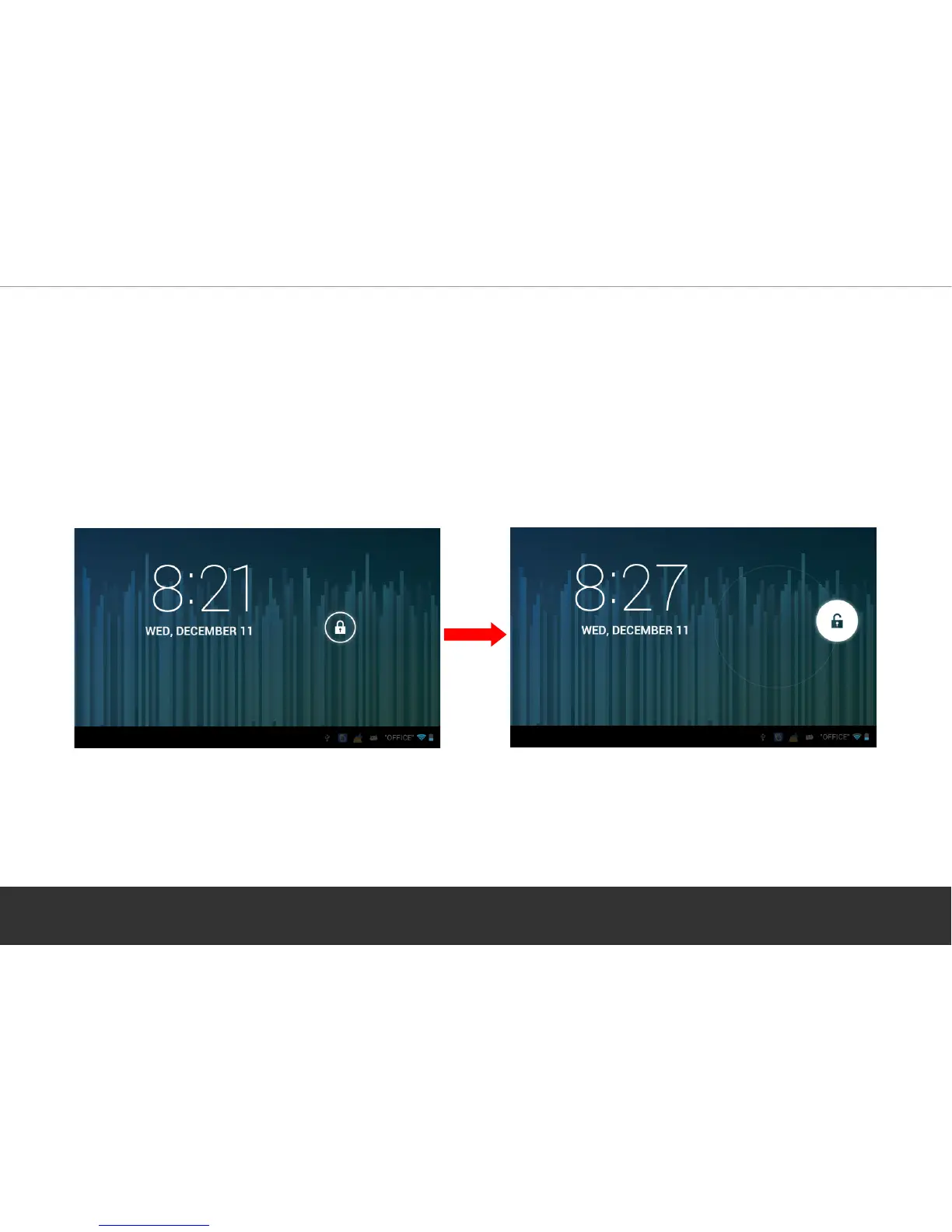
3. Lock Screen/ Standby (power save mode)
When the device is powered on, the lock screen will appear. Touch and slide the “Padlock” icon
in order to unlock the screen. In “standby” mode, press the power button once to activate the
screen and then slide the padlock icon to access the Home Screen.
Quickly press the power button to put the device back into standby mode.
Page 5


 To Next Page