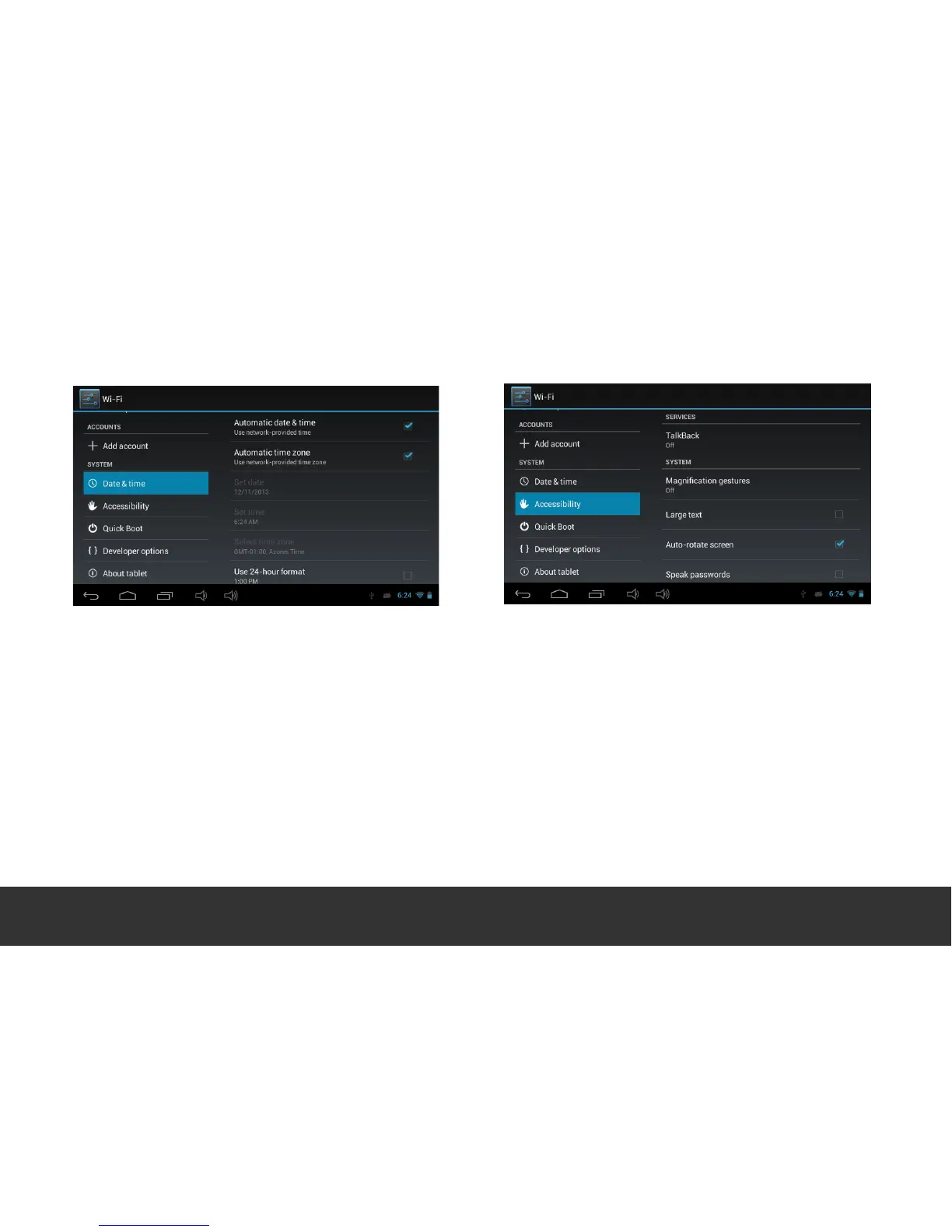
Adjust the Date & Time according to your time
zone. Touch the “Tick” beside “Automatic Time
Zone” to un-tick/ un-lock and set the Time and
Region to your local settings. Once set, re-tick
“Automatic Date & Time” and then re-tick
“Automatic Time Zone” to lock in the new settings.
Page 16


 To Next Page