Connect your PC to the Pro Access Point
Connecting Wirelessly:
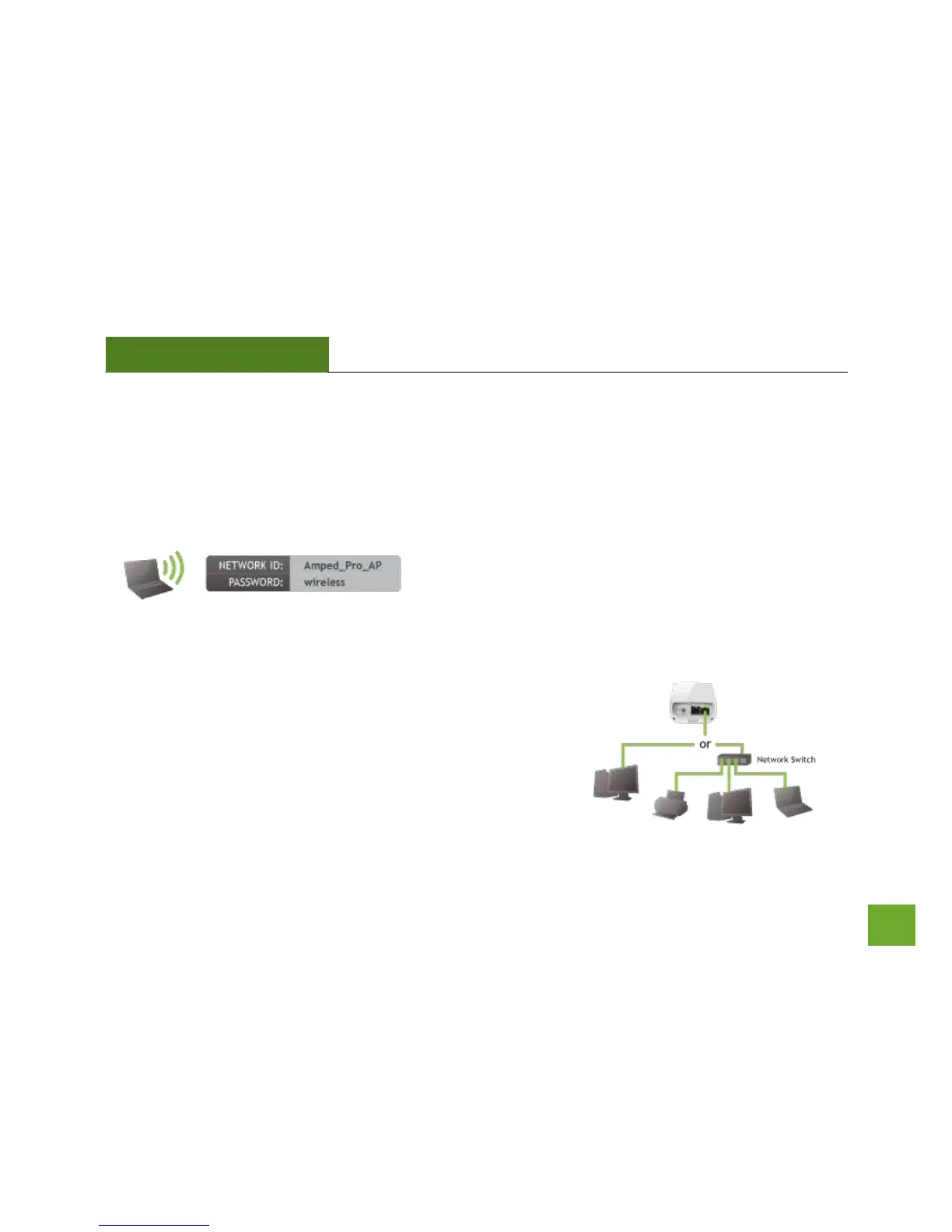
With your PC or Mac, scan for available wireless networks and locate the wireless network for the Pro Access
Point:
By default the Pro Access Point will have a SSID with the
name: Amped_Pro_AP
The default WPA security key is: wireless
Wired Connections:
Attach any wired devices to the Pro Access Point using Ethernet
cables.
Your Plug and Play setup is now complete. You may now use the
Pro Access Point to access your network.



 To Next Page