Wireless Network Security
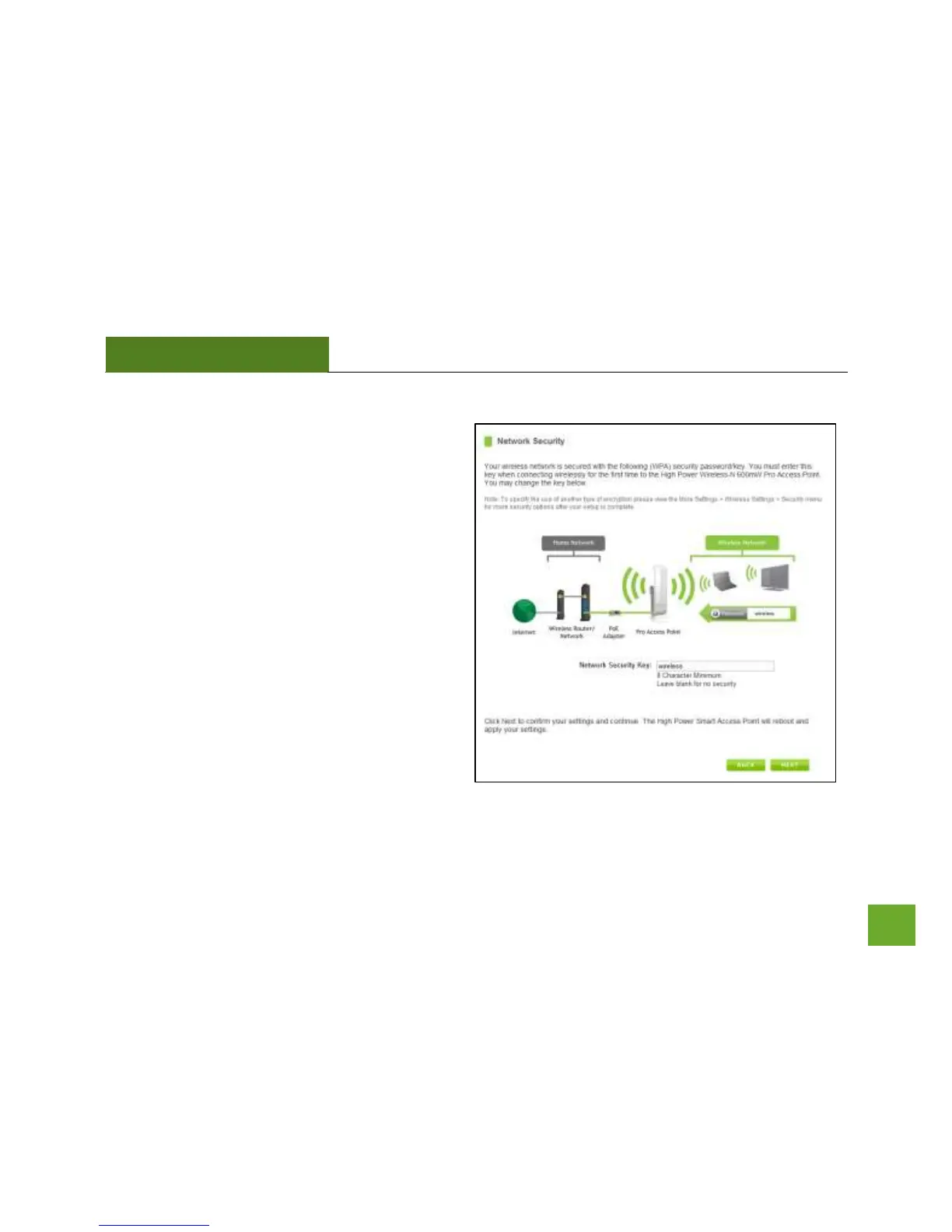
The default Security Key (WPA) of your wireless
network is: wireless
To change it, enter a new key in the Security Key
field. The key must be at least 8 characters long.
Click Next to apply your settings.
The Pro Access Point will reboot. This process may
take up to 2 minutes. Do not refresh the web page.
The page will automatically reload with the
connection status.



 To Next Page