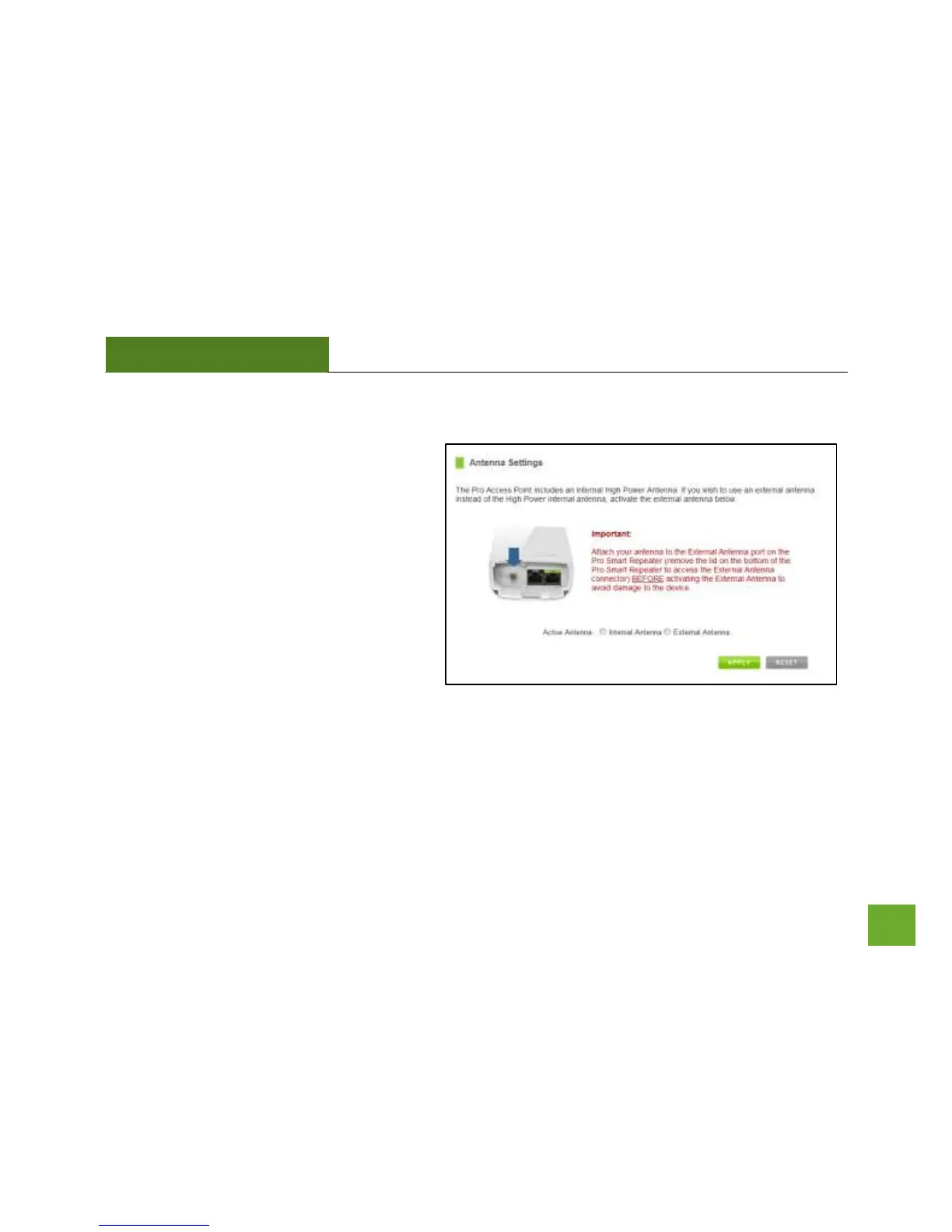
Antenna Settings
The Pro Access Point includes an internal High
Power Antenna, however, if you wish to use an
external antenna instead of the internal
antenna, you may activate the External Antenna
port here.
The External Antenna Port is a RJ-SMA port and
accepts RP-SMA antenna connections. It is
compatible with most high gain antennas.
It is important that you attach the external
antenna to the External Antenna Port BEFORE
activating the External Antenna Port to avoid damage to the Pro Access Point.
After you have attached the external high gain antenna, select the External Antenna selection under Active
Antenna and click Apply. After the Pro Access Point reboots, your external antenna will be active and ready for
use.



 To Next Page