ADDITIONAL SETTINGS
Accessing the Settings Menu
To access the settings menu for additional changes to the configuration of your Pro Access Point, you will need
to access the settings menu. The settings menu will allow you to change all features and settings for the Pro
Access Point. To access the settings menu follow the instructions below:
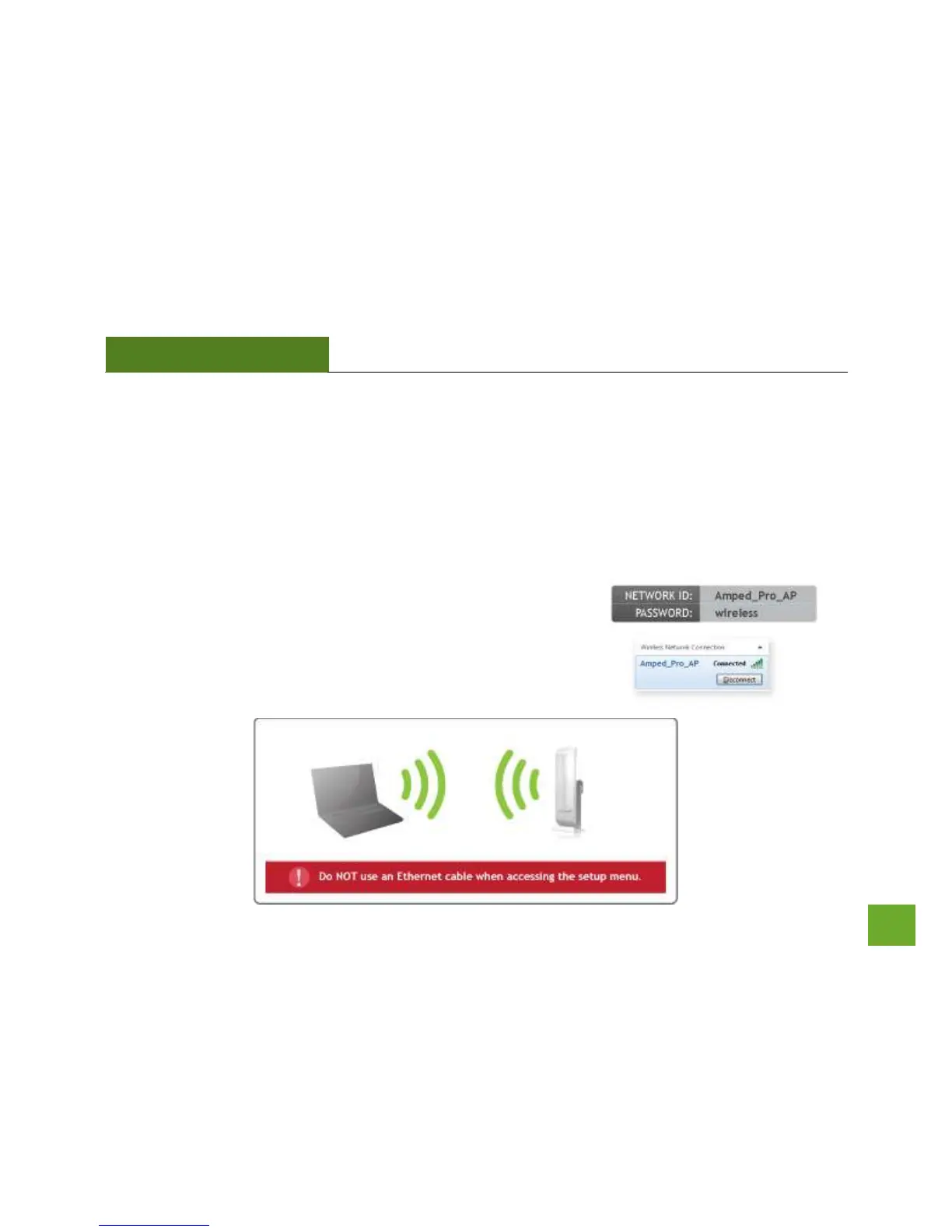
a) Scan for available wireless networks on your PC and connect to
the following network:
b) The Settings Menu can NOT be accessed with a wired
connection to the Pro Access Point. Your computer must be
connected to with a wireless connection to the Pro Access Point.



 To Next Page