Wall Mounting
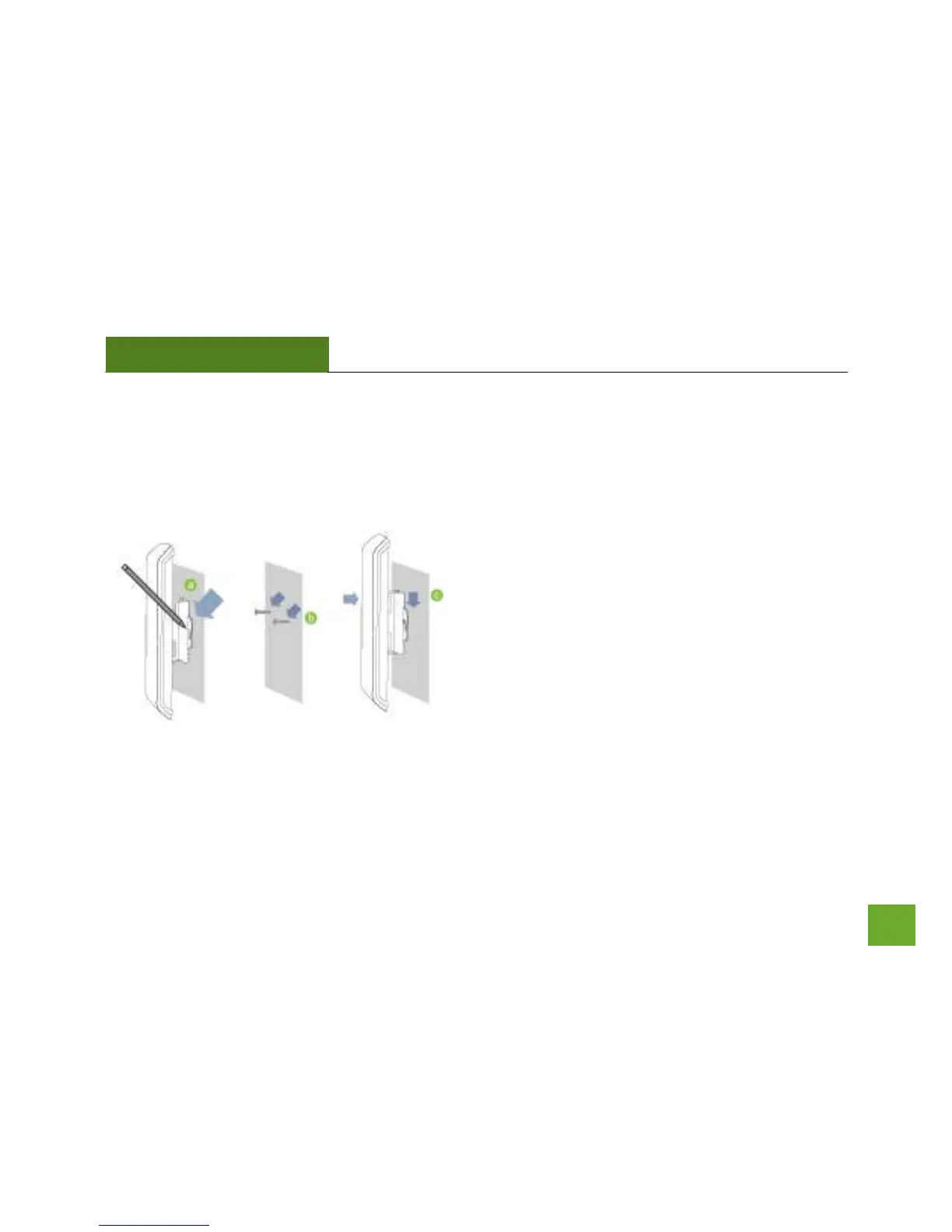
a) Place the AP600EX against the wall, use a
pencil and mark two locations through the
mounting hole on the wall.
b) Remove the AP600EX and securely drill two
screws where you’ve marked on the wall.
Leave some space between the screw head
and the wall so the AP600EX can slide be
mounted onto the screws.
c) Mount the AP600EX onto the secured screws
and adjust the screws if needed to secure the
Access Point to the wall.



 To Next Page