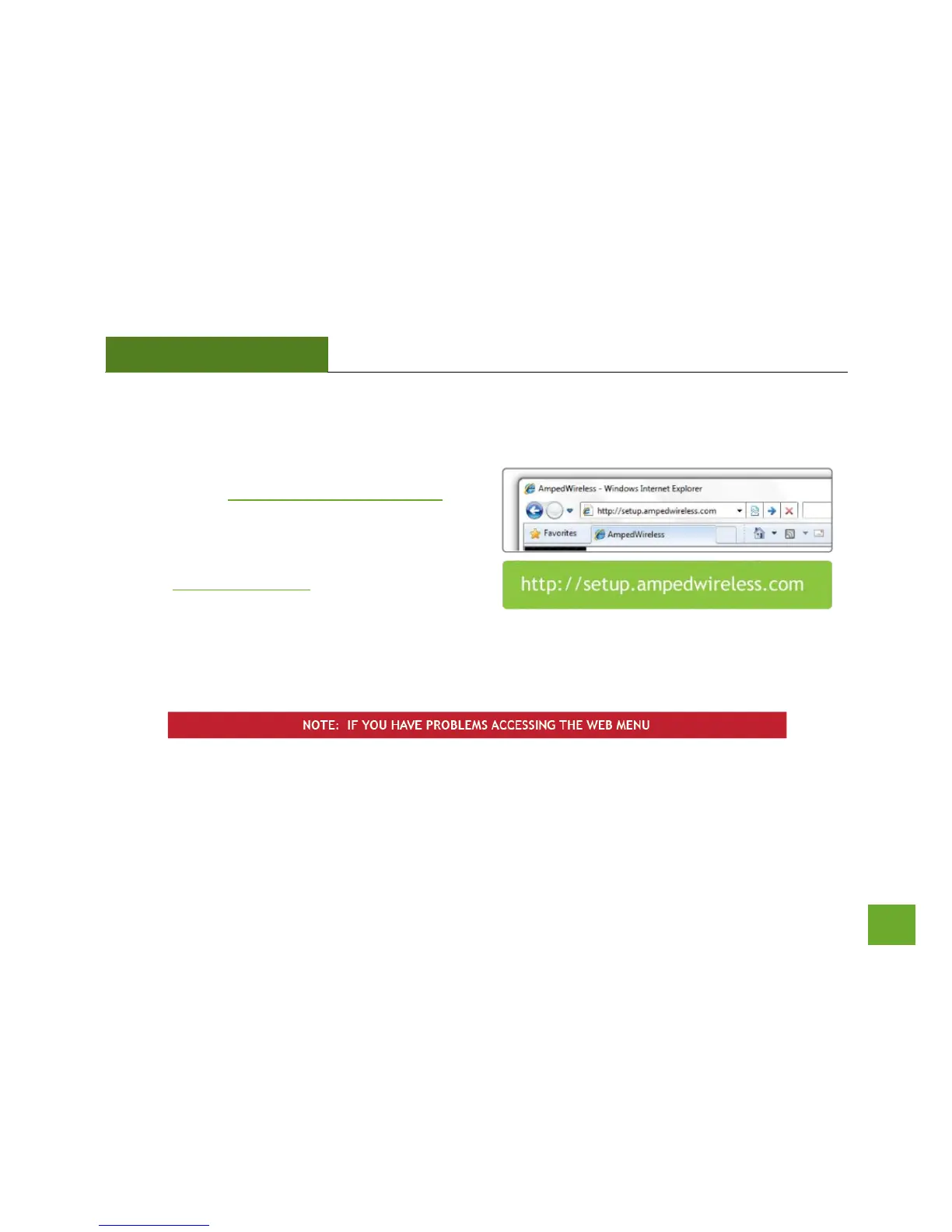
Open your Web Browser to Access the Setup Wizard
a. Open your web browser.
b. Type in: http://setup.ampedwireless.com
into the web address bar.
c. If the web menu fails to open, type in the
following IP address into your web address bar:
http://192.168.1.240
a. Disconnect your PC from all wireless networks, open your browser and try again.
b. If you continue to have problems accessing the Web Menu, disconnect the cable from your
computer to the Repeater. Connect wirelessly (SSID: Amped_Rep_2.4GHz or Amped_Rep_5.0GHz
and Password: wireless) and try again.













 To Next Page