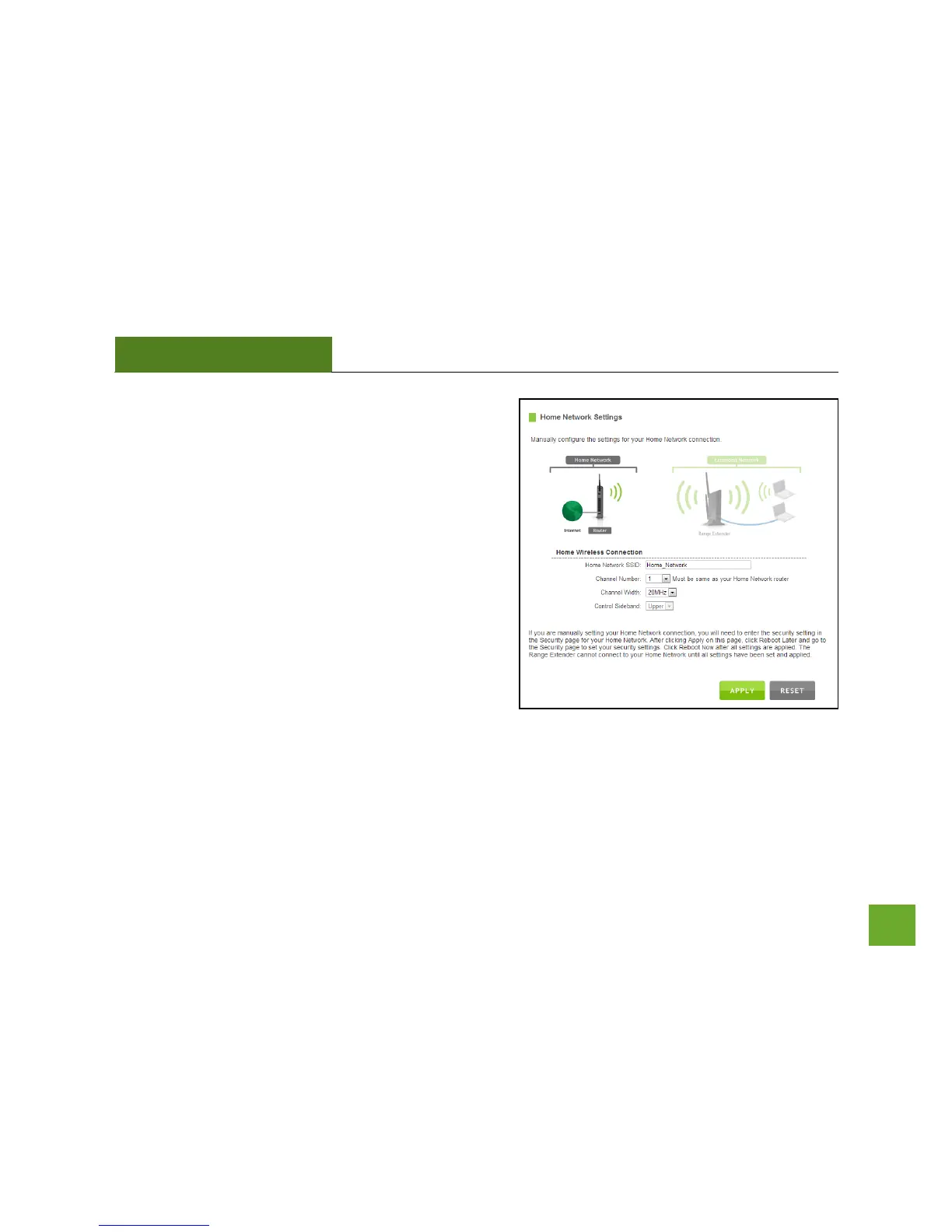
Home Network SSID: Manually enter the Identification
name of the Home Network you wish to connect to.
Channel Number: Enter the channel number of the Home
Network. If the channel number does not match, a
connection will not be established.
Channel Width: Wi-Fi operates in two separate channel
widths, 20Hz and 40Hz. 20Hz allows operation on channels
1-11, while 40Hz is 5-11. 40Hz allows for faster speeds.
Select the channel width you wish to use for your network.
This setting must match that of your Home Network for a
successful connection.













 To Next Page