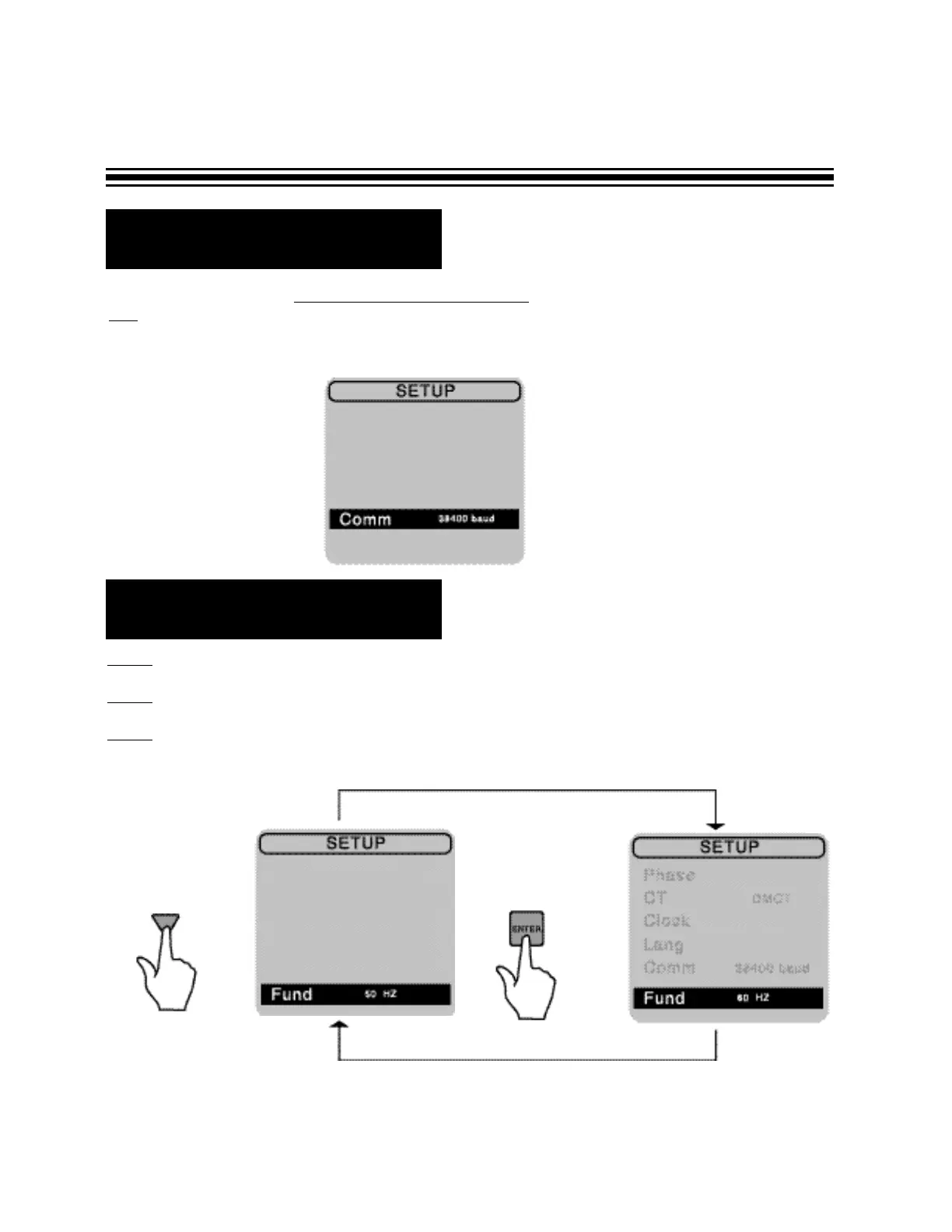
R Communication Set-up
You may skip this section. No set-up is required at this stage. The Communication Mode is used
only
when downloading data to a computer. Disregard the baud rate indicated on your screen, it will
be selected before you download to your PC. Please refer to the software section of your manual on
how to use this feature.
Page 10
R Fund (Fundamental
Frequency) Set-up
Step 1
- Select a FUND under SET-UP screen.
Step 2
- Using arrows on keypad, press ENTER to toggle between 50 or 60 Hz.
Step 3 - Once the user selects the fundamental frequency of the system, this frequency will
become the default setting.


 To Next Page