10
Real Time
Press SET to enter real time setting•
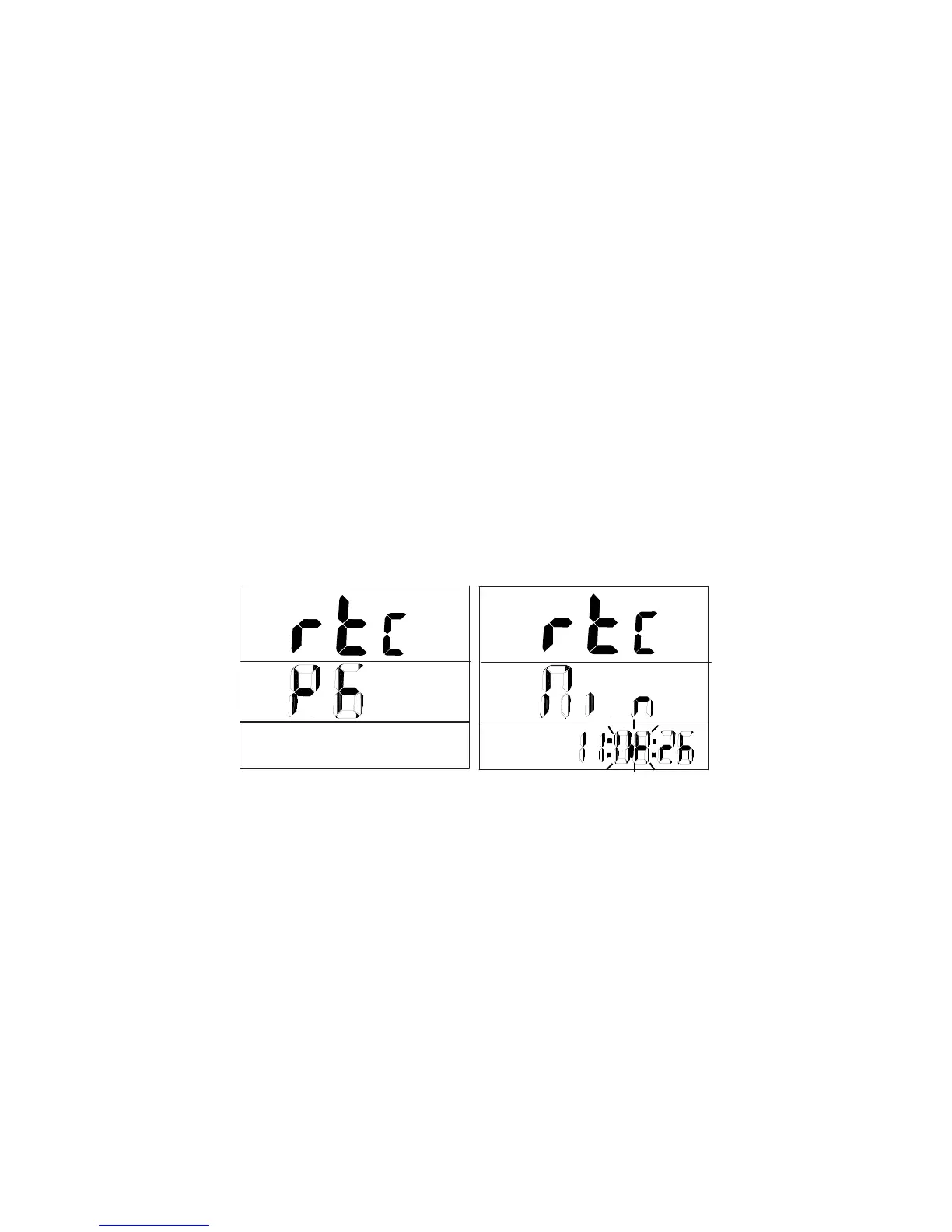
Press Up or Down key to select ‘rTC & P6”•
Press SET to edit YEAR ‘yEr’•
Press Up or Down key to adjust the year•
Press SET to edit MONTH ‘Non’•
Press Up or Down key to adjust the month•
Press SET to edit DAY ‘dAt’•
Press Up or Down key to adjust the day•
Press SET to edit HOUR ‘Hor’•
Press Up or Down key to adjust the hour•
Press SET to edit MINUTE ‘Mi n’•
Press Up or Down key to adjust the minute•
Press SET to edit SECOND ‘Sec’•
Press Up or Down key to adjust the second•
Press SET to save and return to P6•
Press MODE to quit and return to main menu•
Switch from °F to °C
Press and release MODE key to change from °F to °C•
Dew point measurement: DP
Press and hold MODE key for dew point reading•
Press and release MODE key to change DP from °F to °C•
Press and hold MODE key to return to temperature reading.•
INSTRUMENT CONNECTION
Plug the RS232 cable to the meter to turn it ON.1.
Connect the meter with the PC using the RS232 provided2.
Start the Download Suite software program3.



 To Next Page