8
Sample Rate
Press SET key to enter sample rate mode•
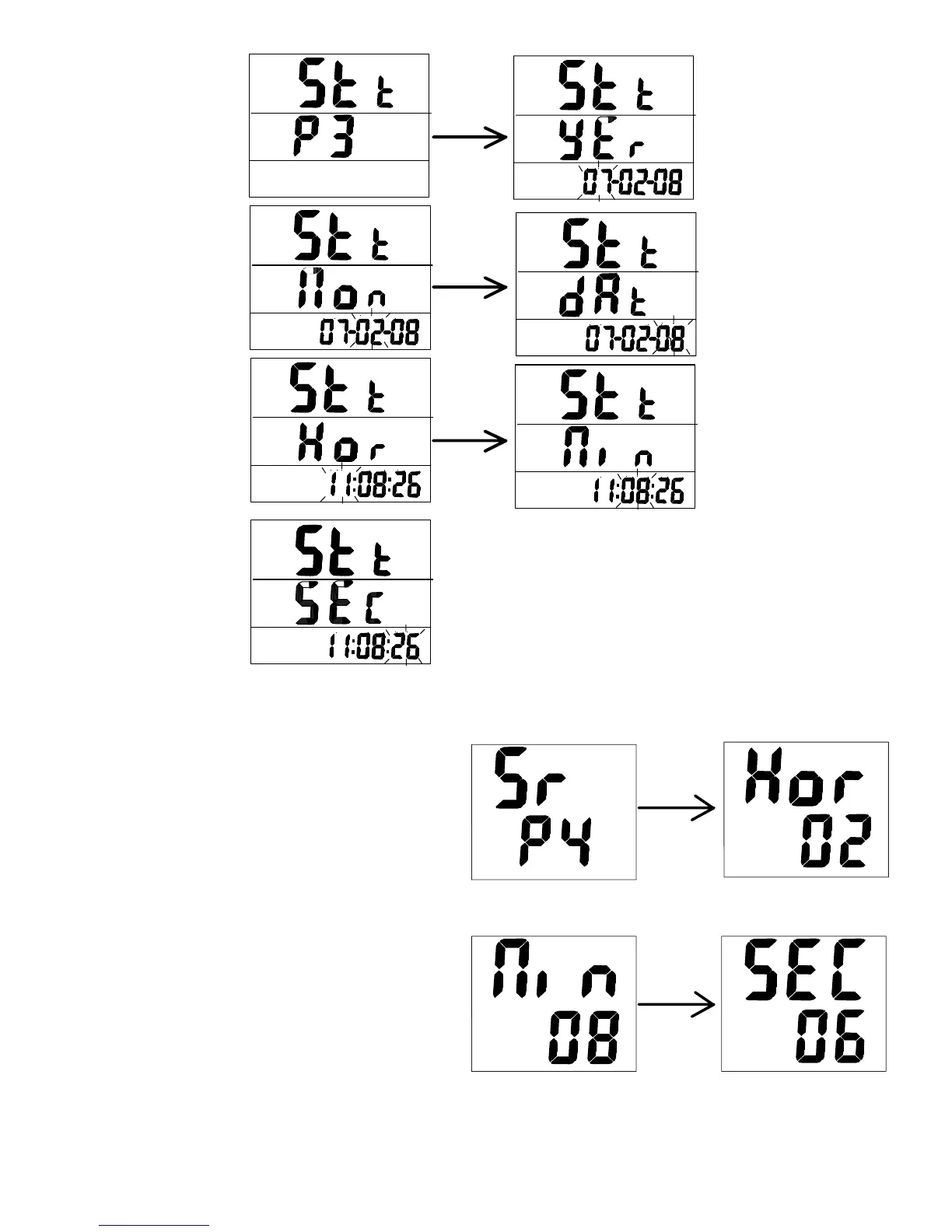
Press Up or Down key to select ‘Sr & P4’•
Press SET to enter edit mode for HOUR •
‘Hor’
Press Up or Down key to adjust the hour•
Press SET to enter edit mode for MINUTE •
‘N| n’
Press Up or Down key to adjust the •
minute
Press SET to enter edit mode for SECOND •
‘SEc’
Press Up or Down key to adjust the second•
Press SET to save and return to P4•
Press mode to quit and return to main menu•



 To Next Page