9
Alarm Set
Press SET key to enter the alarm setting•
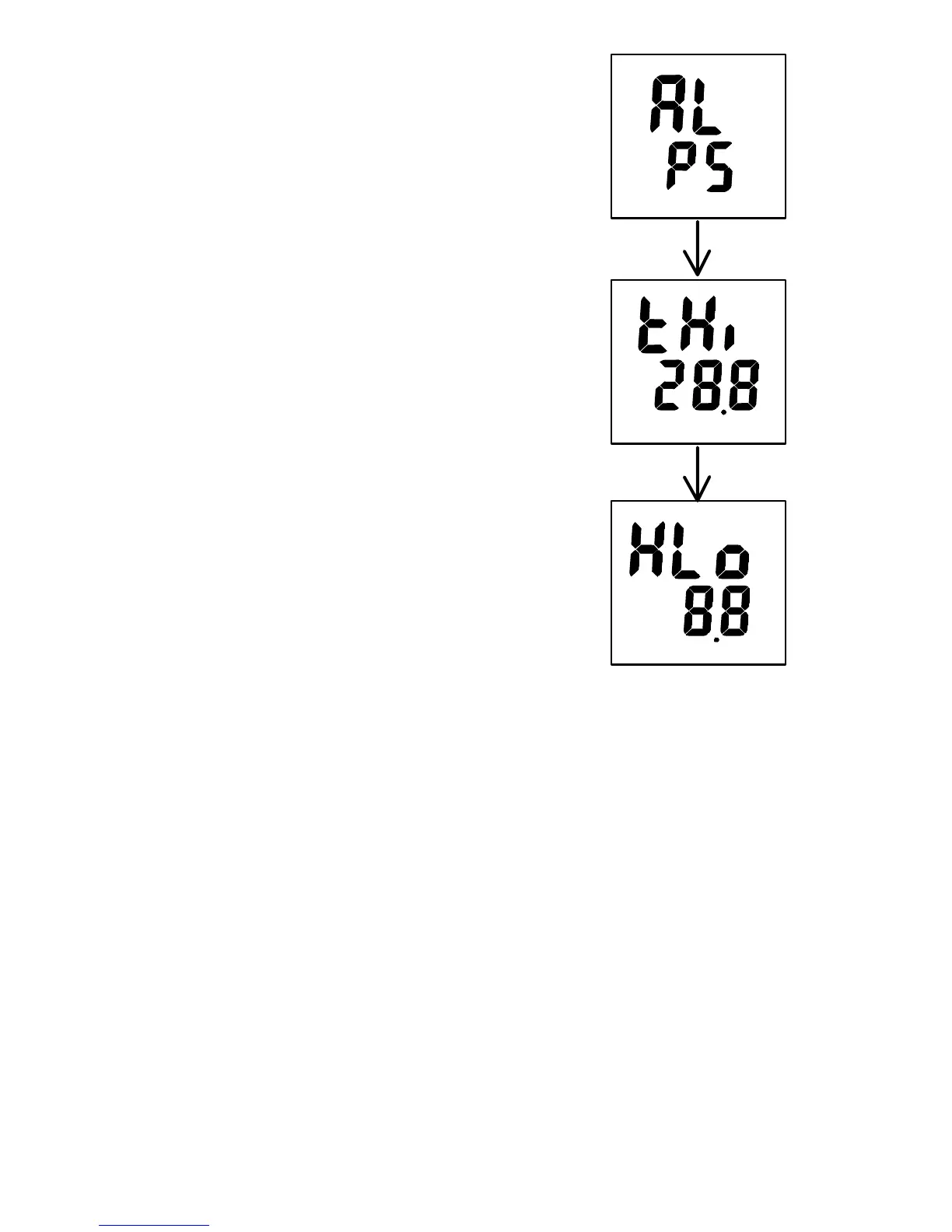
Press Up or Down key to select ‘AL & P5’•
Press set key to edit HIGH temperature ‘tH’•
Press Up or Down key to adjust the high temperature•
Press set key to edit LOW temperature ‘tLo’•
Press Up or Down key to adjust the low temperature•
Press set key to edit HIGH humidity ‘HH’•
Press Up or Down key to adjust the high humidity•
Press set key to edit LOW humidity ‘HL’•
Press Up or Down key to adjust the low humidity•
Press SET to save and return to P5•
Press MODE to quit and return to main menu•



 To Next Page