6
Sample point:
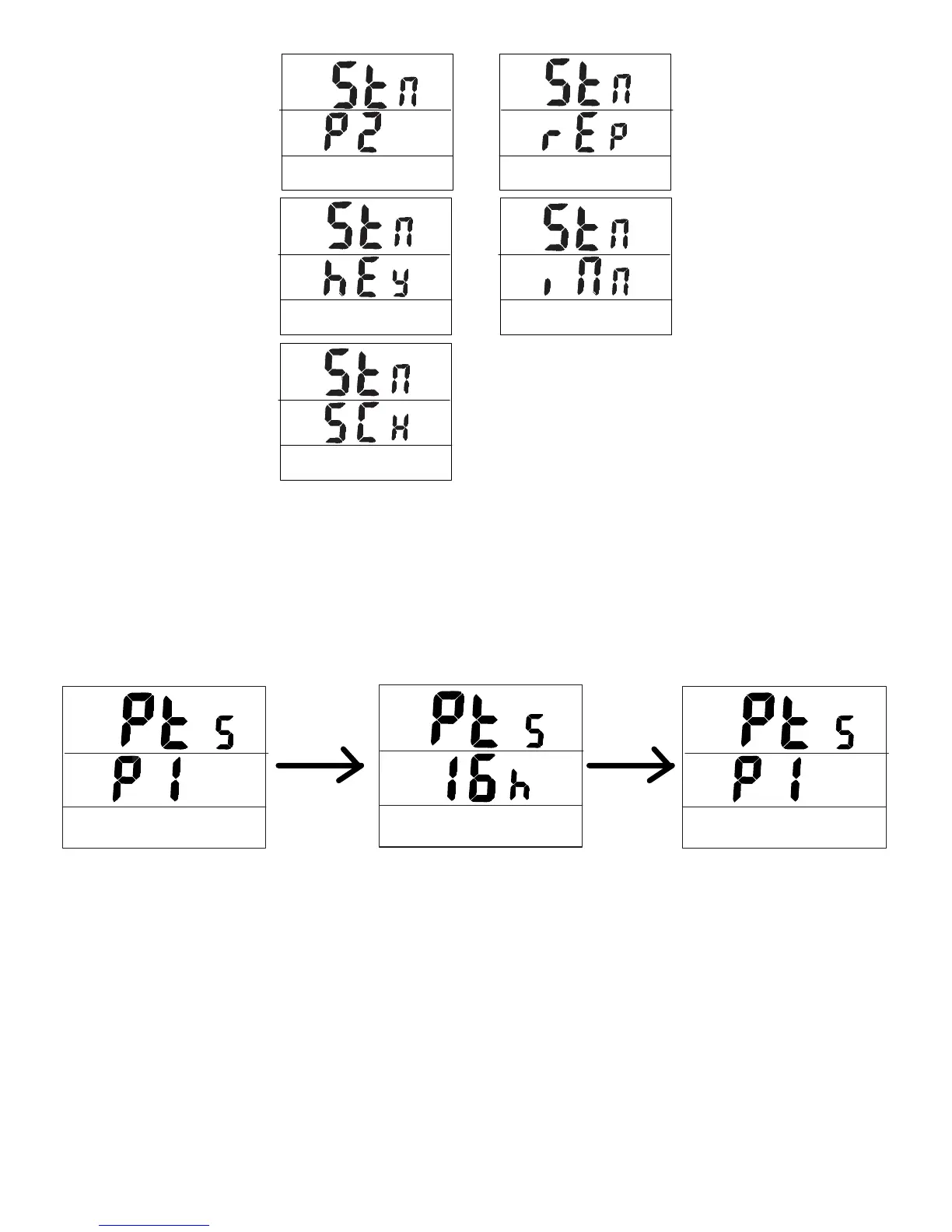
From ‘Pts’ & ‘P1’, press SET key•
Press up and Down pushbuttons to select the sample point from 1h(1000)…….16h(16000). •
The sample point will be divided in half: ½ for temperature and ½ for humidity. Example:
16000 points= 8000 Temp + 8000 RH
Press SET to save and return to P1•
Press MODE to escape without saving the value•
Start Mode:
Press Up and Down keys to select from:
Repeat: ‘rEp’ is displayed on the bottom of the screen. In this mode the meter will •
automatically record again once the memories are uploaded to a PC.
From ‘Stn’ & ‘P2’, press SET key
Press Up or Down key to select ‘rEp’
Press SET to save and return to P2
Press MODE to escape



 To Next Page