3. Diagnosis
Procedure
3-1
General
Errors
caused
by an incorrect operating
procedure, erroneous programming,
damaged
diskette,
and sott
errors caused
by dirty air, random electric
noise, and other external
factors are
often
considered
to
be
drive
failures or incorrect
adjustments. Check that
errors are
repetitively
produced with
the first diskette
and that similar errors are
also produced with
other diskettes,
unless obvious
assembly trouble
and damage are found
in visual inspection.
3-2
Soft Error
Detection and
Correction
Soft
errors are generally
caused
by
the
following.
(1)
Dirty
air between
the R/W head and
disk. Normally, this dirt is cleaned
by the liner in
the diskette.
(2)
Random electrical
noise less than
several microseconds.
(3)
Delicate track
misalignment and
writing timing misalignment
that are not
detected during
writing may
cause soft errors during reading.
(4)
Improper ground
of the drive or host
system power supply.
(5)
Improper motor
speed.
The following
actions are required
on the control side
to
recover
the foregoing soft
errors.
(1)
Reread the track
ten times or until
data recovers.
(2)
Access
the head
to
an
adjacent track in the same
direction
as
the track if
the error is not
recovered
by Step 1. Then return
the head to the previous track.
(3)
Repeat Step 1.
(4)
Errors that cannot
be recovered after
taking these steps cannot
be recovered.
3-3
Write Error
Operate
READ-AFTER-WRITE if
an error occurs during
the write operation.
If the
error cannot
be recovered after
operating READ-AFTER-WRITE
more than four
times,
operate
READ-AFTER-WRITE
on another
track to determine whether
the diskette
or drive is
responsible
for the error. Change
the diskette and repeat
these
steps
if the
same error remains.
If
the error still
remains, the drive
has some fault
and if the error is erased,
the diskette is defective
and should
be discarded.
3-4
Read Error
Most errors
are soft errors.
Data can
be
recovered
by following the error
recovery
steps
(3-2).
3-5
Seek Error
(1)
Trouble with
the stepping motor or
stepping motor drive circuit.
(2)
Carriage
trouble.
Seek error is recovered
by system
soft. There are two recovering
ways.
(1)
Recalibrate
(2)
Detect
ID field
3-6
Compatibility
Error
In some
cases, data written
by
one drive
cannot
be
read
by
another
drive. This is dur mainly
to the
following
reasons:
The
check points are
listed below.
(1)
Improper
head alignment
—
5-2
(2)
The
head
output is low
—
5-6
(3)
Motor speed irregularity
—
5-1
(4)
Check if the
recommended
sector format is set
up.
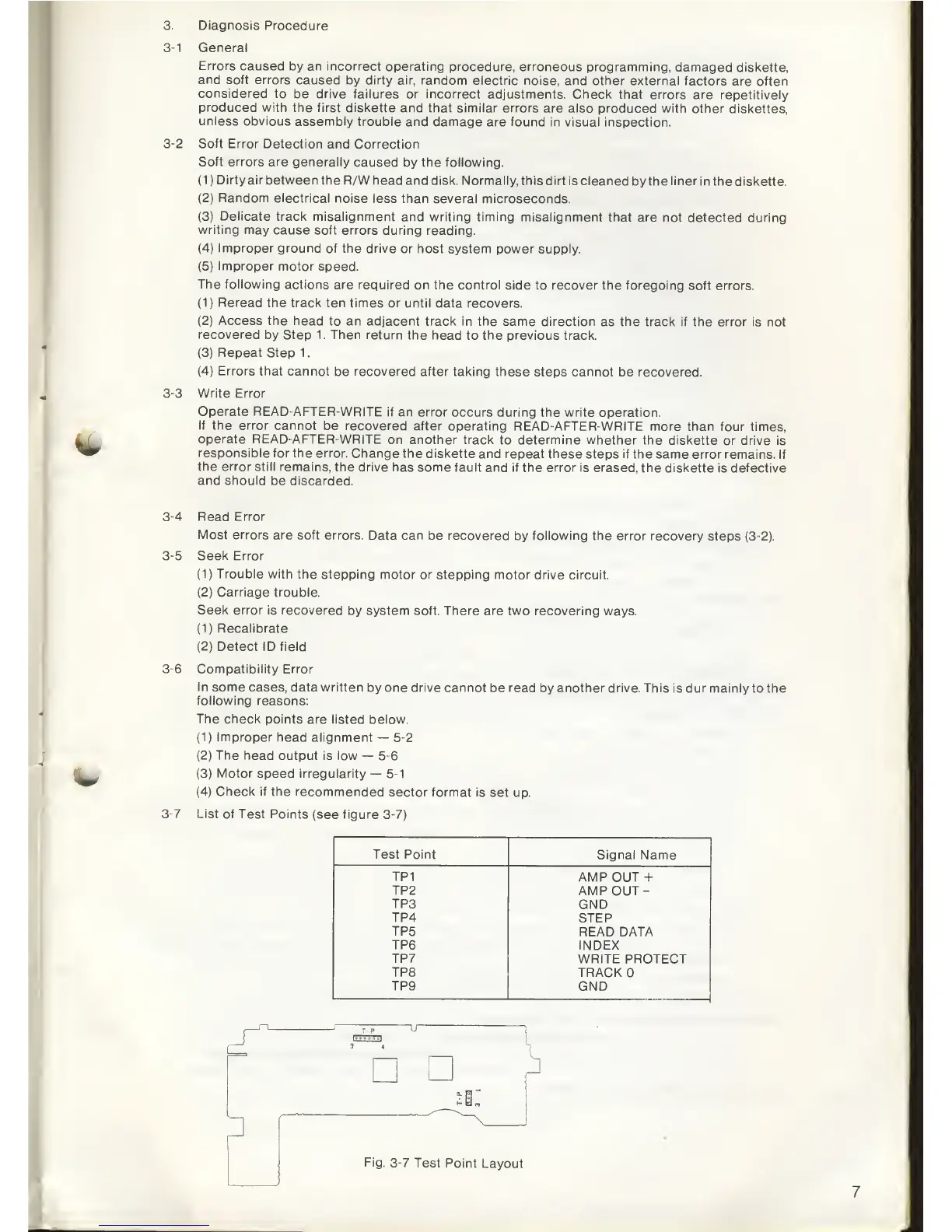
3-7
List of
Test Points
(see figure 3-7)
Test Point
Signal Name
TP1
AMP OUT +
TP2
AMP
OUT-
TP3
GND
TP4
STEP
TP5
READ
DATA
TP6
INDEX
TP7
WRITE PROTECT
TP8
TRACK
TP9
GND
3
Fig.
3-7
Test Point
Layout



 To Next Page