51
8.2.10 Layer adjustment menu
• To have access to the layer adjustment menu, a source has to be aected to your layer:
• To adjust layers:
Press TAKE
All the sengs are available in the Layer menu aer pressing the selected layer.
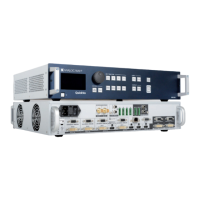
The transion eects have some shortcuts on the front panel too.
To use it:
The eect will be immediately aached to the selected layer (Preview).
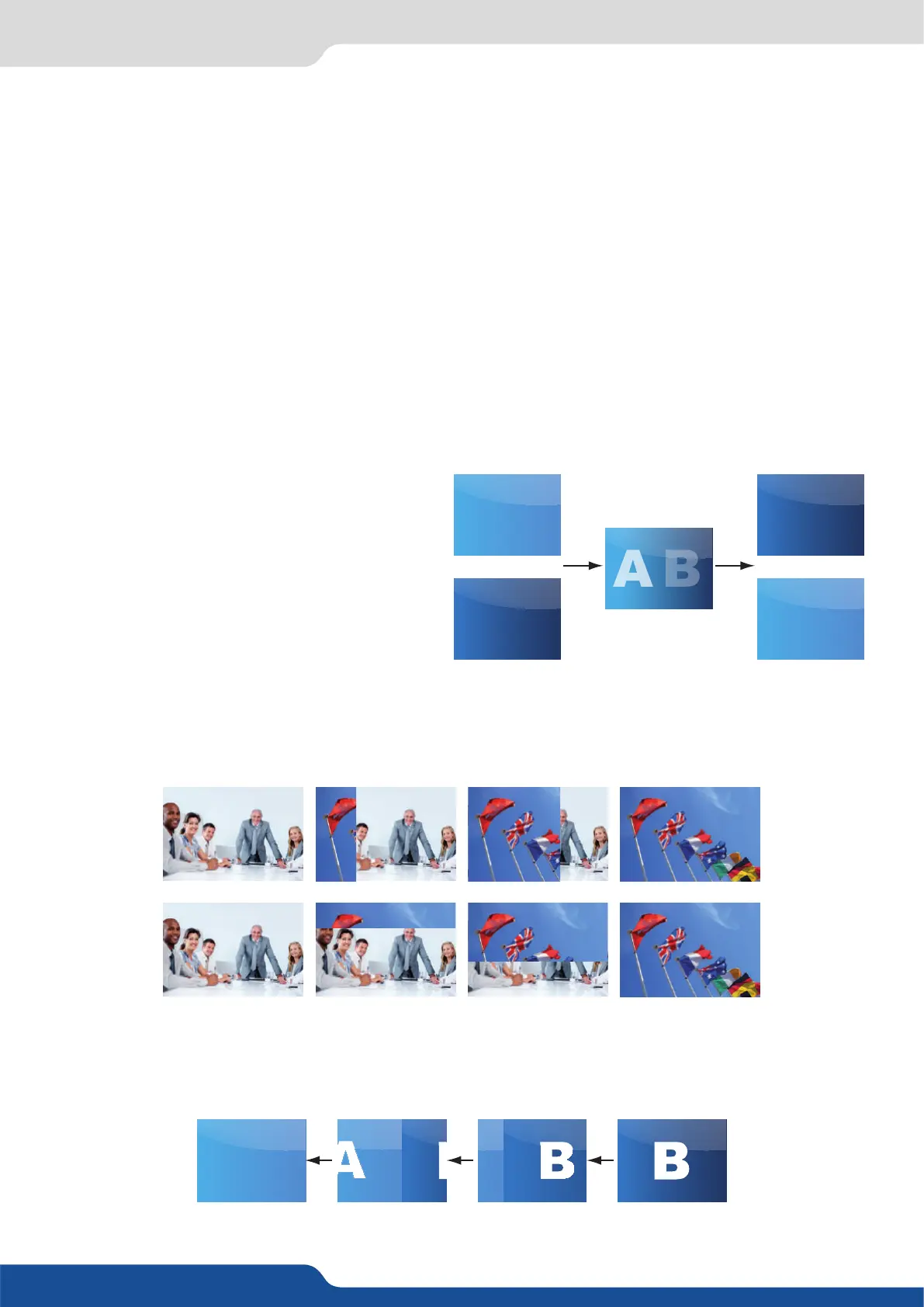
- CUT: duraon me can be set to delay the cut eect,
- FADE:
• Adjustable pre-med fades or manual transion
with T-Bar,
• Fade between any input, computer or video,
• Adjustable cross-fading duraon,
• Numerous wipes can be selected horizontal and vercal, from the center or outside, in circle, Zoom in and
out,
• Horizontal: from le, center -or- vercal: from up, down, center,
- SLIDE:
• Sliding of video or computer images during the transion,
• Horizontal: from/to le, right -or- vercal: from/to up, down.
A
B
A
B
Program
Preview
Program
Preview
A


 To Next Page