50
8.2.8 Working with layers funcons
enable/disable smooth move,
- Status: get the selected layer status.
All changes have to be validated by pressing the ENTER buon in order to be saved
Press TAKE
Posion YES YES
Size YES YES
Zoom YES YES
Transparency YES YES
Opening eects YES YES
Closing eects YES YES
Smooth Move YES YES
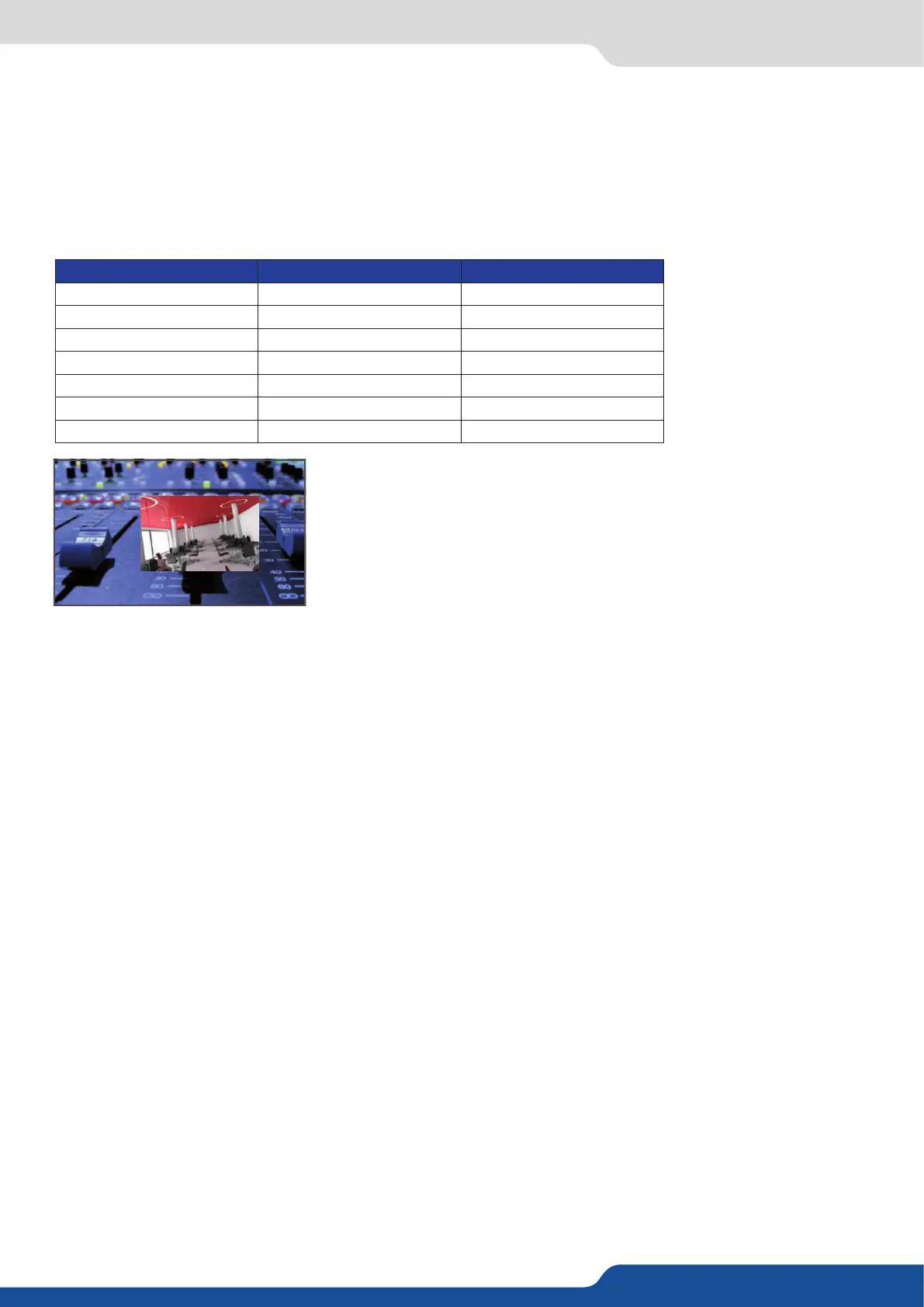
The Program output can displayed simultaneously up to 3 layers stacked
from boom to top as follows:
- Layer A: one source selected from 8 inputs available,
- Layer B: one source selected from 8 inputs available (keying acvated),
one of the 8 frames available.
When transioning live layers, depending on how many scalers are in use, the QuickVu TAKE funcon will
act in one of 3 dierent ways when transioning the next preset (Preview) to the current preset (Program):
• TAKE
- There are enough scalers for making a transion
- All inputs are locked on to scalers
- There are no contraints for closing before the TAKE
- All opening and closing transions can be performed simultaneously.
• TAKE
- There are enough scalers for making a transion
- All inputs are locked on to scalers before the TAKE
- There are no constraints for closing during the TAKE
- All the necessary closing transions are performed to free occupied scalers and then the QuickVu performs
all openings.
• TAKE
- There are not enough scalers for making a transion
- All inputs are not locked on to scalers
- All the necessary closing transions are performed to free occupied scalers. The QuickVu locks on to new
sources and performs all openings.
2 layers


 To Next Page