54
8.2.17 Working with audio
dene the main or prelist audio sengs:
the sound on the output will follow the audio input of the top layer.
when breakaway is acvated, the audio on the output is memorized into the preset. A change
of preset, changes the audio on the output. A change of content into a video layer has no eect on the
audio.
select to mute your master audio
select to choose between mono or stereo output
set up the analog gain of your analog output (4dBu by default)
set your master volume of the output
set the right/le balance of your output.
8.2.18 Special features
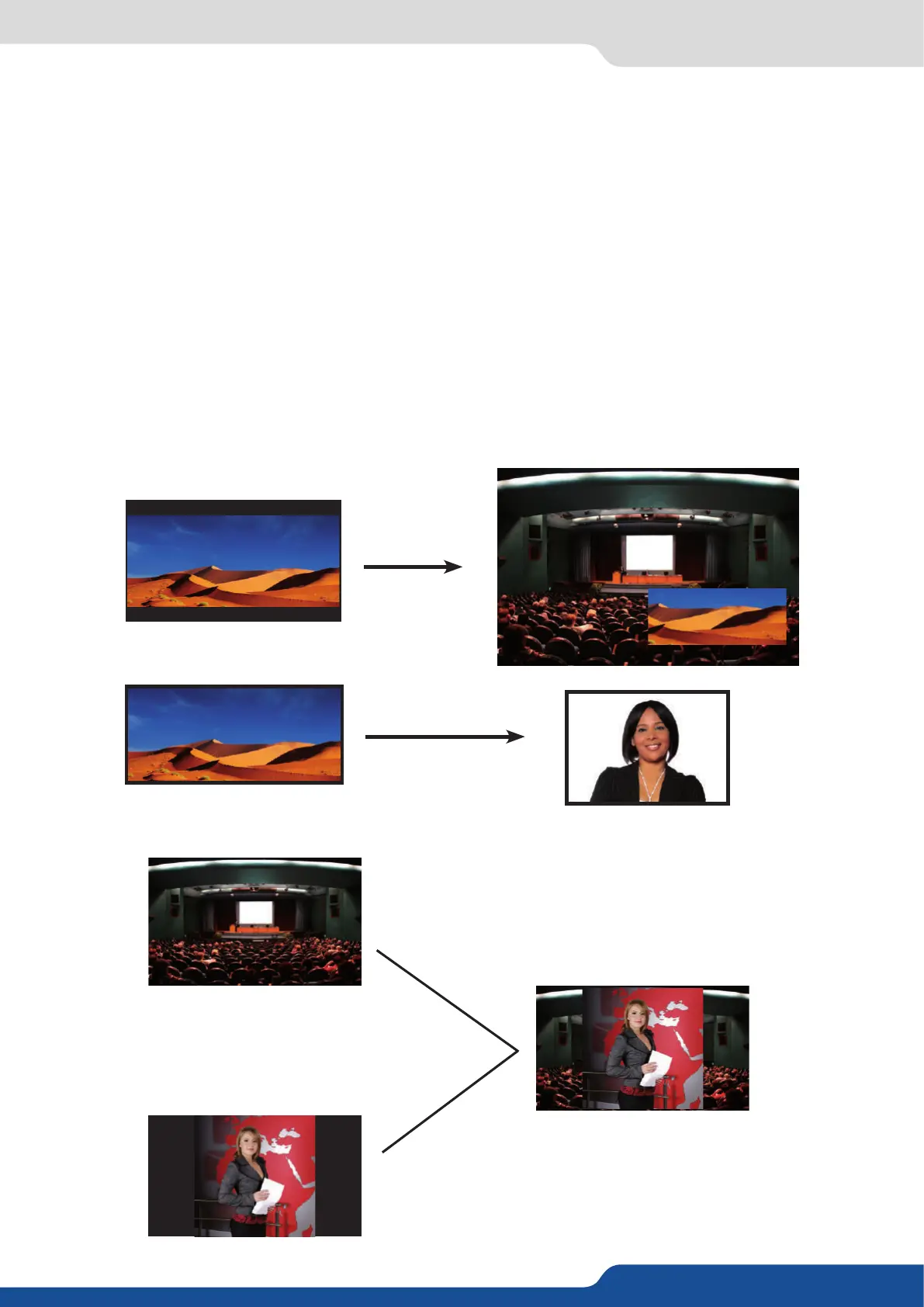
- DYNAMIC FIT (automacally acvates the transparent background)
• Automac adjustment of the layer (Rao) to t the source image borders during a transion.
• Dynamic & Automac adjustment of the layer to t the source image borders (Black Stripe).
Layer


 To Next Page