61
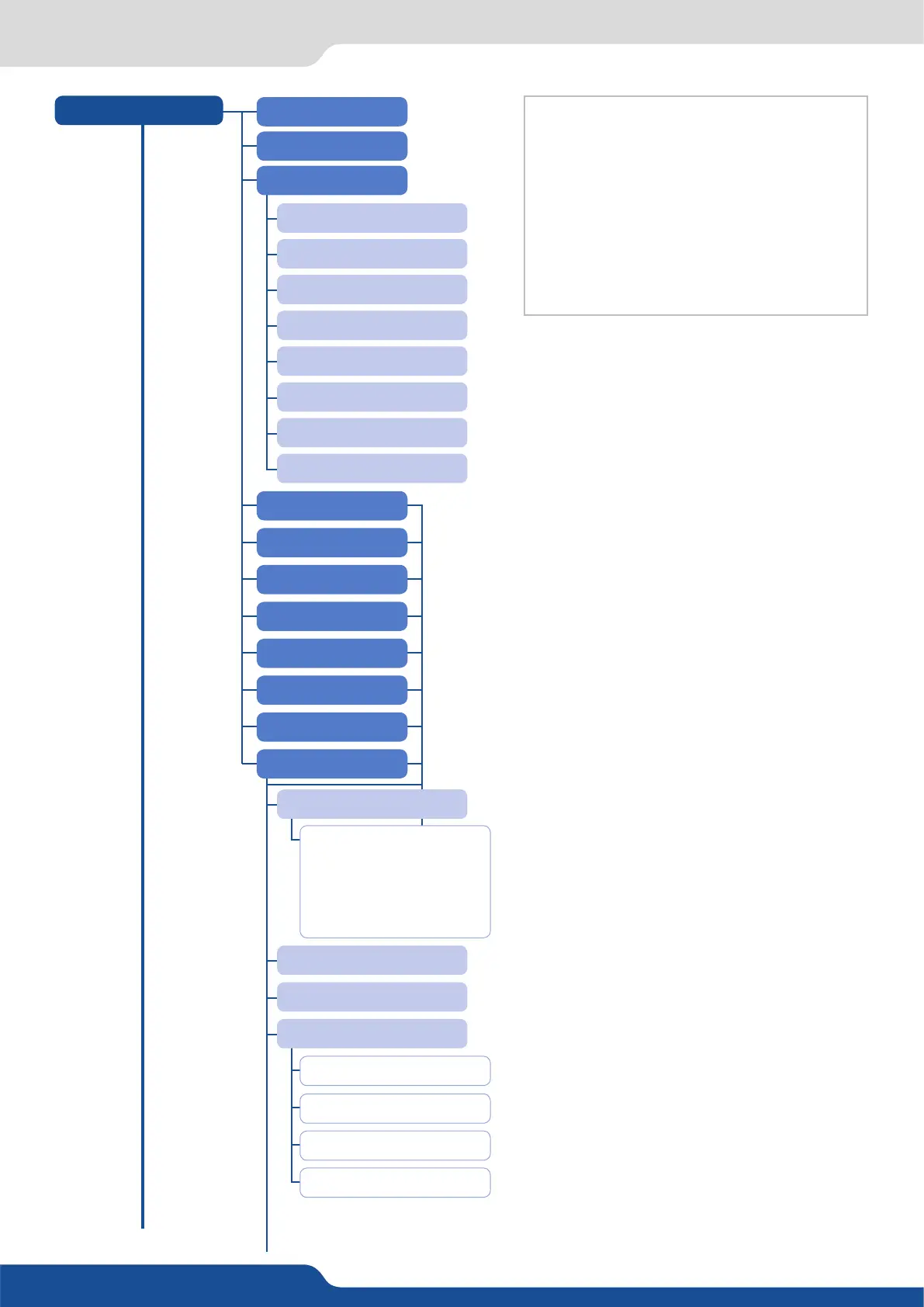
8.3 Menu tree
INPUTS
[...]
SYNC. STATUS
AUTOSET ALL
CONFIG STATUS
INPUT 1
HDMI 1
INPUT 3
SDI 1
INPUT 2
HDMI 2
INPUT 4
SDI 2
INPUT 1: NO
INPUT STATUS
AUTOSET
FREEZE
ACTIVE PLUG
HDMI 1: NO
INPUT 3: NO
SDI 1: NO
INPUT 2: NO
HDMI 2: NO
INPUT 4: NO
SDI 2: NO
INPUT 1
ACTIVE PLUG:
FRMT:
RATE:
SYNC.POL.:
HDCP
ANALOG
(I1) Displayed when input is a mulplug input.
(I2) Displayed when a valid input signal is detected
(I3) Displayed when it is an analog plug and when
the signal is computer HV type
(I4) Displayed for HDMI and DVI-D plugs
(I5) Displayed when the plug is analog, DVI-D or
HDMI
(I6) Displayed when the plug is analog
(I7) Displayed when the plug is analog and the
signal type is VIDEO RGBS
(I8) Displayed when the plug is not SDI
SDI
HDMI


 To Next Page